

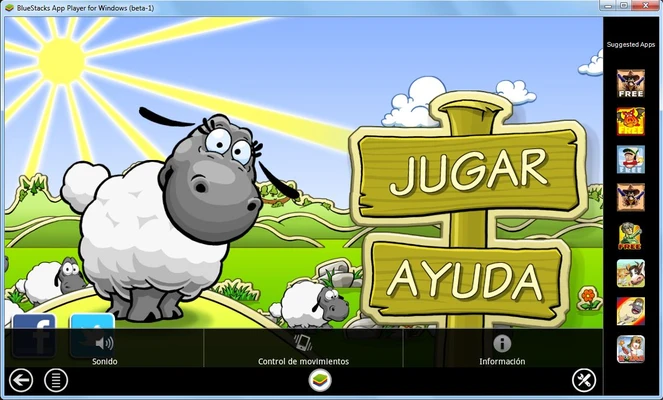
BlueStacks is a popular Android emulator for Windows that lets you run Android games and apps on your PC. It offers a larger screen, customizable controls, and graphics settings that can take advantage of your computer's hardware. You can play using a keyboard and mouse or a game controller, making it suitable for both mobile gaming and everyday Android apps.
BlueStacks Prime Subscription
BlueStacks Prime is a monthly membership that provides additional benefits for users who want an upgraded experience. Depending on the subscription, benefits include an ad-free experience, monthly loyalty rewards, savings on purchases, and dedicated premium support.
Android Emulation Optimized for PC
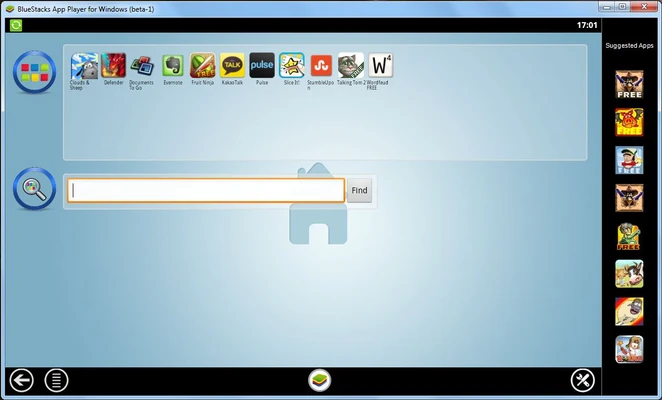
BlueStacks lets you configure various aspects of its Android environment, including the Android version, screen resolution, and emulation architecture. Once installed, it provides a home screen similar to that of an Android smartphone or tablet.
You can also adjust graphics settings for individual instances to balance visual quality and performance. On compatible hardware, this can provide higher frame rates and smoother gameplay than playing on some mobile devices.
Support for Keyboard, Mouse, and Controllers
BlueStacks supports keyboard, mouse, and gamepad controls, with a built-in editor for customizing input mappings for individual games. Some titles include predefined keyboard controls, so you can start playing without configuring everything manually.
You can also create macros to automate repeated actions and use Smart Controls to manage cursor locking and release in supported games, including shooters.
Customize the Emulator to Your Liking
The Multi-Instance feature lets you run multiple Android environments simultaneously. You can create separate instances for different games or apps, clone existing configurations, and synchronize actions across instances.
This is useful for managing multiple game accounts, testing applications, or running several Android environments at the same time.
Install All Kinds of Apps
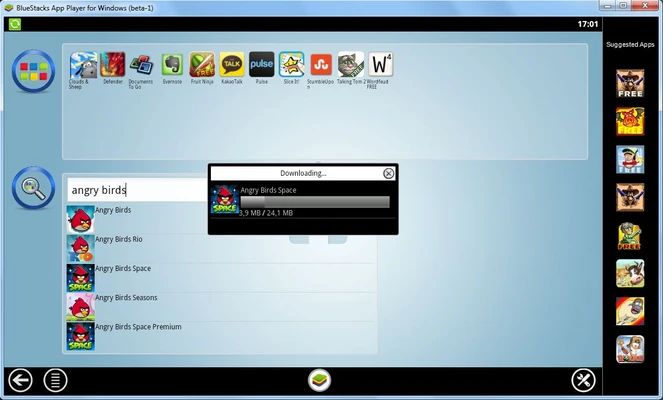
BlueStacks provides access to the Google Play Store, allowing you to sign in with your Google account and install Android apps and games. It also supports installing APK and XAPK files stored on your PC, including through drag-and-drop.
You can transfer files, images, and videos between Windows and the Android environment, making it easier to manage content across both systems.
Record Your Games and Take Screenshots
BlueStacks includes built-in screen recording and screenshot tools. You can capture gameplay, create tutorials, or save images from within the emulator. The recording feature captures the content displayed in the emulator, while instance resolution settings let you adjust the output dimensions.
Compatibility, Security, and Continued Support
BlueStacks receives regular updates that introduce new features, improve compatibility, and address bugs. It supports a wide range of Android games and applications, although compatibility and performance can vary depending on the title, emulator version, and PC hardware.