Go to Windows platform Display platforms icon
Go to Windows platform Go to Mac platform Go to Android platform
Ryujinx icon

Ryujinx

1.3.31
Ryujinx
4.4
32.35 MB size

A Nintendo Switch emulator with excellent compatibility

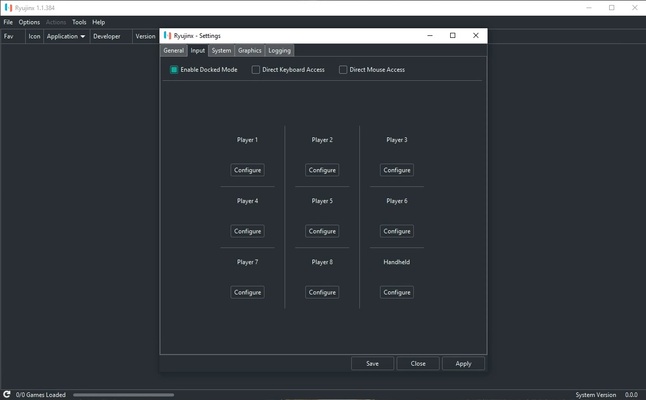
Ryujinx is an open source Nintendo Switch emulator for Windows that offers solid performance and precision when it comes to emulation, all on an intuitive and well-designed interface. The emulator is programmed in C#, thanks to which it's also compatible with other operating systems.

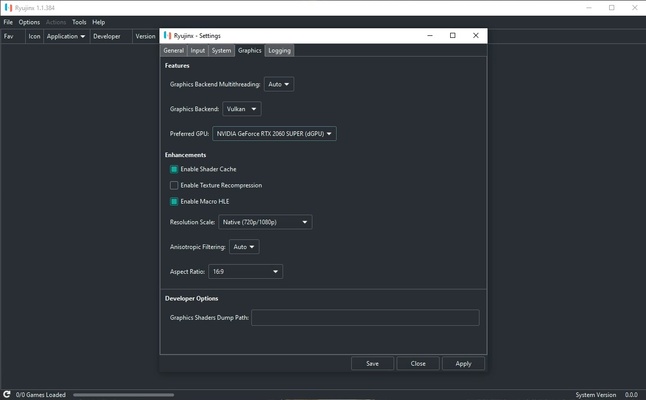
The recommended requirements for running Ryujinx are pretty high, as is to be expected. For most games to run smoothly, you'll need an Intel Core i5-8600K processor and a NVIDIA GeForce GTX 1060 graphics card. Of course, performance depends more on the game you want to emulate, since some games run much better than others.

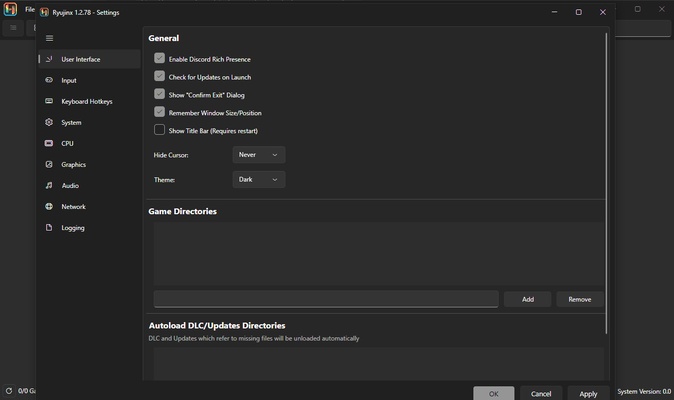
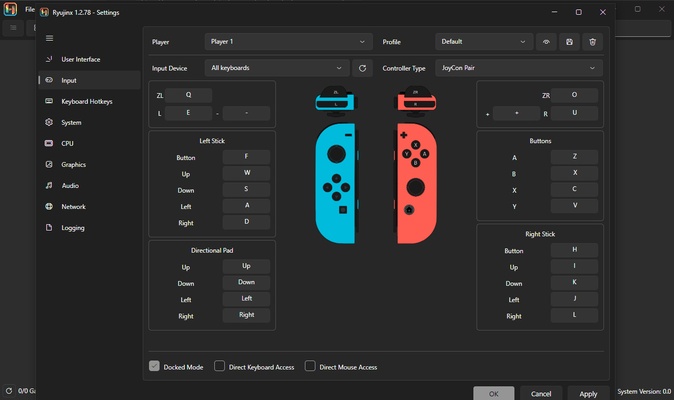
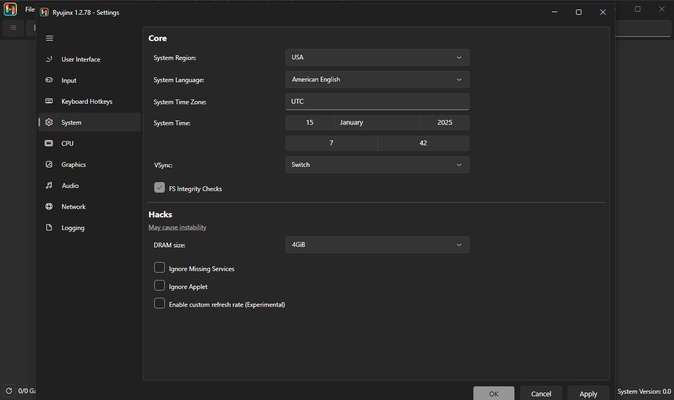
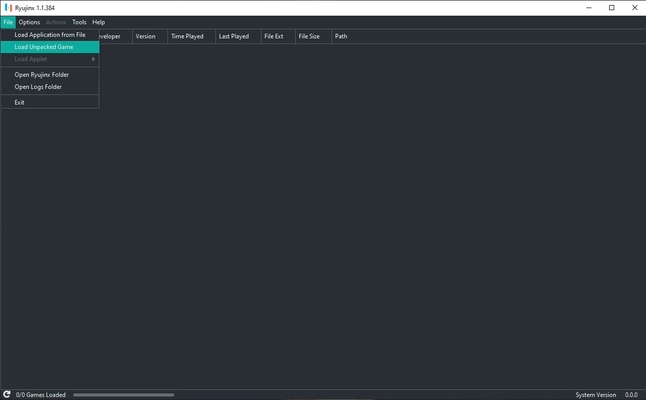
Before you play a Nintendo Switch game, it's important to check the emulator's official website for relevant information. Setting up games on Ryujinx isn't incredibly difficult, but it will take a little time. Luckily, thanks to its simple and elegant interface, it's not too hard.

Ryujinx is a powerful and easy-to-use Nintendo Switch emulator with an absolutely amazing compatibility list. It holds its own with Yuzu, another popular Switch emulator. Without a doubt, this is a great way to play tons of popular Nintendo Switch games on your PC.

Information about Ryujinx

License Free
Op. System Windows
Category Games
Language English 47 more
Author Ryujinx
permission icon Permissions Not applicable
Date 2026-06-02
Size 32.35 MB
File type ZIP

Apps recommended for you

Pokémon Showdown icon
Smogon University
Battle Stormer Classic icon
Luke Skywalker and Batman, together, in a beat'em up
Bloxstrap icon
Improved launcher for Roblox
Summertime Saga icon
A fun and spicy adventure
Dolphin Emulator icon
Play Wii and Gamecube on your PC
Rosalie's Mupen GUI icon
A powerful and simple Nintendo 64 emulator
MAME icon
The most popular arcade machine emulator
OpenRA icon
Enjoy Command and Conquer classics in all their splendor
Epic Games Launcher 20.1.0 icon
All Epic Games titles in one desktop app for Windows PC!
RPCS3 icon
MySQL Workbench for Windows is a powerful database management tool that enables users to design, query, and administer MySQL databases with ease on Windows.
Hearthstone Deck Tracker icon
The companion app to help you play better in Hearthstone
ExtraMAME icon
Play and manage classic arcade games on Windows with ExtraMAME, the enhanced MAME emulator offering improved performance and game compatibility.
LabyMod icon
LabyMod for Windows is a Minecraft launcher that adds mods, enhancements, and customizable features to improve gameplay.
FlightGear icon
Experience realistic flight simulation with FlightGear for Windows, the free open-source flight simulator featuring advanced aircraft and global scenery.
PCSX2 2.7.394 icon
Free and open-source PlayStation 2 emulator for Windows PC
3DMark icon
Benchmark and test your PC performance with 3DMark for Windows, featuring advanced GPU, CPU, and gaming benchmark tools.
Summertime Saga icon
A fun and spicy adventure
UnCiv icon
An open source version of Civilization for Windows
GTA: San Andreas – NETFLIX icon
The king of GTA is back in style
DevilutionX icon
The best way to play Diablo on modern computers
Game Backup Monitor icon
Store backup copies of your game saves in the cloud
IMVU icon
An instant-messaging classic with avatars
Retro Arch icon
One emulator to emulate them all
FragPunk icon
A 5v5 hero shooter with an unexpected twist