Go to Windows platform Display platforms icon
Go to Windows platform Go to Mac platform Go to Android platform
Candy Crush Soda Saga icon

Candy Crush Soda Saga

1.290.200.0
King
5
106.76 MB size

Match identical candies on Windows

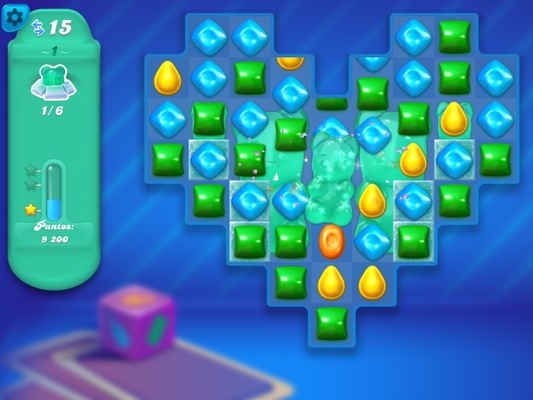
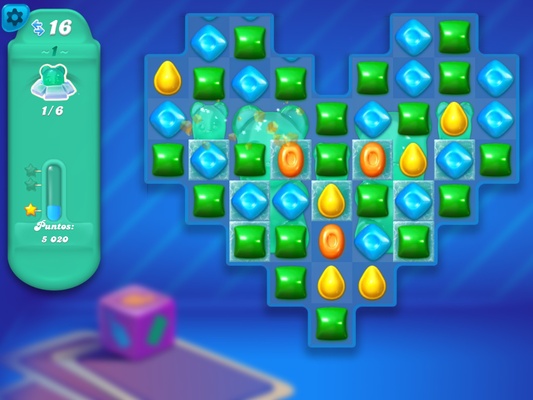
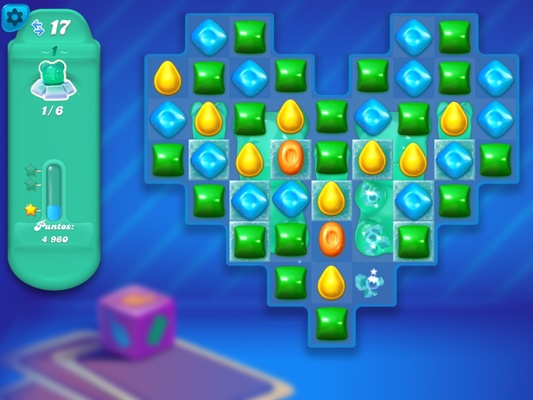
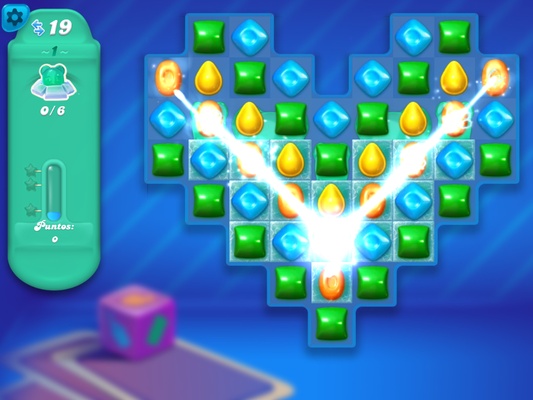
Candy Crush Soda Saga is the PC version of this popular match-3 game that allows you to match colorful candies without limits. With gameplay that's almost identical to the Android game, you'll find hundreds of increasingly difficult levels.

Playing Candy Crush Soda Saga on Windows is super easy

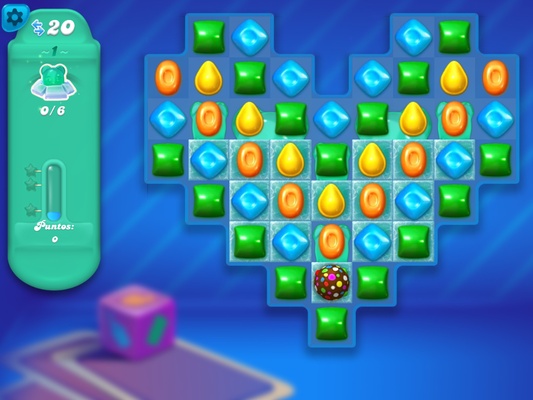
To play Candy Crush Soda Saga on Windows, all you have to do is install the executable file, which takes up about 100 MB. After that, you'll have everything you need to start the first level, in which you'll be tasked with matching identical candies as fast as you can.

Use the mouse to move the candies

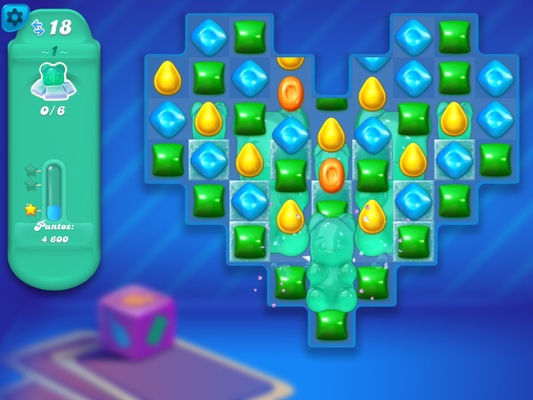
In Candy Crush Soda Saga, simply move your computer mouse to change the position of each candy. Like this, you can easily combine tons of candies in all the rows and columns that make up each board. That said, it's also important to pay attention to the indicator located on the left side of the interface, which displays the special objectives you need to complete.

Test your skills

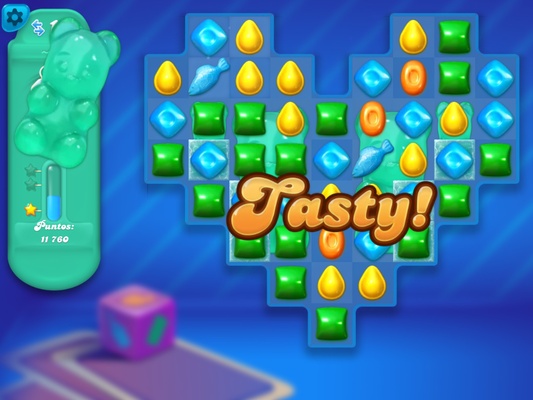
As you beat levels, the puzzles will become more and more difficult to solve. In addition, you'll have to look out for different items, like gummy bears, which you can combine to get extra points.

Download Candy Crush Soda Saga for Windows to enjoy this classic game that, since its launch, has won over millions of players all over the world. What's more, with this version, you don't need an Internet connection in order to play the more than 600 levels that make up this title.

Information about Candy Crush Soda Saga

License Free
Op. System Windows
Category Games
Language English
Author King
permission icon Permissions Not applicable
Date 2026-06-02
Size 106.76 MB
File type APPX

Apps recommended for you

RPCS3 0.0.42-19818 icon
Open-source PlayStation 3 Emulator, enjoy PS3 games on your PC!
Prism Launcher icon
Manage different Minecraft accounts and mods
PPSSPP icon
PPSSPP for Windows is a PSP emulator that allows users to play PlayStation Portable games on their PC with enhanced graphics.
OpenGOAL icon
OpenGOAL
IMVU icon
IMVU for Windows is a 3D social networking platform that allows users to create avatars, chat, and explore virtual worlds with friends.
Azahar Emulator icon
3DS emulator that takes the baton from Citra
FlightGear icon
Experience realistic flight simulation with FlightGear for Windows, the free open-source flight simulator featuring advanced aircraft and global scenery.
Commander Wars icon
An open source Advance Wars clone for Windows
NVIDIA GeForce NOW 2.0.90.138 icon
NVIDIA's cloud gaming service
BlueStacks 5.22.290.1031 icon
Emulate any Android app on your PC
Vita3K 0.2.1.4317 icon
The best emulator for PS Vita (PlayStation Vita)
Rockstar Games Launcher 1.0.110.3150 icon
The official Rockstar Games client
Ankama Launcher 3.15.14.20606 icon
A portal to the world of Ankama video games and animated movies
Xbox Game Bar 7.326.11042.0 icon
The best Windows tool for gamers
Yandere Simulator 2026-11-01 icon
Stealth and murder in a Japanese high school
KytyPS5 2026-11-02 icon
Play PlayStation 5 games on PC with this PS5 emulator
MAME 0.289 (32-bit) icon
MAME originally stood for Multiple Arcade Machine Emulator for PC
HP OMEN Gaming Hub icon
The official HP app for improving your PC's performance
Gardenscapes 2026.923.1027.0 icon
Solve the puzzles and renovate this villa
HeidiSQL 12.21.0.7344 icon
MariaDB, MySQL, MSSQL and PostgreSQL made easy!
Pokémon Platinum PC Port 0.1.10 icon
Play Pokémon Platinum on PC, without an emulator
Prism Launcher icon
Manage different Minecraft accounts and mods
Tangaria icon
A traditional, multiplayer roguelike
Microsoft Minesweeper icon
The classic minesweeper revamped in this official version