

PPSSPP for Windows Download – High-Performance PSP Emulator
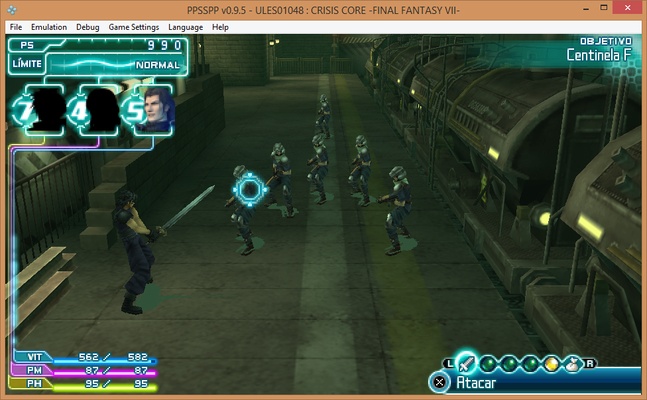
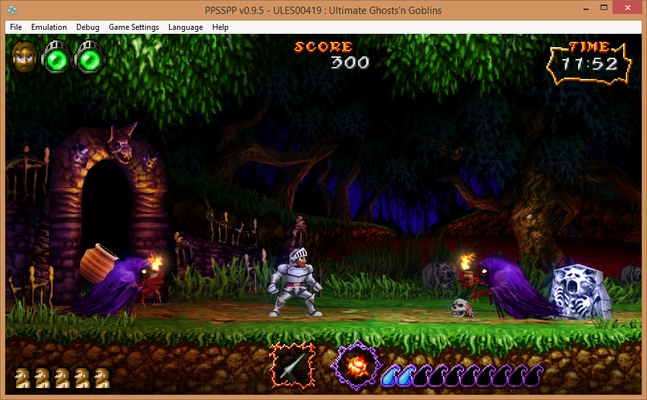
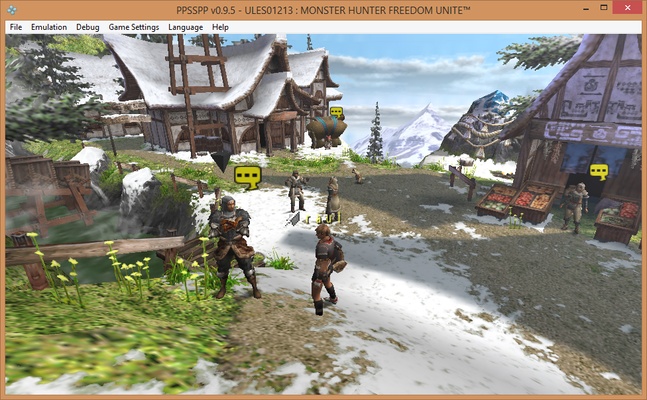
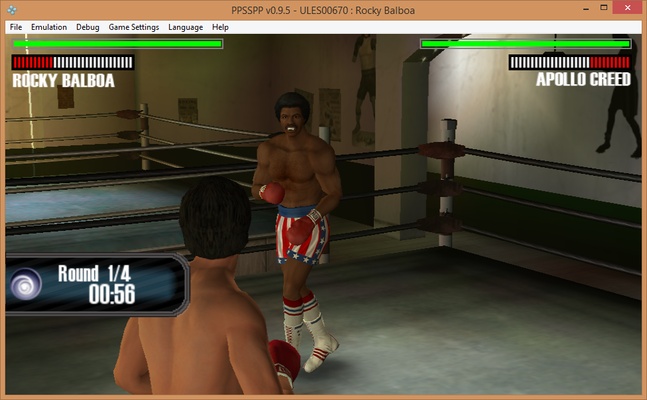
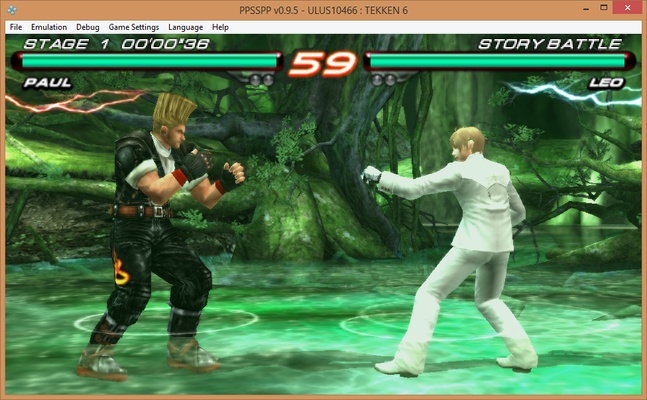
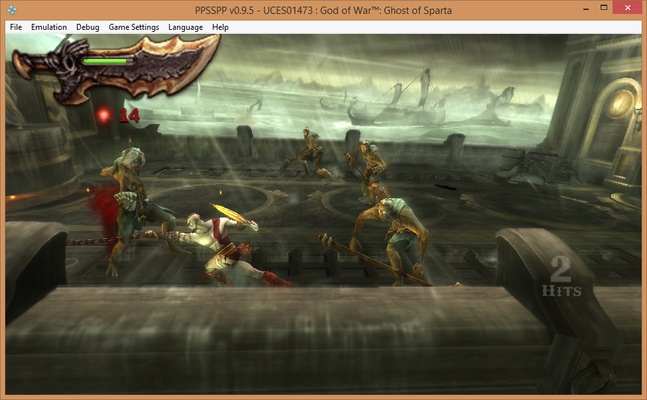
PPSSPP for Windows is a powerful and easy-to-use emulator designed to help users play PSP (PlayStation Portable) games on their PC with high quality and performance. It is ideal for gamers who want a reliable and customizable way to enjoy PSP games on larger screens.
Experience your favorite PSP games on PC with PPSSPP!
High-Quality Emulation
PPSSPP allows users to run PSP games in HD resolution, providing smoother graphics and better performance compared to the original handheld device.
Wide Compatibility
The emulator supports a vast library of PSP games, ensuring users can play most titles without issues, including both classic and modern favorites.
Save and Load Anywhere
PPSSPP provides flexible save states, allowing users to save progress at any point and resume later, making gaming convenient and stress-free.
Customizable Controls
Users can configure keyboard, mouse, or gamepad controls, tailoring the gameplay experience to their personal preferences for better comfort and performance.
User-Friendly Interface
With a simple and intuitive interface, PPSSPP makes it easy for both beginners and experienced gamers to set up and start playing games immediately.
Final Overview
PPSSPP for Windows is a complete PSP emulation solution for anyone who wants to play PSP games on a PC with enhanced graphics and performance. With features like high-quality emulation, wide compatibility, save/load anywhere, customizable controls, and a user-friendly interface, PPSSPP brings the PSP gaming experience to your computer. Download PPSSPP today and enjoy your favorite PSP games like never before!
Frequent questions
Is PPSSPP free?
Yes, PPSSPP is free. The emulator has been free since its first version, and, considering its developer's philosophy, it will be free forever.
What is PPSSPP Gold?
PPSSPP Gold is the paid version of the emulator, which offers exactly the same features as the free version but allows you to show your support to its developer. That's it. There are no additional features.
Do I need BIOS to use PPSSPP?
No, you do not need BIOS to use PPSSPP. The emulator itself simulates the behavior of the PSP operating system, so there is no need to download or use any additional BIOS.
Is PPSSPP safe?
Yes, PPSSPP is safe. VirusTotal tests show no positives, and the emulator code is freely available on its official GitHub. In addition, there has never been any security breach related to the project.