

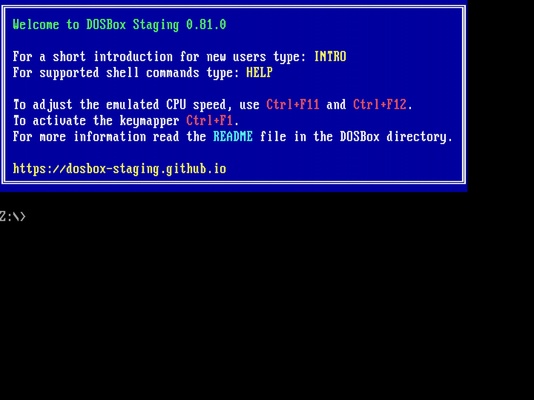
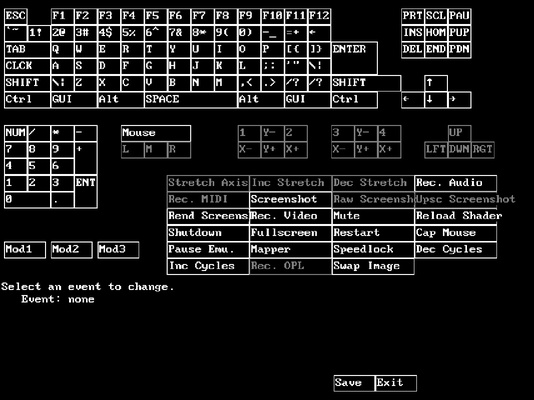
DOSBox Staging is, in the words of its developers, the modern continuation of DOSBox (the famous MSDos emulator), with advanced features and current development practices. The software allows you to emulate virtually any DOS video game without complex configurations and automatically adjusts the game resolution between 720p and 4K.
Step-by-step guide to running any video game
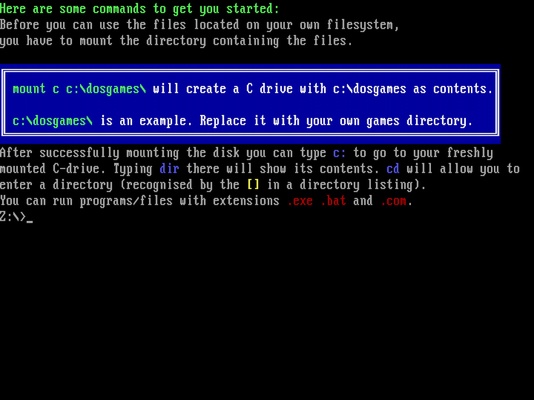
Using DOSBox Staging is very simple, but some users may encounter problems during the first phase of the setup process. For this reason, the emulator's official website offers a series of step-by-step tutorials explaining how to install and run several different video games with concrete examples. The most important step is to mount the C drive, which actually consists of simply creating several folders within the emulator installation directory itself. It is very important to understand that the C drive you mount to run your DOS video games is not related to the real C drive of your computer.
Graphics improvements to your DOS games
One of the strengths of DOSBox Staging is the many additional features it brings to the table. On a visual level, the emulator correctly preserves the aspect ratio of all video games, regardless of your resolution; it also includes support for 3dfx Voodoo 1 cards and for titles using ReelMagic; it even has what its creators have called "Adaptive CRT Emulation", a feature that will choose the best shader for each video game based on your configuration. Of course, if you are unsatisfied with the selected shader, you can change it or modify it as you wish.
Audio-related features
The audio is a very important part of conveying the true feeling of DOS games. In this regard, DOSBox Staging also offers an excellent range of services. The program comes with MIDI support as standard and has built-in Roland MT-32 emulation. It also features advanced on-board speaker emulation and support for Innovation SSI-2001 and the IBM Music Feature Card (a little-used but high-quality sound card used in some early Sierra games).
The best way to emulate DOS in Windows
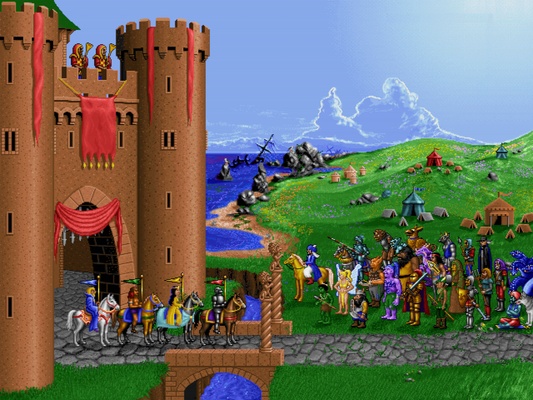
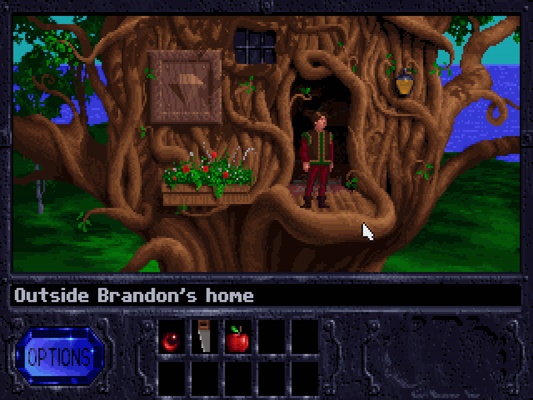
Download DOSBox Staging if you want to enjoy some of the best video games ever in the best possible way. Thanks to this powerful emulator, which is completely free and open source, you will be able to relive the feeling of playing Monkey Island, Prince of Persia, Quest for Glory, or Heroes of Might and Magic, among many others, for the very first time.