Go to Windows platform Display platforms icon
Go to Windows platform Go to Mac platform Go to Android platform
Hello Minecraft! Launcher icon

Hello Minecraft! Launcher

3.6.12
HMCL-dev
4
5.63 MB size

A launcher for Minecraft that supports many features

Hello Minecraft! Launcher is software that allows you to download, install, and manage a host of mods, texture packs, resource packs, and pre-generated maps. With this launcher, you can get the most out of Minecraft, regardless of the version of the game you have installed. In fact, you can even choose which version you want to play.

Very easy to use

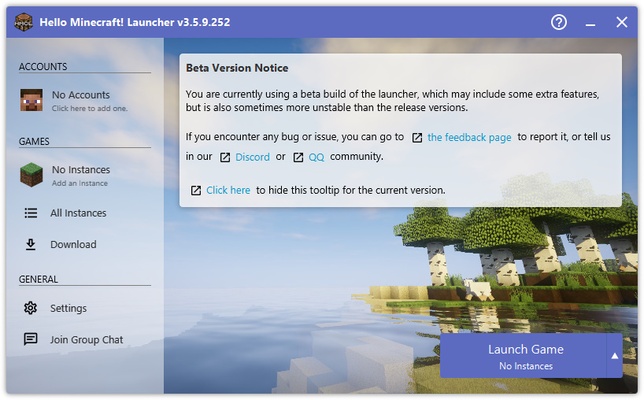
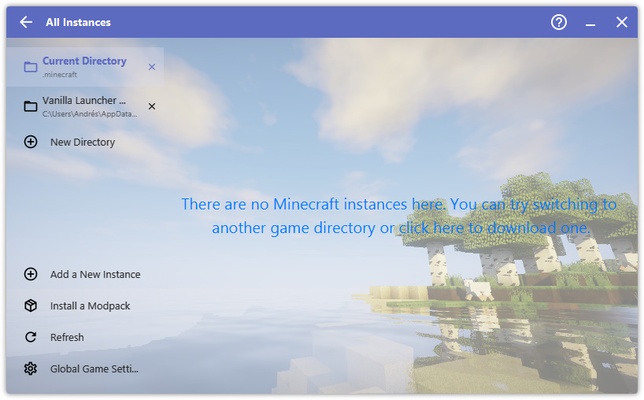
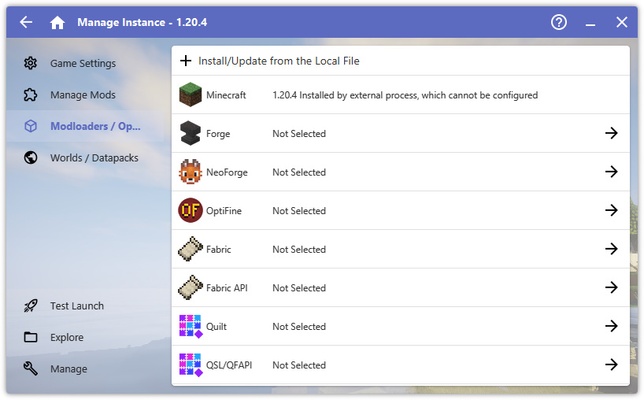
Perhaps surprisingly, Hello Minecraft! Launcher is incredibly easy to set up and use. First off, the program does not need to be installed. It will simply download some additional files the first time you run it and nothing else. When you open the launcher, you can launch the game using the button in the bottom right corner. That is, of course, reliant on the fact you already have Minecraft installed on your PC. If you don't, it is best to synchronize your user account or access the Instances tab.

Choose your Minecraft version

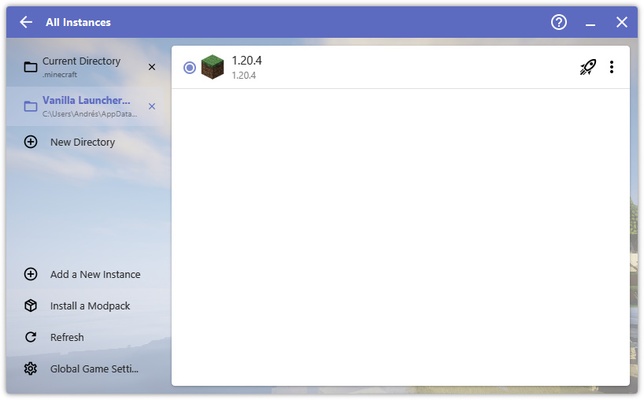
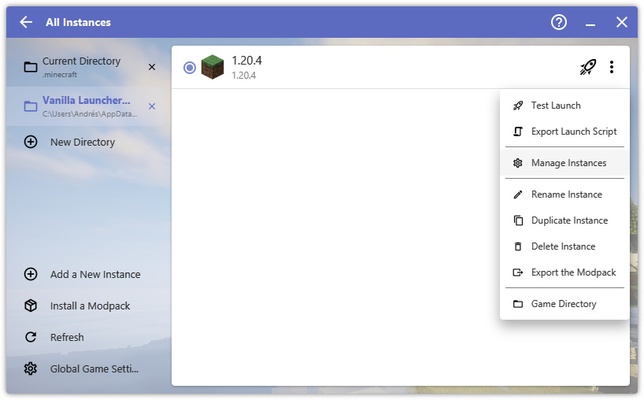
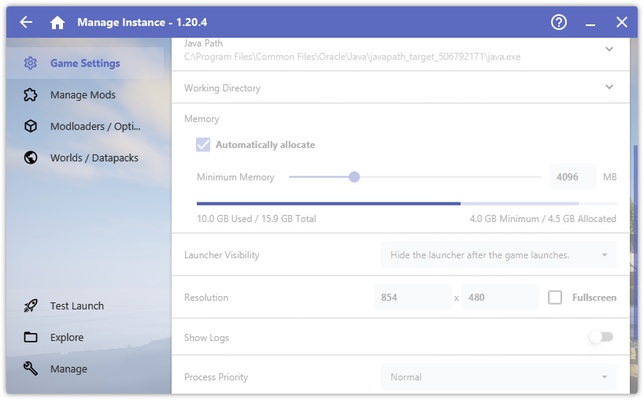
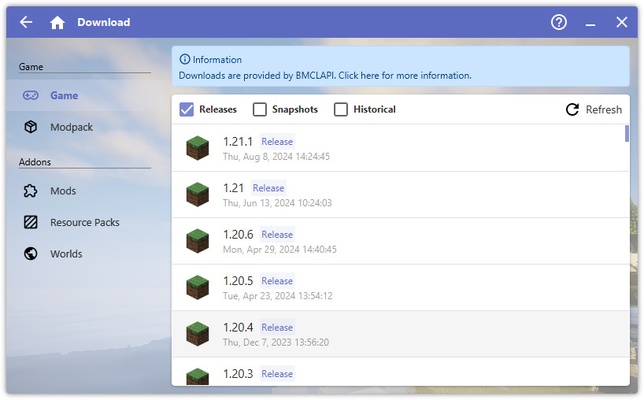
From the Instances tab on the left-hand side, you can configure your game to your liking. You can search for and install all the mods and datapacks you want here. Most importantly, however, you will be able to select the version of Minecraft you want to play. You can choose between all the game's historical releases. This means that you can play both the famous Alpha and Beta versions from 2010 and 2011, as well as some of the latest versions available, including 1.20.

A vast catalog of mods to download

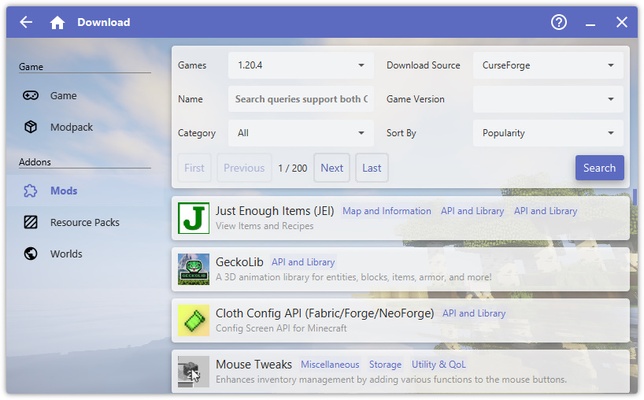
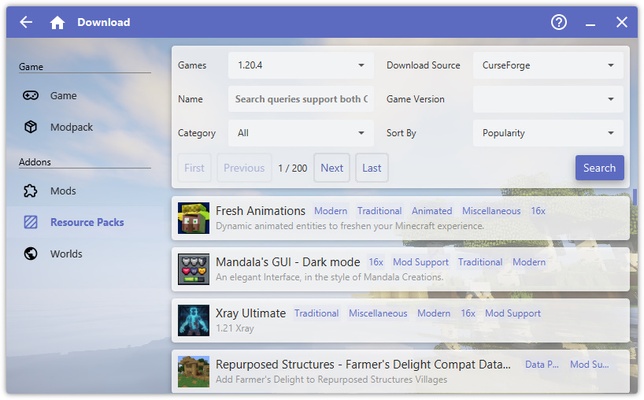
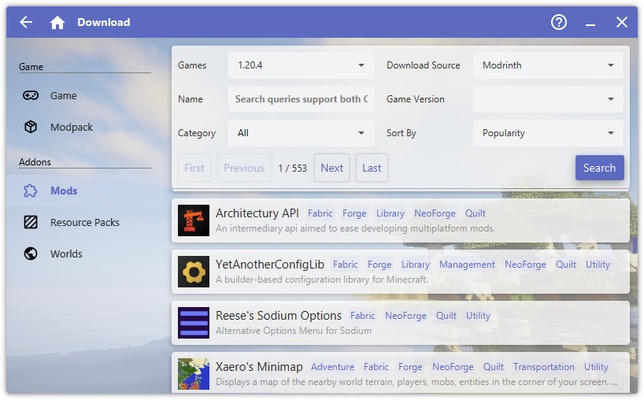
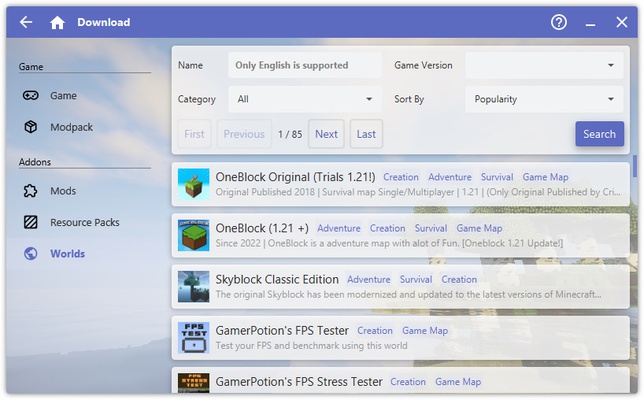
Hello Minecraft! Launcher provides access to a huge collection of mods for Minecraft, which you can download and install with a single click. From within the launcher, you can filter by category, popularity, game version, or download source. If you know the mod name you want to install, you can even search for it directly by entering the name in the search box. And that's not all. Apart from mods, you will also have hundreds of resource packs and skins that you can download with one click.

The best way to play Minecraft

Download Hello Minecraft! Launcher if you want to play Minecraft in your own way. Thanks to this software that is both free and open source, you can enjoy your favorite version of the game with your favorite mods and resource packs. Best of all, the program is so easy to use that you can have it all set up in less than five minutes.

Information about Hello Minecraft! Launcher

License Free
Op. System Windows
Category Games
Language English 47 more
Author HMCL-dev
permission icon Permissions Not applicable
Date 2026-06-02
Size 5.63 MB
File type ZIP

Apps recommended for you

SameBoy icon
Lior Halphon
EmulationStation icon
A good looking front end for your classic emulators
HypeHype icon
Create and share your own games
Vita3K icon
The best emulator for PS Vita (PlayStation Vita)
Simutrans icon
Build your own transport business and make it profitable
Microsoft Solitaire Collection icon
Microsoft Solitaire game collection
Pokémon Showdown icon
Smogon University
OpenRA icon
Enjoy Command and Conquer classics in all their splendor
Epic Games Launcher 20.1.0 icon
All Epic Games titles in one desktop app for Windows PC!
RPCS3 icon
MySQL Workbench for Windows is a powerful database management tool that enables users to design, query, and administer MySQL databases with ease on Windows.
Hearthstone Deck Tracker icon
The companion app to help you play better in Hearthstone
ExtraMAME icon
Play and manage classic arcade games on Windows with ExtraMAME, the enhanced MAME emulator offering improved performance and game compatibility.
LabyMod icon
LabyMod for Windows is a Minecraft launcher that adds mods, enhancements, and customizable features to improve gameplay.
FlightGear icon
Experience realistic flight simulation with FlightGear for Windows, the free open-source flight simulator featuring advanced aircraft and global scenery.
PCSX2 2.7.394 icon
Free and open-source PlayStation 2 emulator for Windows PC
3DMark icon
Benchmark and test your PC performance with 3DMark for Windows, featuring advanced GPU, CPU, and gaming benchmark tools.
ExtraMAME icon
Play and manage classic arcade games on Windows with ExtraMAME, the enhanced MAME emulator offering improved performance and game compatibility.
Xemu icon
An excellent Xbox emulator for Windows
Honkai: Star Rail icon
Journey through a sea of stars in this adventure
IMVU icon
An instant-messaging classic with avatars
Sudachi icon
An excellent Swtich emulator for Windows
Yandere Simulator icon
Stealth and murder in a Japanese high school
SameBoy icon
Lior Halphon
Blitz icon
The ideal partner to play League of Legends