
Go to Windows platform Display platforms icon
Go to Windows platform Go to Mac platform Go to Android platform
Game Backup Monitor icon

Game Backup Monitor

1.4.1
Michael J. Seiferling
4
2.8 MB size

Store backup copies of your game saves in the cloud

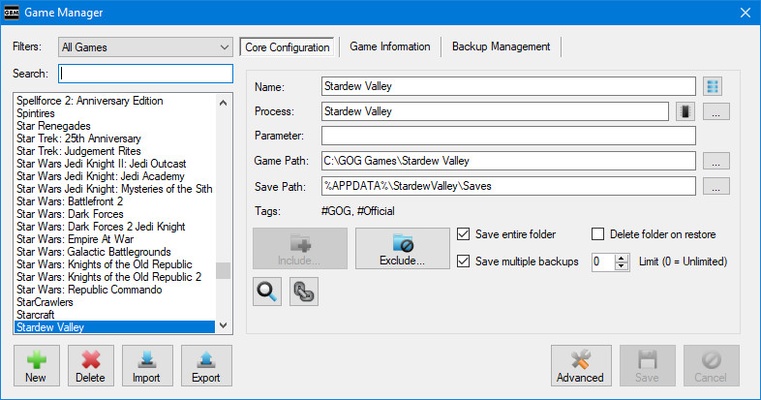
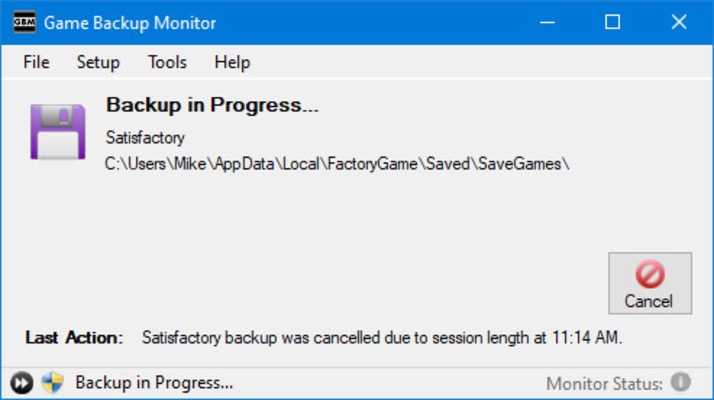
Game Backup Monitor is a free and open source program that allows you to create automatic backup copies of all your video game saves. All backups are compressed using 7-zip and stored in the cloud. This way, if your game is damaged or if something happens to your PC, you won't lose any of your progress.

Fully automated backups

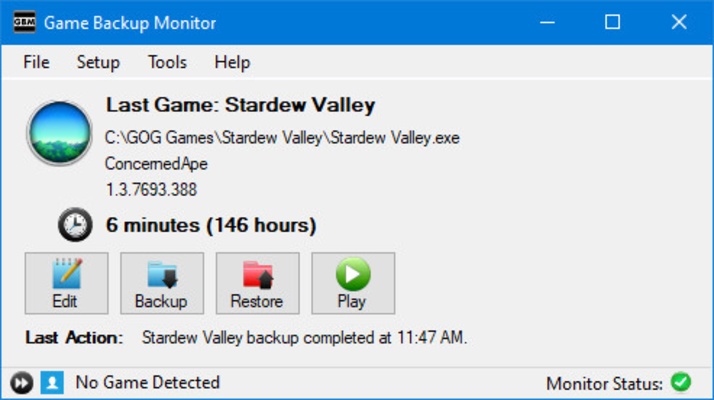
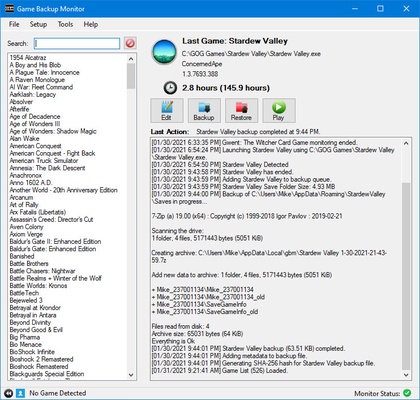
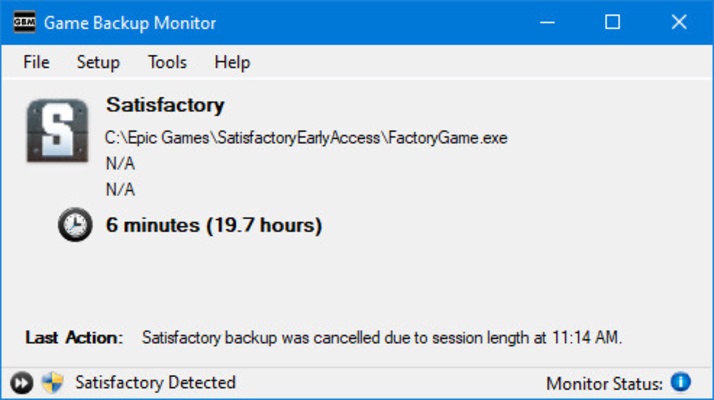
When you start using Game Backup Monitor, the program will take care of backing up your saved game every time you exit a video game. You won't have to do a thing. The program, which will always be running in the background, will detect when you close a video game and automatically create a backup copy and upload it to the cloud. As a result, any game, no matter how old it is, can be stored in the cloud.

Compatible with emulators and interpreters

What makes Game Backup Monitor so interesting is that it is fully compatible with both emulators and interpreters like ScummVM and DOSBox. But what does this mean? Well, it means that even if you are not playing a native Windows title, you can save backup copies of any game save. Whether it's a PlayStation 2 title or a classic 80s PC game that requires DOSBox, you can easily create backup copies of those game saves.

A host of preconfigured games

On the official Game Backup Monitor website you will find a huge compatibility list with more than 500 preconfigured titles. In a nutshell, this means that the program can recognize those video games and automatically know where to go to in order to back up the saved game. This compatibility list includes mainly GOG games, but also Steam games and games that are not available on any digital distribution platform.

Protect your game saves

Download Game Backup Monitor if you regularly play video games on your PC but don't use a cloud-based platform like Steam. One of the great advantages of using this software over Steam or Epic Games is that you can enjoy all the benefits of cloud-based game save backups, without the disadvantages of having to use a DRM client.

Information about Game Backup Monitor

License Free
Op. System Windows
Category Games
Language English
Author Michael J. Seiferling
permission icon Permissions Not applicable
Date 2026-06-02
Size 2.8 MB
File type EXE

Apps recommended for you

OpenRCT2 icon
An open source reimplementation of RollerCoaster Tycoon 2
r3dfox icon
r3dfox for Windows is a software tool designed for streaming and media management, allowing users to access and organize their content efficiently.
Retro Arch icon
One emulator to emulate them all
PPSSPP icon
PPSSPP for Windows is a PSP emulator that allows users to play PlayStation Portable games on their PC with enhanced graphics.
Google Play Games on PC Developer Emulator icon
Google's developer-focused emulator for Windows
Project64 icon
The best Nintendo 64 emulator
EDuke32 icon
EDuke32 Community
IMVU icon
IMVU for Windows is a 3D social networking platform that allows users to create avatars, chat, and explore virtual worlds with friends.
Epic Games Launcher 20.1.0 icon
All Epic Games titles in one desktop app for Windows PC!
RPCS3 icon
MySQL Workbench for Windows is a powerful database management tool that enables users to design, query, and administer MySQL databases with ease on Windows.
Hearthstone Deck Tracker icon
The companion app to help you play better in Hearthstone
ExtraMAME icon
Play and manage classic arcade games on Windows with ExtraMAME, the enhanced MAME emulator offering improved performance and game compatibility.
LabyMod icon
LabyMod for Windows is a Minecraft launcher that adds mods, enhancements, and customizable features to improve gameplay.
FlightGear icon
Experience realistic flight simulation with FlightGear for Windows, the free open-source flight simulator featuring advanced aircraft and global scenery.
PCSX2 2.7.394 icon
Free and open-source PlayStation 2 emulator for Windows PC
3DMark icon
Benchmark and test your PC performance with 3DMark for Windows, featuring advanced GPU, CPU, and gaming benchmark tools.
Logyx Pack icon
More than 150 games on a single app
ExtraMAME icon
Play and manage classic arcade games on Windows with ExtraMAME, the enhanced MAME emulator offering improved performance and game compatibility.
Amoriax icon
Tactical Roman board game
IMVU icon
IMVU for Windows is a 3D social networking platform that allows users to create avatars, chat, and explore virtual worlds with friends.
Battle Stormer Classic icon
Luke Skywalker and Batman, together, in a beat'em up
Script Hook V icon
The library for installing mods and scripts in GTA V
VTM: Bloodlines Unofficial Patch icon
Best way to play Vampire: the Masquerade - Bloodlines
Mad Birds icon
Shooting The Birds, but in 3D