

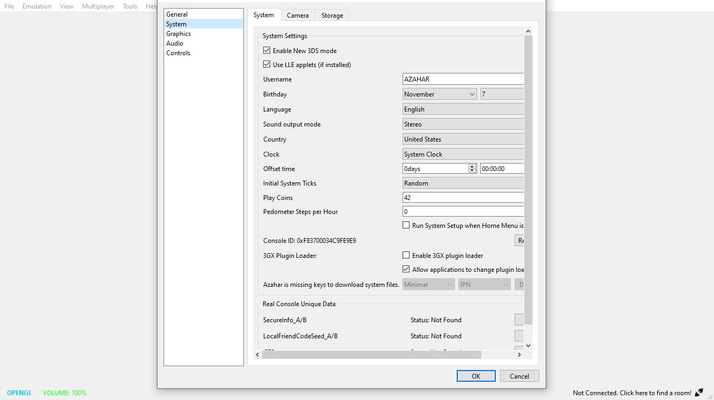
AzaharPlus is a fork of one of the most popular Nintendo 3DS emulators available on Windows: Azahar. This version of the emulator has the same features and compatibility list as the standard version, but with two very noticeable differences that are sure to appeal to frequent emulator users. It is also important to note that this Plus version will receive updates at exactly the same rate as the vanilla version.
Simple installation process
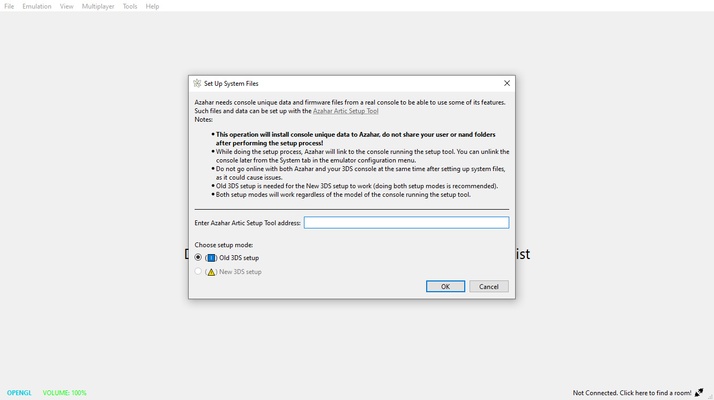
To use AzaharPlus, you must have downloaded the original Orange Blossom to your computer first. Inside the Azahar folder, you'll just have to unzip the Plus version. And that's it. That's all you have to do. From that moment on, you'll be able to use the Plus version of the emulator just by double-clicking on its executable. Also note that you won't need to download any system files to run a ROM in .3DS format. You'll simply be able to select the ROM and run it without any additional setup.
Full support for .3DS files
The first notable difference between AzaharPlus and Azahar is very simple: the former supports files in .3DS format. This means that any ROM that originally worked on Citra will also work smoothly on this emulator. For various reasons, the standard version of Azahar removed support for .3DS files, a change that annoyed many users. Thanks to this simple feature you can reuse your entire collection of original Nintendo 3DS ROMs.
A number of configuration options
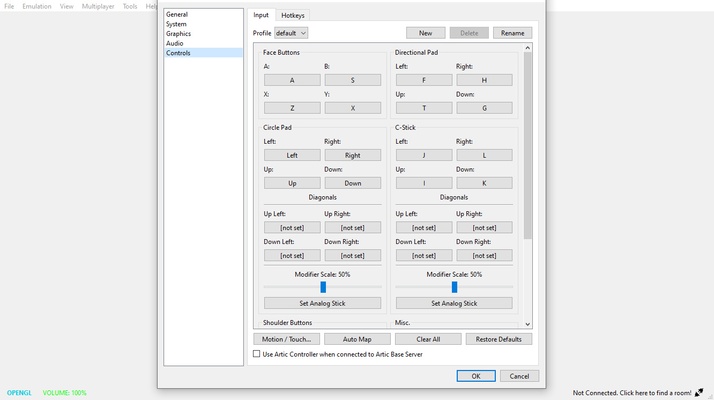
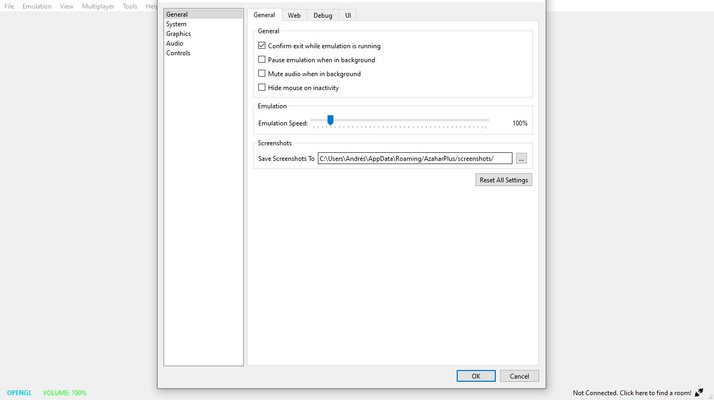
Like almost all Nintendo 3DS emulators, AzaharPlus has a huge range of options for you to customize your gaming experience on Windows. From the Settings tab, you can change the emulator's API graphics (OpenGL by default). You can also change the initial internal resolution of games (400x240 by default) or add several texture filters to make the image look different. Within the control settings, you can also configure the keyboard or, if you prefer, any controller you have connected to the PC. The emulator works particularly well with Xbox Series X and PlayStation 4 controllers.
A near-infinite compatibility list
AzaharPlus's compatibility list grows a little more with each day. In fact, it shares exactly the same compatibility list as Azahar itself, with the bonus that many romhacks and homebrew games also work. You can take a look at all the supported titles on the official website. All games will have one of the following statuses: Not Tested, Menu, Bad, Okay, Great or Perfect. Thanks to this, you can easily find out if the video game you want to play works properly and also know exactly what to expect before you even try it.
The best N3DS emulator for Windows
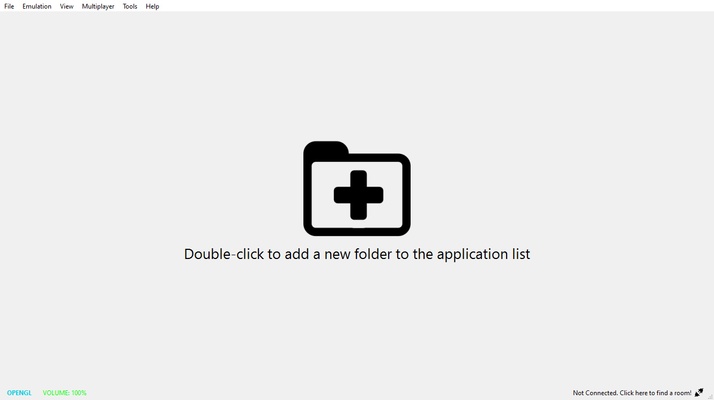
Download AzaharPlus and enjoy the best Nintendo 3DS emulator for PC, with even more features than its vanilla version. Thanks to this emulator, you can enjoy almost the entire catalog of the famous Nintendo handheld console, with a ton of additional homebrew games that have been released over the years. All you have to do is save the ROMs in .3DS format in a Windows folder, and the emulator will recognize them instantly.