


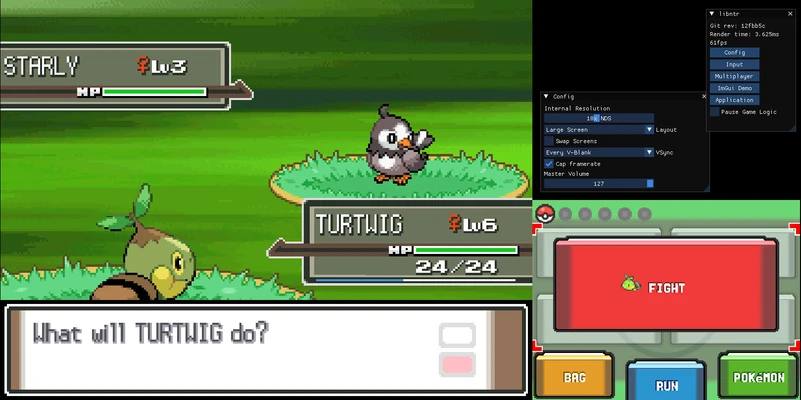

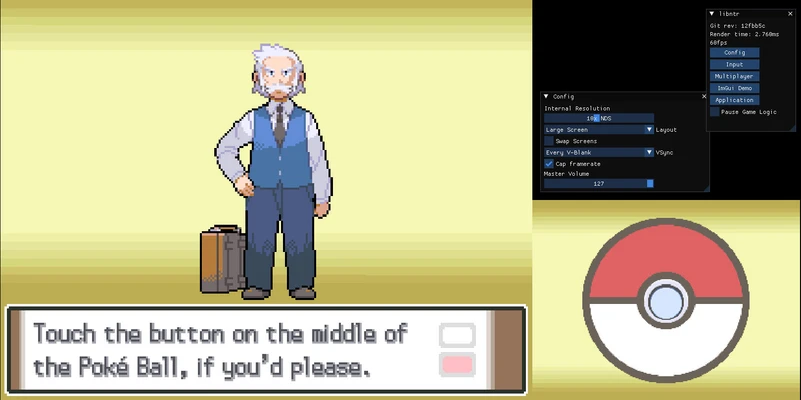
Pokémon Platinum PC Port is a PC port of Pokémon Platinum, originally released for Nintendo DS. The project allows you to play the game natively on Windows without including any official assets from the original game. You must provide your own copy of the original game to use the port.
Quick installation and setup
To play Pokémon Platinum PC Port, extract the contents of the ZIP file into a folder and place your own Pokémon Platinum ROM in .nds format in the same folder. When you launch main.exe for the first time, you will be asked to select the location of the ROM. Once configured, you can start the game from Windows.
Lots of quality-of-life improvements
As a native PC port, Pokémon Platinum PC Port provides several improvements over playing the original game through an emulator. The port includes graphics options and support for widescreen resolutions, making the game better suited to modern PC displays. You can also customize the controls and enable cheats.
Minor visual issues
Pokémon Platinum PC Port may contain some minor visual bugs. These issues do not necessarily prevent the game from running, but they can occasionally affect the visual experience during gameplay.
A PC Port of Pokémon Platinum
Pokémon Platinum PC Port provides a native Windows version of the Nintendo DS title with support for modern display resolutions, customizable controls, and additional configuration options.