

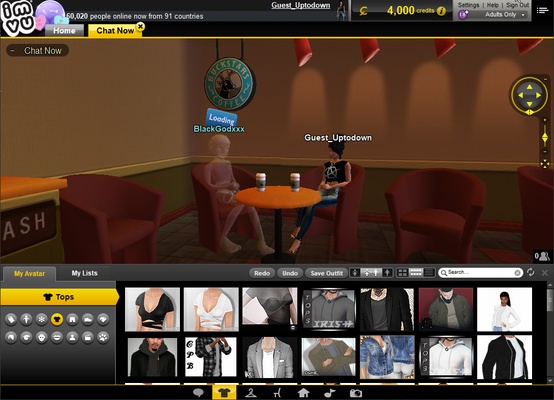
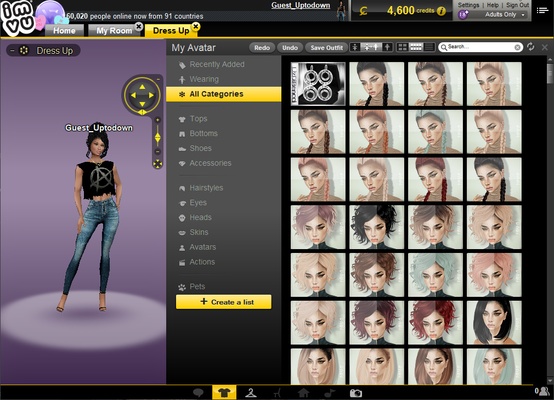
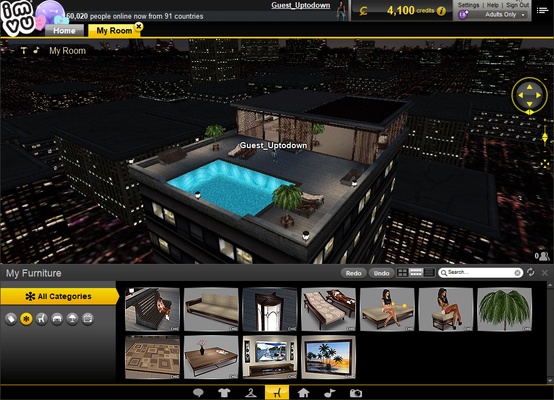
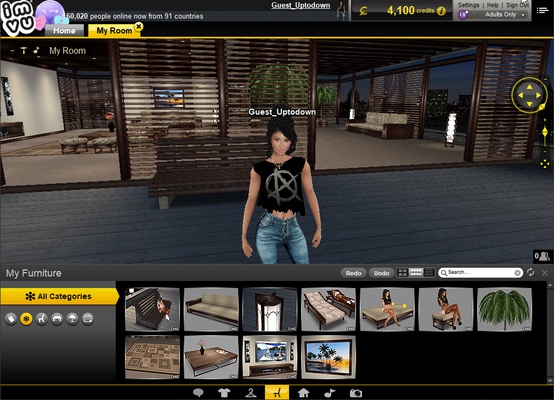
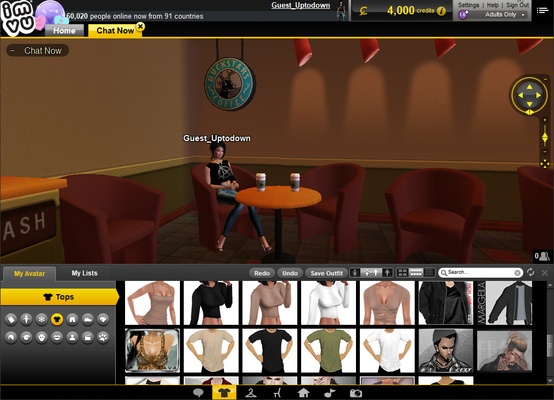
IMVU is a persistent world multiplayer social game in which you can create fully customizable avatars and interact with other players around the world. You can enter certain rooms to chat with other users, participate in various mini-games, customize both your house and your avatar's appearance, and much more.
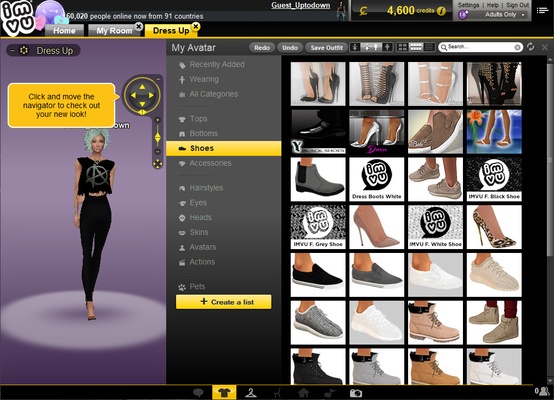
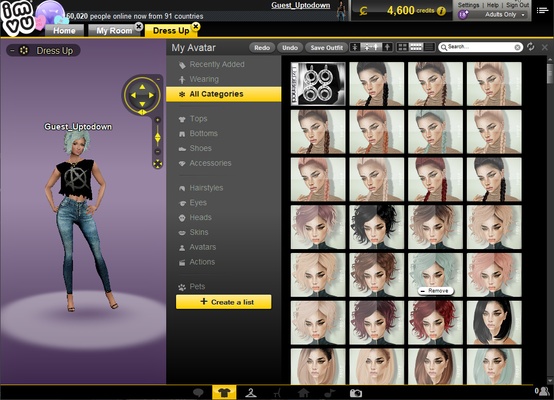
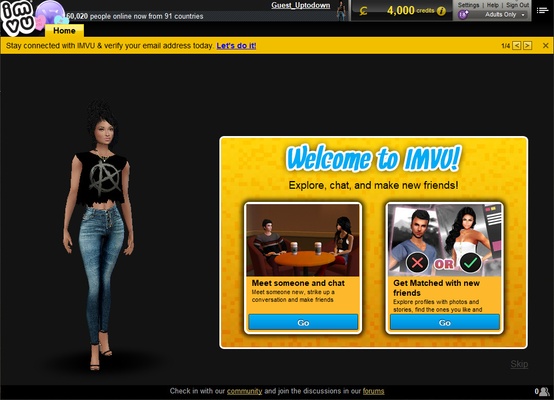
In order to play IMVU, you'll first need to create a user account. This process is very simple, since you can use either your Facebook or Apple account to sign up automatically. Alternatively, you can also use an email account. No matter which option you choose, you'll have to select a general appearance for your avatar before you can enter this virtual world. You can choose between tons of hairstyles, eyes, faces, shirts, shoes, pants, and more.
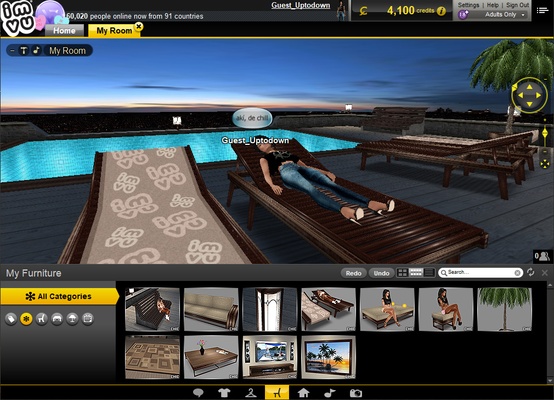
Once you've created your avatar, you'll receive a few courtesy credits with which you can start playing. With these credits, you can buy all kinds of virtual objects for customizing both your house and your avatar's appearance. For example, you can buy all kinds of accessories, such as glasses, jewelry, bags, and jackets; or you can buy decorative objects and art to place in your home. You can even give special gifts to your friends.
One of the most fun aspects of IMVU is how easy it is to meet new people and chat. In fact, in its early days, this game was a sort of instant messaging tool on which you had a 3D avatar and little else. Now, you can visit all kinds of common spaces, such as bars and coves, where you can meet new people and socialize. You can also invite your friends over to your house, and, of course, you can visit their houses, too.
IMVU is a highly entertaining online social game with a community of players numbering in the millions. On it, you can always find someone to talk to and have a good time with. This game also has very good visuals, which have evolved over the years to give all the avatars an even better look.
Frequent questions
What is the difference between IMVU and IMVU Classic?
The difference between IMVU and IMVU Classic is that the former is the old version, while the latter offers better resolution and frame rate, as well as some features that were only available to mobile users.
What is IMVU Beta?
IMVU Beta is, quite simply, the modern version of the game that will gradually replace the IMVU Classic. It has more features and better aesthetics than the traditional version.
Is IMVU a dating app?
No, IMVU is not strictly a dating app. IMVU is a multiplayer social game, where the goal is to meet, chat or have a good time with other people in a pleasant virtual environment.
Is IMVU safe?
Yes, IMVU is 100% safe. VirusTotal does not detect any positives in the game installer and, in general, IMVU has a good security record, with no breaches or other problems.