Go to Windows platform Display platforms icon
Go to Windows platform Go to Mac platform Go to Android platform
EmulationStation icon

EmulationStation

3.2.0
Alec Lofquist & Nils Bonenberg
5
96.2 MB size

A good looking front end for your classic emulators

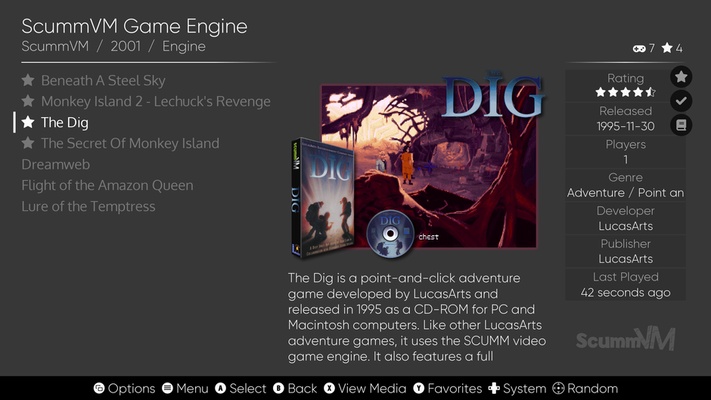
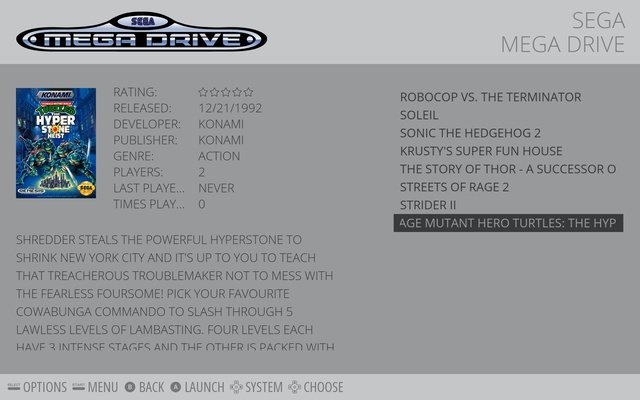
Emulator fans tend to have the same problems when trying to catalogue and browse through their tons of folders full of ROMS. EmulationStation is here to solve that messy problem by making things a bit easier when it comes to organizing your emulators. It offers an intuitive, minimalist front end that lets you access all your games and machines from a single interface. It's also got crisp visuals that manage your emulators into a one pack, following salon aesthetics by using a gamepad control system.

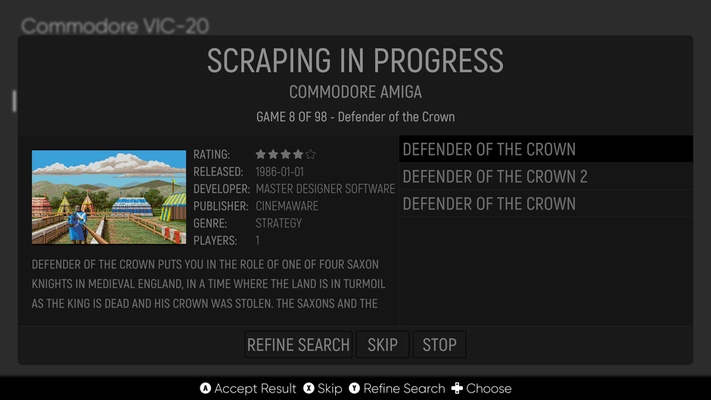
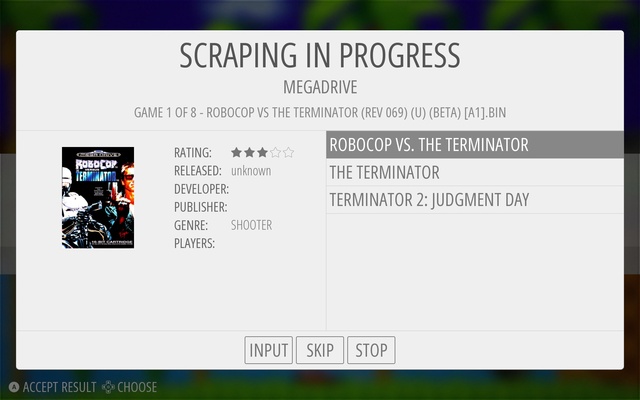
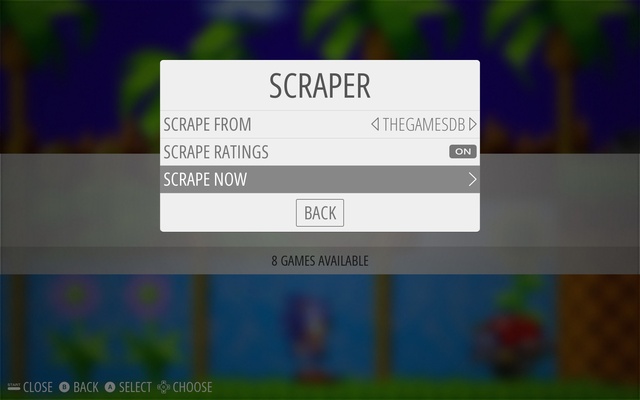
Compatible with almost a hundred different emulators, it detects each console allowing you to scrap games you already have. What this means to you, is that you can automatically download game cases and related gaming specs from the internet for each title and convert your menu into your own complete database. One thing, though, is that you'll have to remember that the emulators themselves are not included in EmulationStation, so you'll have to link them manually through a configuration file that includes the root folder where you first installed them. Taking this into account, RetroArch would make a fine companion to EmulationStation as an all-in-one that includes several emulators in the same pack.

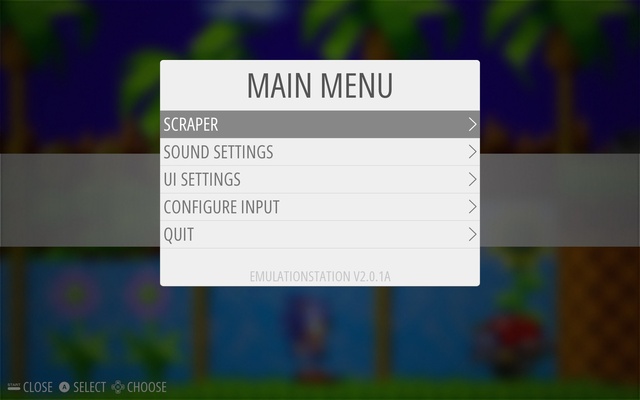
EmulationStation is a great way to keep your whole collection of emulators organized in one place. It's also completely customizable however you wish, so it's always going to look good on your set up. Especially when you play in fullscreen version, whether on your monitor or widescreen television. Actually, it's interface adapts to any resolution, no matter how high.

Information about EmulationStation

License Free
Op. System Windows
Category Games
Language English
Author Alec Lofquist & Nils Bonenberg
permission icon Permissions Not applicable
Date 2026-06-02
Size 96.2 MB
File type EXE

Apps recommended for you

GOG Galaxy 2.1.10.56 icon
Install and update your games with GOG Galaxy for Windows PC Desktop
Overwolf icon
Overwolf for Windows is a gaming companion app that offers in-game overlays, performance tracking, and customizable features to enhance the gaming experience.
PCSX-Redux icon
Modern and optimized PlayStation emulator
Vita3K 0.2.1.4227 icon
The best emulator for PS Vita (PlayStation Vita)
Yandere Simulator 2026-11-01 icon
Stealth and murder in a Japanese high school
UltraStar Deluxe icon
Free karaoke game for PC
Retro Arch icon
One emulator to emulate them all
LabyMod 4.6.11 icon
The all-in-one modification for Minecraft to increase your ingame experience!
NVIDIA GeForce NOW 2.0.90.138 icon
NVIDIA's cloud gaming service
BlueStacks 5.22.290.1031 icon
Emulate any Android app on your PC
Vita3K 0.2.1.4317 icon
The best emulator for PS Vita (PlayStation Vita)
Rockstar Games Launcher 1.0.110.3150 icon
The official Rockstar Games client
Ankama Launcher 3.15.14.20606 icon
A portal to the world of Ankama video games and animated movies
Xbox Game Bar 7.326.11042.0 icon
The best Windows tool for gamers
Yandere Simulator 2026-11-01 icon
Stealth and murder in a Japanese high school
KytyPS5 2026-11-02 icon
Play PlayStation 5 games on PC with this PS5 emulator
Etheria: Restart icon
Uncover secrets in this metaphysical world
EDuke32 icon
EDuke32 Community
UnCiv icon
An open source version of Civilization for Windows
Youxing Continent icon
Explore this magical world
BlueStacks 10.42.260.1003 icon
Play and Run Android Mobile Games and Apps on Windows PC
DOSBox Staging icon
Modern continuation of the legendary MSDos emulator
SameBoy icon
Lior Halphon
Battle Stormer Classic icon
Luke Skywalker and Batman, together, in a beat'em up