


shadPS4 is a PlayStation 4 emulator for Windows and Linux that allows you to run a selection of games from Sony's console on your PC. The emulator requires the appropriate Visual C++ runtime components to work correctly. Game performance and compatibility depend on your hardware, the emulator version, and the specific title.
PS4 Emulator with Easy Setup
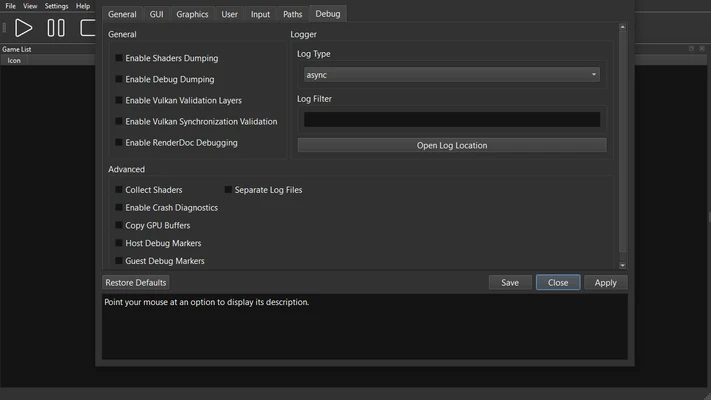
Setting up shadPS4 is relatively simple. When you launch the emulator for the first time, it creates a user folder in the same directory. This folder contains a config.toml file, which can be opened with a text editor to adjust various settings. These include options for fullscreen mode and display resolution. Additional configuration options may be introduced in future versions.
An Ever-Growing Compatibility List
shadPS4 is under active development, and its compatibility with PlayStation 4 games continues to improve. Some titles can run in the emulator, while others may have graphical issues, performance problems, or fail to start. Bloodborne is one of the notable games supported by the project, although compatibility and playability can vary between versions. The compatibility list provides information about how individual games perform.
Install PKG Files to Play
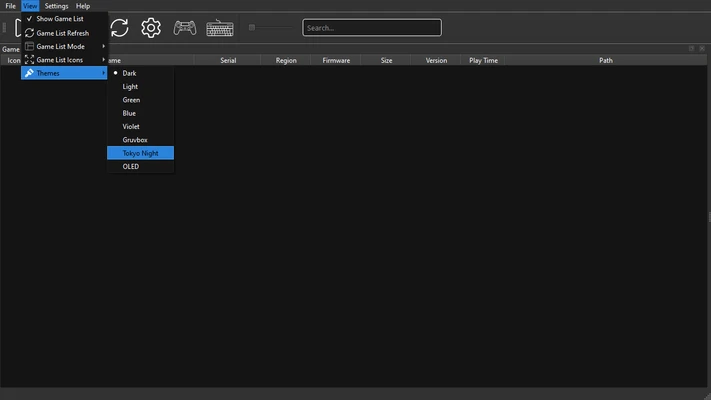
Unlike emulators that use traditional ROM files, shadPS4 uses PKG game packages. You can install supported PKG files through the emulator's File menu. Select the package you want to install and wait for the process to finish. Installation time depends on the size of the game.
A PlayStation 4 Emulator for Windows
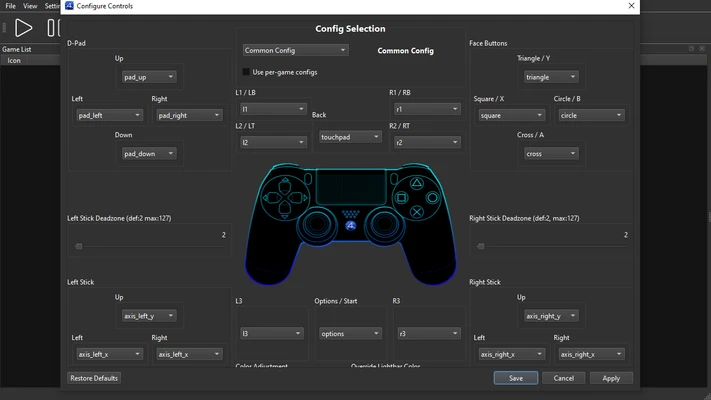
shadPS4 allows you to run supported PlayStation 4 games on your PC. The emulator supports keyboard input and can be configured to work with compatible PlayStation and Xbox controllers, providing different control options for playing supported titles.