Go to Windows platform Display platforms icon
Go to Windows platform Go to Mac platform Go to Android platform
Blockbench icon

Blockbench

5.1.4.0
JannisX11
5
170.42 MB size

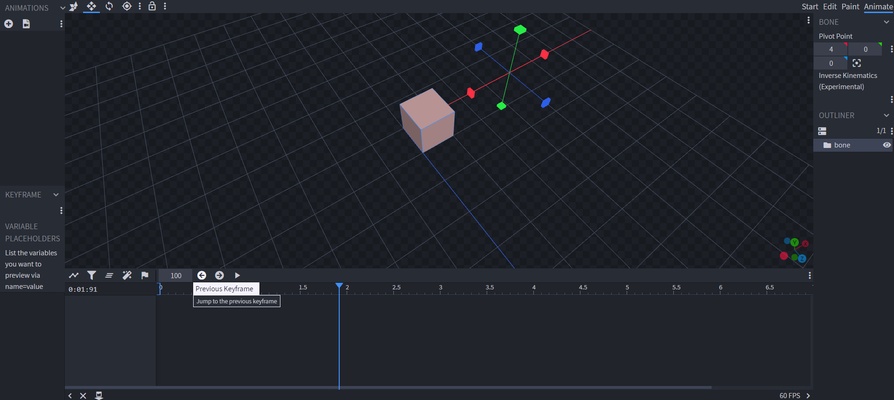
Blockbench for Windows is a 3D modeling software designed for creating low-poly models, especially for Minecraft and other voxel-based games.

Blockbench for Windows Download – 3D Modeling Tool for Minecraft & Game Design

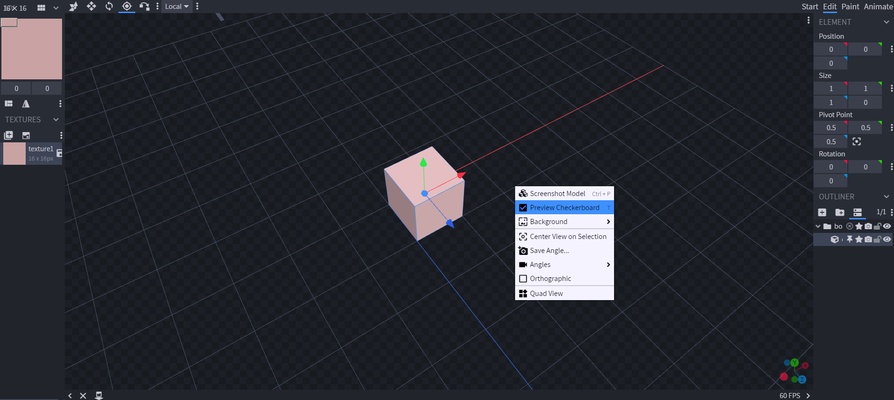
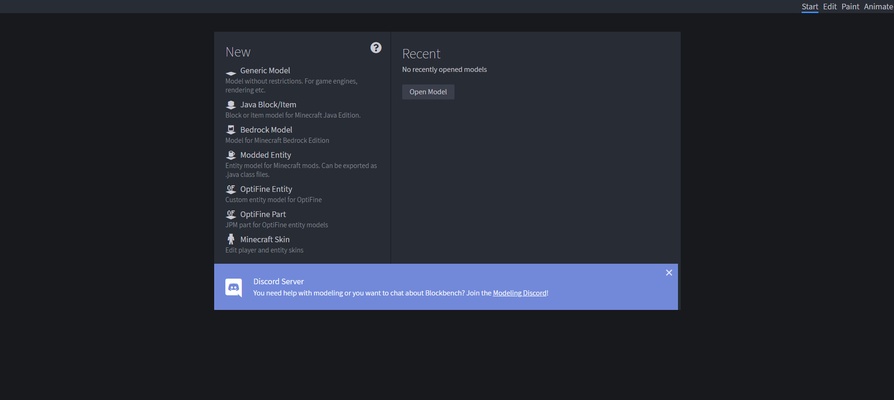
Blockbench for Windows is a versatile and user-friendly 3D modeling software designed specifically for creating models for Minecraft and other games. With its intuitive interface and powerful features, Blockbench makes 3D modeling accessible for both beginners and professionals. It allows users to design and animate 3D models with ease, making it the perfect tool for Minecraft modders, game developers, and digital artists.

Whether you’re creating custom Minecraft skins, mobs, or entire game worlds, Blockbench offers everything you need to bring your ideas to life.


Easy-to-Use 3D Modeling & Animation Tools

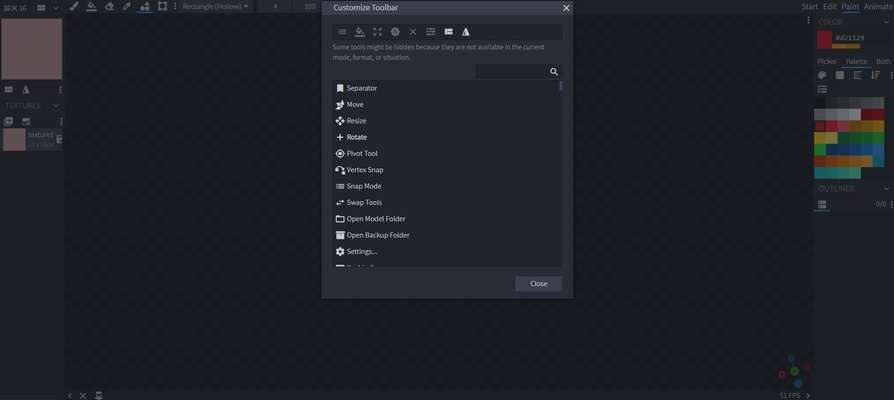
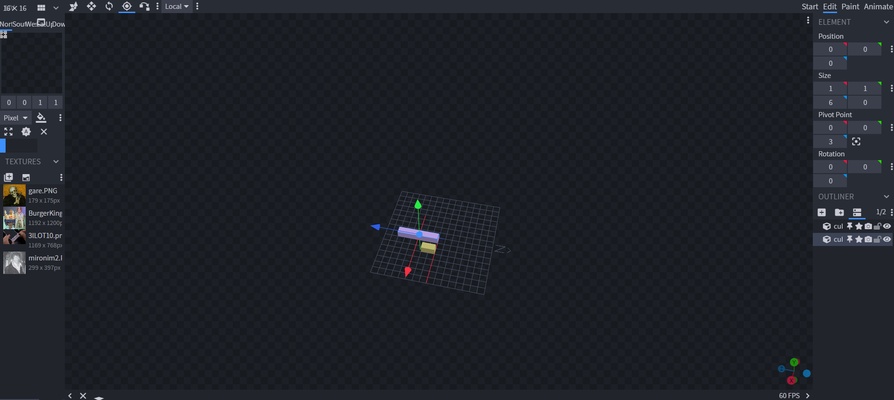
Blockbench provides an intuitive interface that allows users to create and animate 3D models without the steep learning curve often associated with complex 3D design software. The software supports modeling, texturing, and animation, making it an all-in-one solution for game developers.


Minecraft-Compatible Models

Designed with Minecraft in mind, Blockbench allows you to easily create custom 3D models that are fully compatible with the game. The software supports the creation of entities, blocks, items, and textures, making it the go-to choice for Minecraft modding and custom content creation.


Texture Painting & Skin Editing

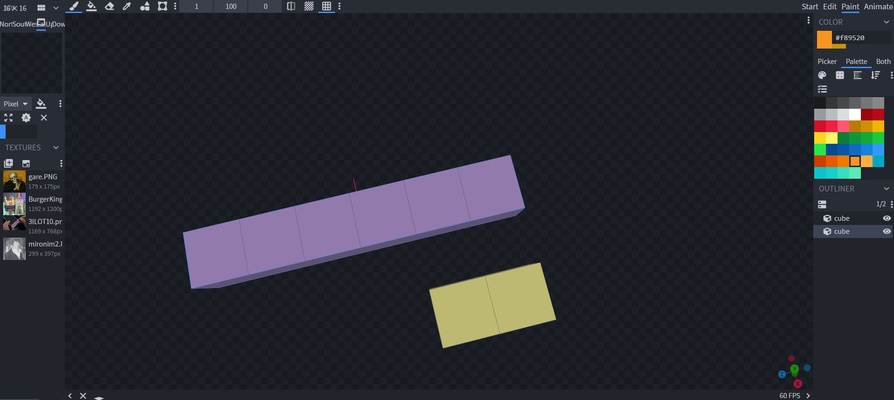
Blockbench includes built-in tools for texture painting and editing, allowing users to design and apply textures directly to their models. Whether you’re working on Minecraft skins or custom textures, these tools simplify the process and improve productivity.


Exporting & Integration with Game Engines

Blockbench supports exporting models in various formats, including JSON, OBJ, and more. This makes it easy to integrate your creations with Minecraft or other game engines, ensuring compatibility with your projects.


Final Overview

Blockbench for Windows is an essential 3D modeling tool for game developers, Minecraft modders, and digital artists. With its easy-to-use interface, powerful features, and seamless integration with Minecraft, Blockbench makes creating custom models and textures easier than ever. Whether you're building new in-game assets or creating custom content, Blockbench provides everything you need for efficient 3D modeling and animation.

Information about Blockbench

License Free
Op. System Windows
Category Games
Language English
Author JannisX11
permission icon Permissions Not applicable
Date 2026-04-26
Size 170.42 MB
File type EXE

Apps recommended for you

Marvel Infinity War icon
The ultimate beat'em up from the Marvel universe
LabyMod icon
LabyMod for Windows is a Minecraft launcher that adds mods, enhancements, and customizable features to improve gameplay.
SameBoy icon
Lior Halphon
PPSSPP icon
PPSSPP for Windows is a PSP emulator that allows users to play PlayStation Portable games on their PC with enhanced graphics.
Amoriax icon
Tactical Roman board game
GTA: San Andreas – NETFLIX icon
The king of GTA is back in style
Erockus Arcade icon
Elegant frontend for MAME
G-Helper icon
G-Helper for Windows is a system optimization tool that helps manage and enhance the performance of G-Sync enabled graphics cards.
Epic Games Launcher 20.1.0 icon
All Epic Games titles in one desktop app for Windows PC!
RPCS3 icon
MySQL Workbench for Windows is a powerful database management tool that enables users to design, query, and administer MySQL databases with ease on Windows.
Hearthstone Deck Tracker icon
The companion app to help you play better in Hearthstone
ExtraMAME icon
Play and manage classic arcade games on Windows with ExtraMAME, the enhanced MAME emulator offering improved performance and game compatibility.
LabyMod icon
LabyMod for Windows is a Minecraft launcher that adds mods, enhancements, and customizable features to improve gameplay.
FlightGear icon
Experience realistic flight simulation with FlightGear for Windows, the free open-source flight simulator featuring advanced aircraft and global scenery.
PCSX2 2.7.394 icon
Free and open-source PlayStation 2 emulator for Windows PC
3DMark icon
Benchmark and test your PC performance with 3DMark for Windows, featuring advanced GPU, CPU, and gaming benchmark tools.
Epic Games Launcher 20.1.0 icon
All Epic Games titles in one desktop app for Windows PC!
WinDS PRO icon
Multi-platform emulators pack for PCs
HP OMEN Gaming Hub icon
The official HP app for improving your PC's performance
Ryujinx icon
A Nintendo Switch emulator with excellent compatibility
UnCiv icon
An open source version of Civilization for Windows
Rockstar Games Launcher icon
Rockstar Games Launcher for Windows is a gaming platform that allows users to access, manage, and play Rockstar games like Grand Theft Auto and Red Dead Redemption.
fheroes2 icon
Ihar Hubchyk
PCSX2 2.7.394 icon
Free and open-source PlayStation 2 emulator for Windows PC