


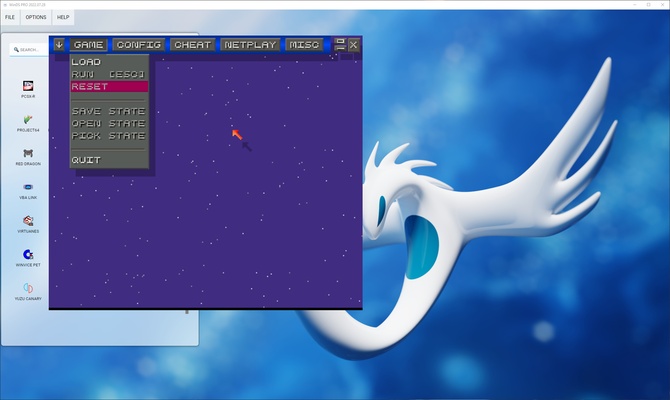
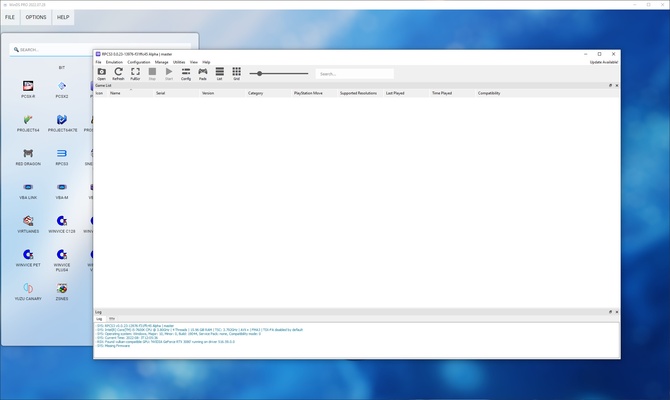
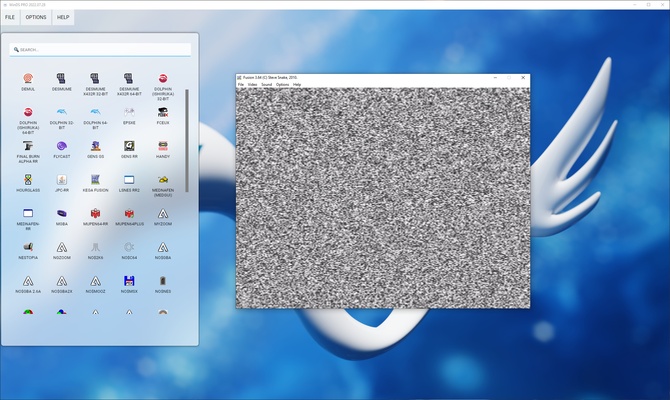
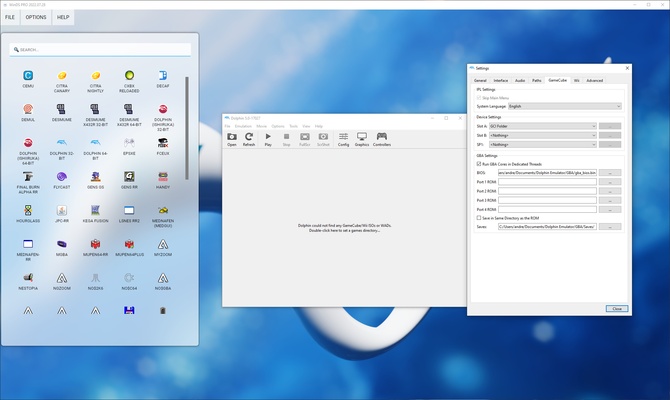
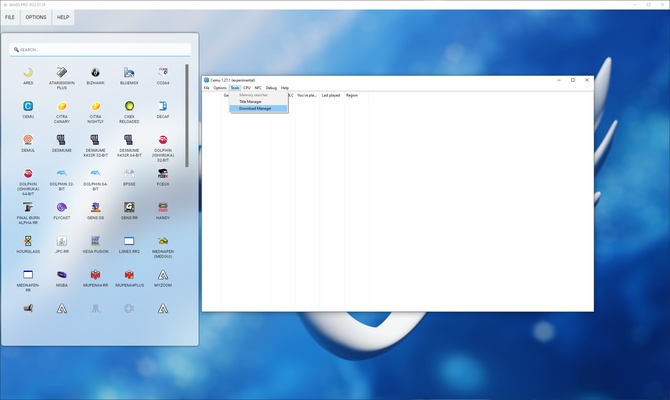
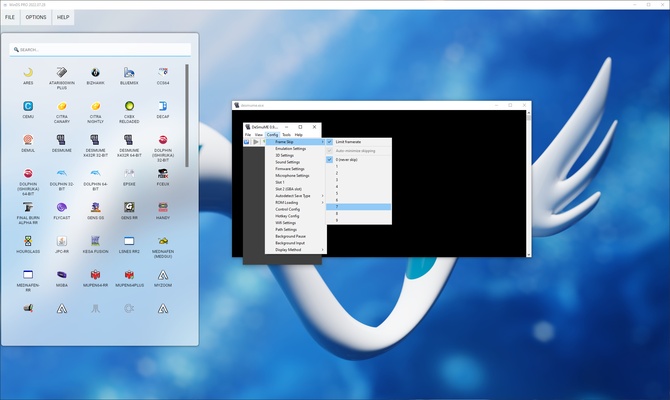
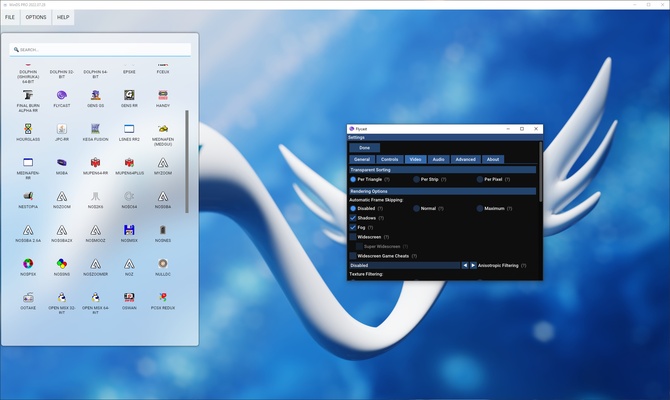
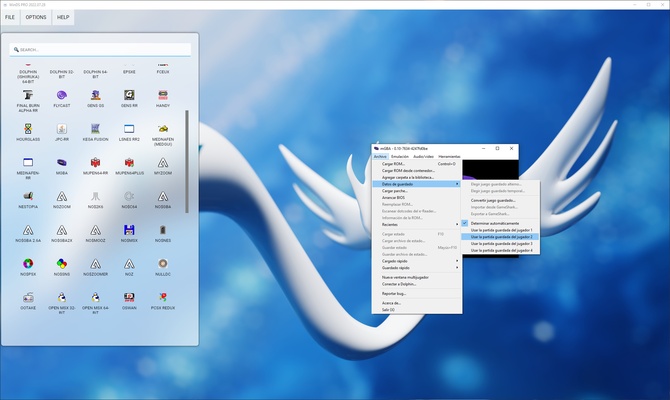
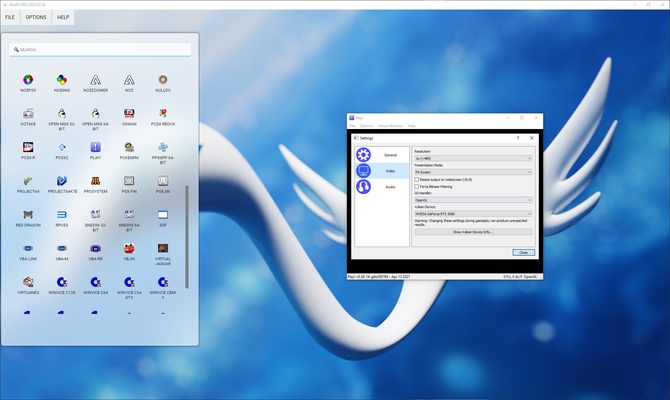
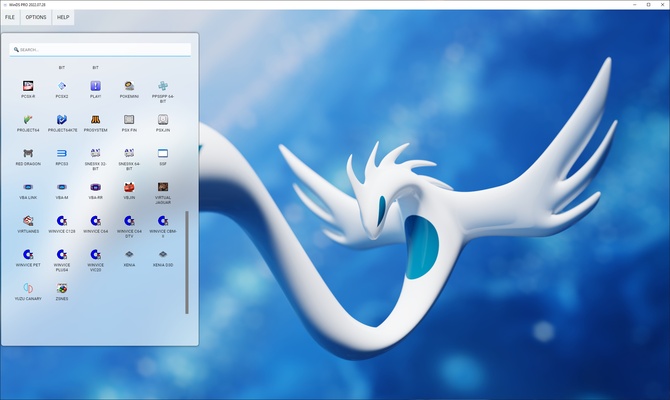
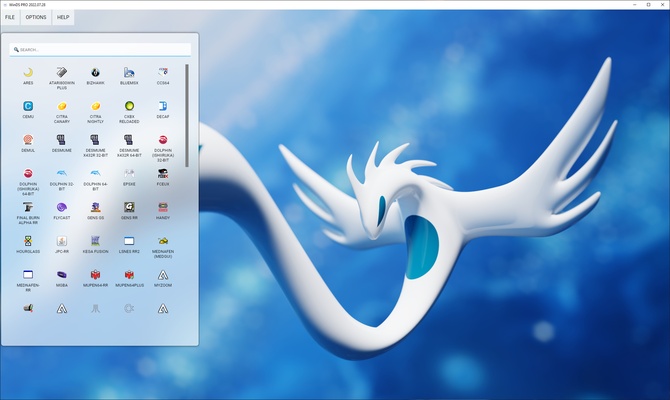
WinDS PRO was created as a compilation of emulators with which to play Game Boy and Nintendo DS video games on PC, but over the years it has evolved into a huge pack that integrates emulators of many other platforms from Nintendo, SEGA and Sony. A huge compilation to enjoy classic video games on Windows.
Currently included are emulators for consoles such as Game Boy, Game Boy Color, Game Boy Advance, Nintendo DS, Nintendo 3DS, Sega, Play Station (1, 2, 3, PSP), X-Box and Nintendo (Wii, Wii U, Switch, NES, SNES). In some cases there will be several alternatives for each of the consoles. Some of the programs included are Project64 (Nintendo 64), Dolphin (Wii), CEMU (Wii U), Yuzu (Switch), Kega Fusion for SEGA 8-bit and 16-bit machines, PCSX2 (PS2), PPSSPP (PSP) and RPCS3 (PS3).
Even so, the machines for which this compilation was originally created are not neglected, so you will also find emulators such as iDeaS, NO$GBA, DeSmuME, VBA and CITRA in their different variants for laptops, being able to emulate the operation of the Game Boy, Game Boy Color, Game Boy Advance, Nintendo DS and Nintendo 3DS consoles from a PC.
All these programs are compiled in a pack with assisted installation and that allows you to access to each one of them easily through its input interface, as well as to each one of the individual configuration menus of each emulator.
Frequent questions
What is WinDS PRO?
WinDS PRO is an emulators package for Windows that will allow you to play video games from over half a dozen different consoles. Game Boy Advance, Nintendo DS, Nintendo 3DS, Playstation... These are just a few of the consoles you can emule.
Is WinDS PRO free?
Yes, WinDS PRO is completely free. All the built-in emulators are free, and many of them are also open-source. You won't have to pay a dime to install and play WinDS PRO.
When was WinDS PRO released?
WinDS PRO was released in 2007. Since then, it has been updated regularly, offering new versions with new emulators, as well as updates of the existing ones.
Is there an APK for WinDS PRO?
No, there is no APK for WinDS PRO. WinDS PRO is not on Android operating systems, so no reliable APKs can be downloaded. However, many emulators included in the package are available separately.