Go to Windows platform Display platforms icon
Go to Windows platform Go to Mac platform Go to Android platform
DevilutionX icon

DevilutionX

1.5.4
Diasurgical
0
9.93 MB size

The best way to play Diablo on modern computers

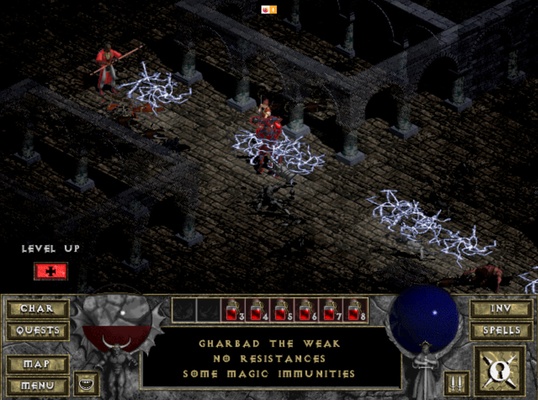
DevilutionX is an interpretation of Diablo that lets you enjoy one of the parents of modern RPGs with some very interesting improvements on the original release. The only thing you have to do is copy the DIABDAT.MPQ file that can normally be found in the original Diablo installation folder to the /data/org.diasurgical.devilutionx/files folder. And that's it. The process will be finished in just a couple of minutes.

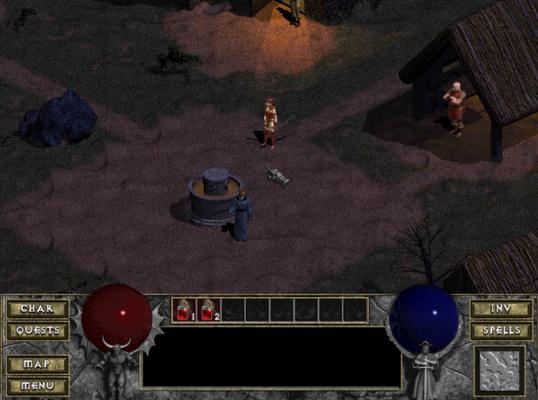
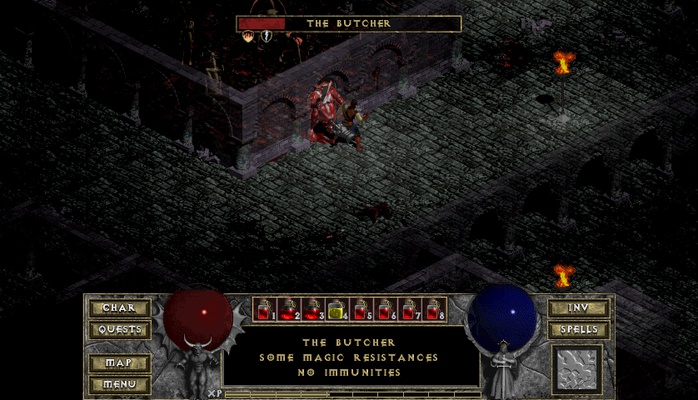
What happens if you don't have a legal copy of Diablo? Well, you can always play the shareware version of the game, which can be downloaded from many different sources. In the Diablo demo, you can't talk with the residents in Tristram or progress further than the third level, where you will inevitably meet the Butcher. This isn't the complete experience, of course. But it does give you a little taste of what the game has to offer.

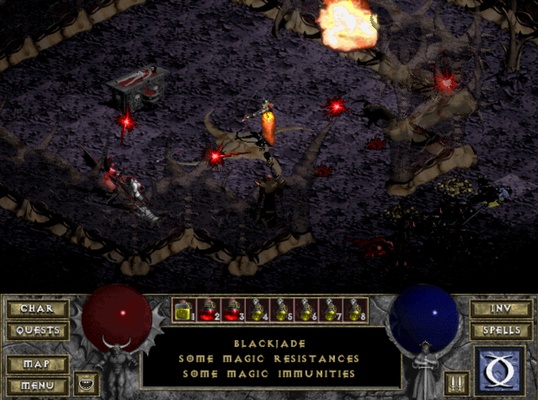
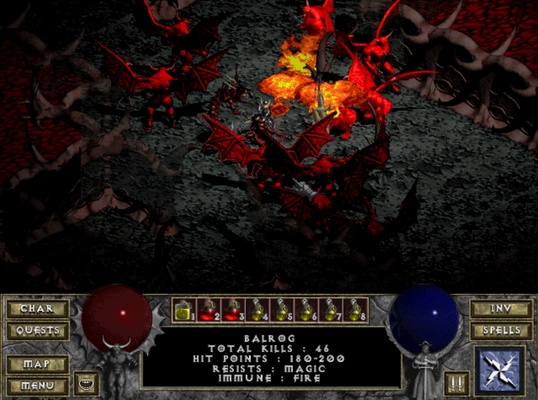
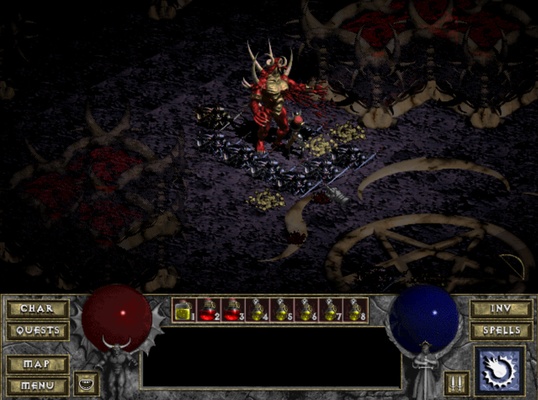
Among the upgrades that DevilutionX offers, with regards to the original Diablo, there is a significant increase in resolution, as well as support for several mods that you can find on the official website. With these mods, you can enjoy better lighting and you can even play online with up to 16 other players.

DevilutionX is an excellent way to enjoy the parent of modern action RPGs on the latest computer generations. Despite how old it is, the game still offers one of the most polished experiences in the genre. What's more, unlike other games, with its durable gaming system and lovely visuals (that can be made even better), it is still a very accessible game.

Information about DevilutionX

License Free
Op. System Windows
Category Games
Language English
Author Diasurgical
permission icon Permissions Not applicable
Date 2026-06-02
Size 9.93 MB
File type ZIP

Apps recommended for you

The Battle for Wesnoth icon
Fight for control over your towns
Xemu icon
An excellent Xbox emulator for Windows
PCSX2 2.7.394 icon
Free and open-source PlayStation 2 emulator for Windows PC
UltraStar Manager icon
Manage your Ultrastar song collection
Mad Birds icon
Shooting The Birds, but in 3D
Simutrans icon
Build your own transport business and make it profitable
MAME icon
The most popular arcade machine emulator
Microsoft Minesweeper icon
The classic minesweeper revamped in this official version
Epic Games Launcher 20.1.0 icon
All Epic Games titles in one desktop app for Windows PC!
RPCS3 icon
MySQL Workbench for Windows is a powerful database management tool that enables users to design, query, and administer MySQL databases with ease on Windows.
Hearthstone Deck Tracker icon
The companion app to help you play better in Hearthstone
ExtraMAME icon
Play and manage classic arcade games on Windows with ExtraMAME, the enhanced MAME emulator offering improved performance and game compatibility.
LabyMod icon
LabyMod for Windows is a Minecraft launcher that adds mods, enhancements, and customizable features to improve gameplay.
FlightGear icon
Experience realistic flight simulation with FlightGear for Windows, the free open-source flight simulator featuring advanced aircraft and global scenery.
PCSX2 2.7.394 icon
Free and open-source PlayStation 2 emulator for Windows PC
3DMark icon
Benchmark and test your PC performance with 3DMark for Windows, featuring advanced GPU, CPU, and gaming benchmark tools.
OpenGOAL icon
OpenGOAL
G-Helper icon
G-Helper for Windows is a system optimization tool that helps manage and enhance the performance of G-Sync enabled graphics cards.
Amoriax icon
Tactical Roman board game
Microsoft Solitaire Collection icon
Microsoft Solitaire game collection
DOSBox Staging icon
Modern continuation of the legendary MSDos emulator
Project64 icon
The best Nintendo 64 emulator
Ryujinx icon
A Nintendo Switch emulator with excellent compatibility
EDuke32 icon
EDuke32 Community