

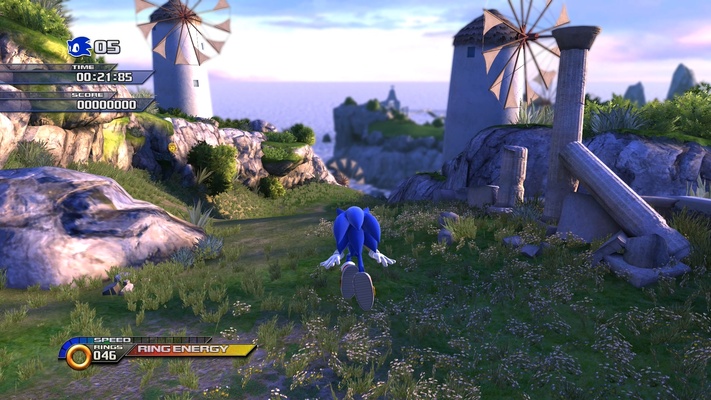
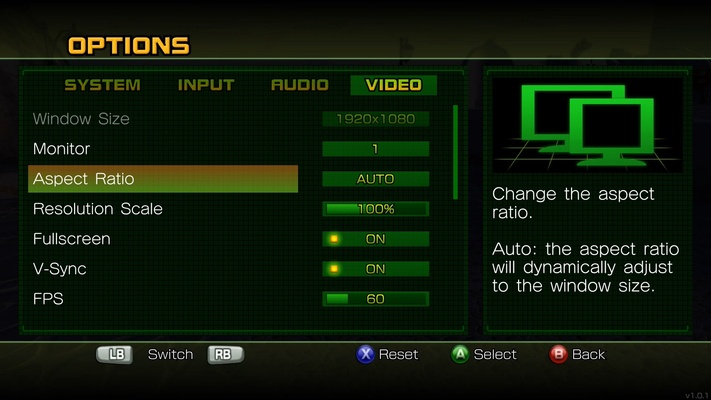
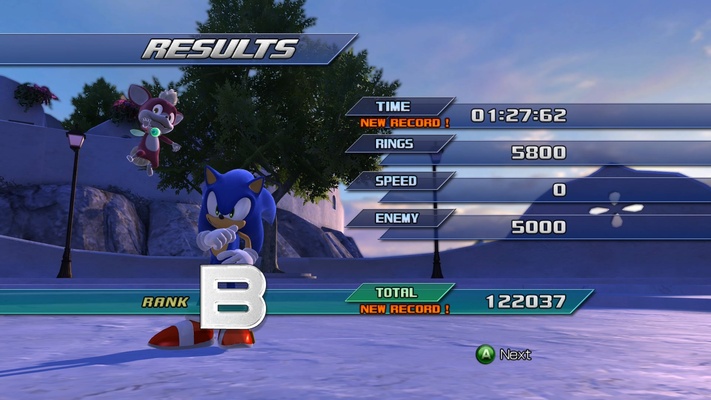
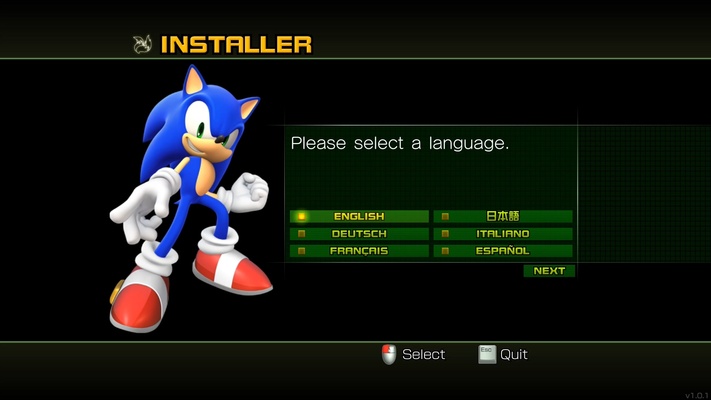
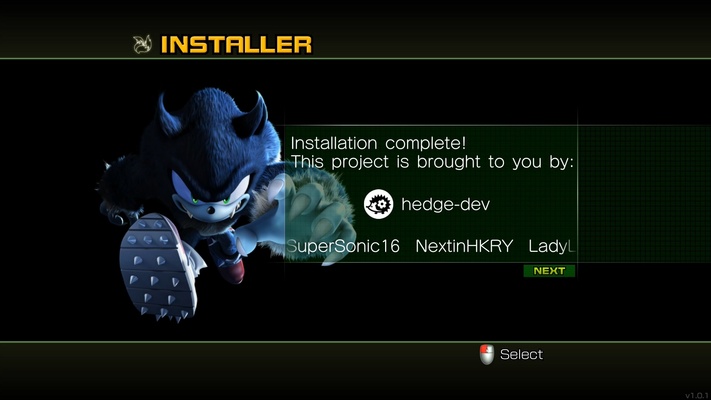
Unleashed Recompiled is an unofficial Windows port of Sonic Unleashed, one of the most popular Xbox 360 titles with everybody's favorite blue hedgehog. This small program allows you to recompile all the original game files to play the game natively on PC, with a number of improvements over the original title, including support for higher resolutions, support for ultra widescreen formats, and even support for mods.
How to install Unleashed Recompiled
Installing Unleashed Recompiled is very, very simple. The program includes a tutorial that will guide you through the process step by step. However, in order to complete the installation, you will need the original Sonic Unleashed files. Effectively, this means that you need the original ISO of the game. You can extract it directly from the hard drive of your Xbox 360, download it from the Xbox Store, or use any other legal method. The choice is yours. As well as the ISO, it is very important to also have "Sonic Unleashed Title Update #2". First you will have to select the ISO and then the Title Update file, which will normally be called something like: "TU_19KA20I_000000C000000".
Better graphics than the original
Sonic Unleashed is a very aesthetically pleasing game, with spectacular visuals. And Unleashed Recompiled takes those graphics as a base and makes them much better, thanks to a host of visual enhancements. For starters, the game now supports much higher resolutions, including widescreen formats and 60 frames per second. What's more, the game allows you to activate Multisample Anti-Aliasing (MSAA) above 2X, which was the setting in the original game. Another optional setting that greatly improves the visual quality of the game is the Bicubic Texture Filtering, which greatly enhances the lighting of each texture.
Play with the controller of your choice
The easiest way to play Unleashed Recompiled is to use an Xbox 360, Xbox One or Xbox Series X controller. However, the game is also perfectly compatible with PlayStation controllers. In fact, the game will automatically recognize your controller and change the in-game button icon accordingly. Even the smallest of details, such as adapting the color of the missiles to be avoided in Tornado Defense missions, has been taken into account. As if all this were not enough, the game also runs perfectly on SteamDeck.
The best way to play Sonic Unleashed
Download Unleashed Recompiled if you are a fan of the Sonic saga and want to enjoy this classic from the Xbox 360 and PlayStation 3 era. Thanks to this software you can play comfortably on your PC and enjoy a host of improvements with respect to the original release. Undoubtedly, the best way to enjoy this great game with modern computers.