Go to Windows platform Display platforms icon
Go to Windows platform Go to Mac platform Go to Android platform
Script Hook V icon

Script Hook V

1.0.3504.0
AB Software Development
4.7
1.64 MB size

The library for installing mods and scripts in GTA V

Script Hook V is the library that allows scripts and all kinds of modifications to be used in GTA V. To install it, copy the ScriptHookV.dll file into the main game folder, where the GTA5.exe file is located. After that, you will need an ASI Loader to load the plugins. This bundle already includes one (dinput8.dll).

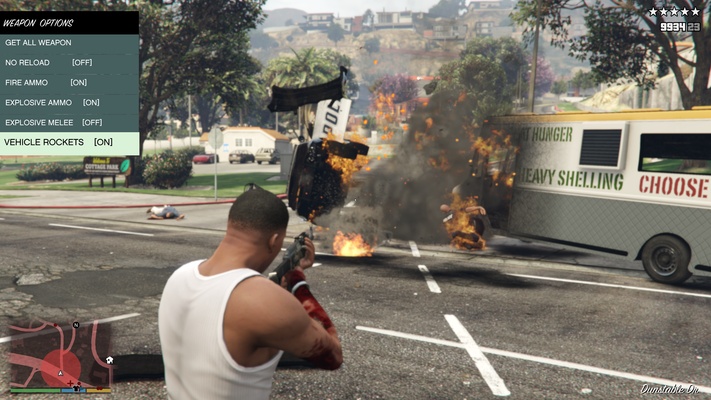
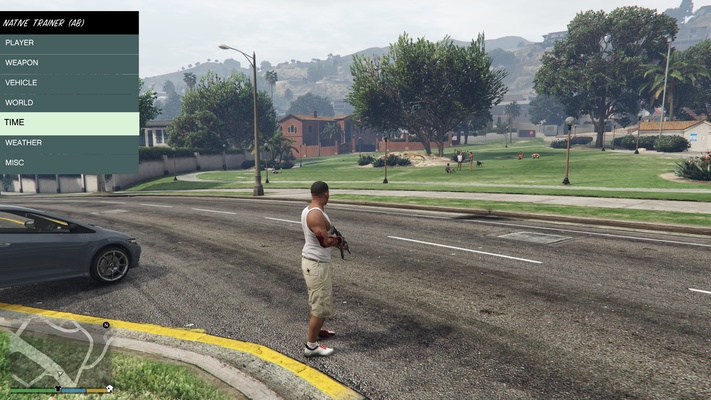
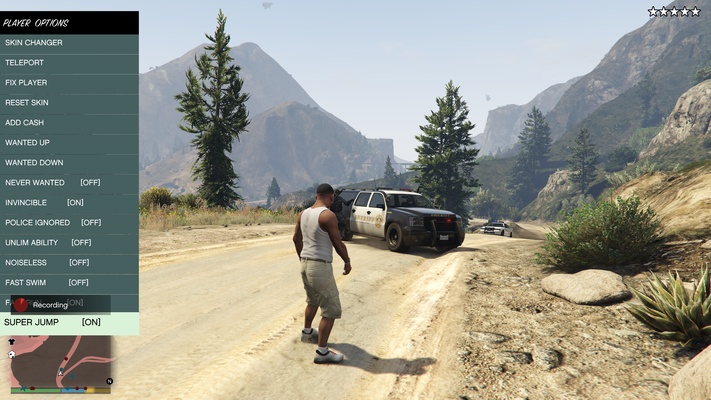
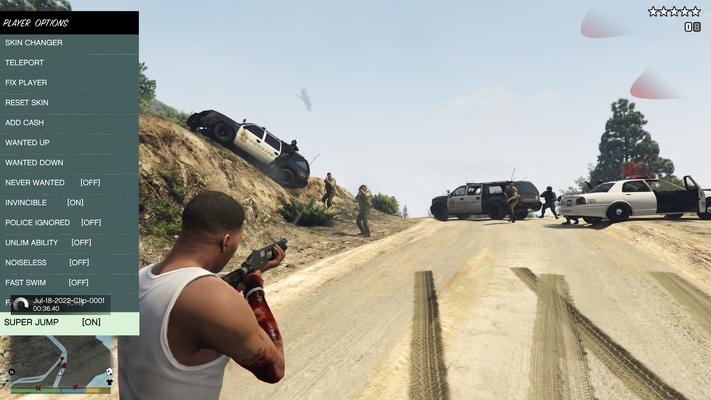
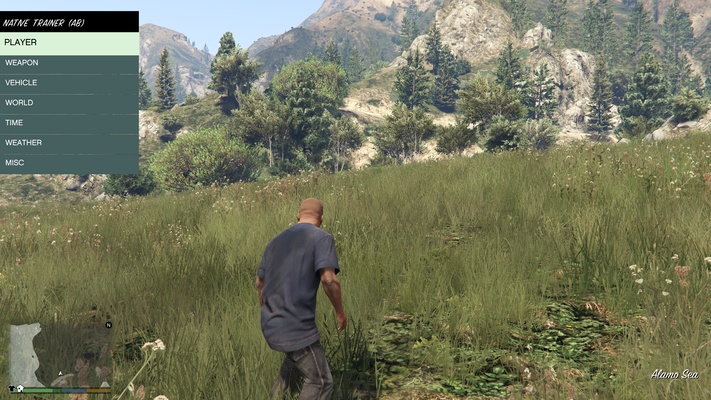
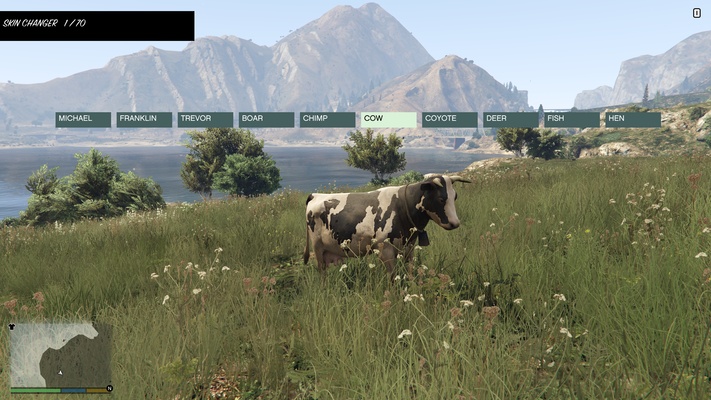
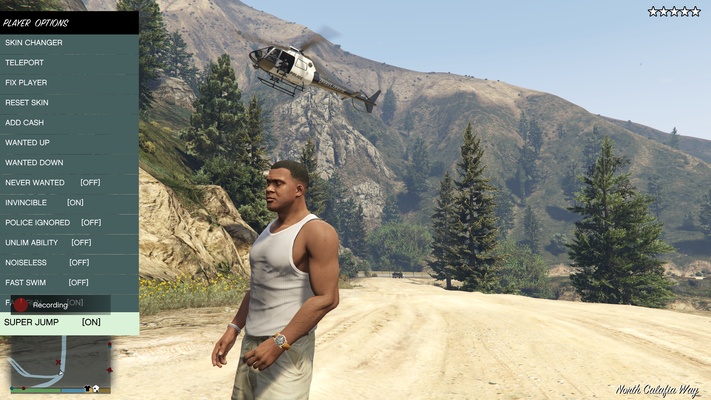
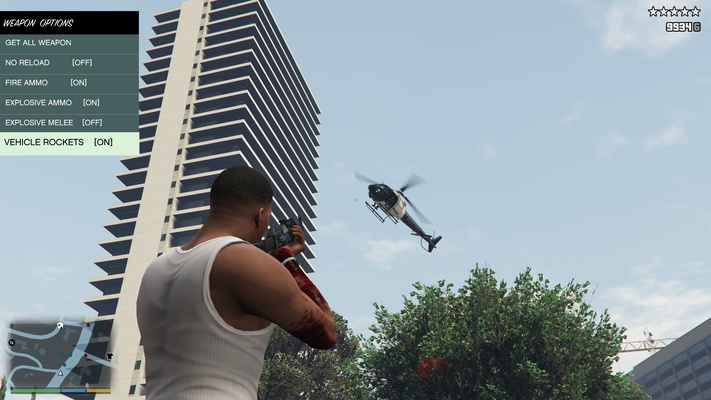
To check that it works, a native trainer in .asi format is included. To test if it works, open the game and press the F4 key. If the menu appears, then everything has been activated correctly. The menu is controlled with the keyboard's numeric keypad (NUMPAD). Keyboard keys 2, 4, 6, and 8 can be used to navigate through the menus, while the 5 key is used to select the trainer you want to use. With 9 and 3, you can use the boost on your car, and with the "+" button, you can use missiles. To go back from the menu, press 0, Backspace, or F4 again.

Script Hook V does not work with GTA Online, as all custom scripts are disabled as soon as it detects that you are connecting to online mode. Therefore, you will not be banned if you use this mod in your normal GTA V installation.

Information about Script Hook V

License Free
Op. System Windows
Category Games
Language English
Author AB Software Development
permission icon Permissions Not applicable
Date 2026-06-02
Size 1.64 MB
File type ZIP

Apps recommended for you

Playnite icon
Playnite for Windows is an open-source game library manager that consolidates your games from multiple platforms into one unified interface.
League of Legends icon
Enjoy this spectacular free online MOBA with stunning graphics
PPSSPP icon
PPSSPP for Windows is a PSP emulator that allows users to play PlayStation Portable games on their PC with enhanced graphics.
3DMark icon
Benchmark and test your PC performance with 3DMark for Windows, featuring advanced GPU, CPU, and gaming benchmark tools.
FlightGear icon
Experience realistic flight simulation with FlightGear for Windows, the free open-source flight simulator featuring advanced aircraft and global scenery.
Simutrans icon
Build your own transport business and make it profitable
Commander Wars icon
An open source Advance Wars clone for Windows
The Battle for Wesnoth icon
Fight for control over your towns
Epic Games Launcher 20.1.0 icon
All Epic Games titles in one desktop app for Windows PC!
RPCS3 icon
MySQL Workbench for Windows is a powerful database management tool that enables users to design, query, and administer MySQL databases with ease on Windows.
Hearthstone Deck Tracker icon
The companion app to help you play better in Hearthstone
ExtraMAME icon
Play and manage classic arcade games on Windows with ExtraMAME, the enhanced MAME emulator offering improved performance and game compatibility.
LabyMod icon
LabyMod for Windows is a Minecraft launcher that adds mods, enhancements, and customizable features to improve gameplay.
FlightGear icon
Experience realistic flight simulation with FlightGear for Windows, the free open-source flight simulator featuring advanced aircraft and global scenery.
PCSX2 2.7.394 icon
Free and open-source PlayStation 2 emulator for Windows PC
3DMark icon
Benchmark and test your PC performance with 3DMark for Windows, featuring advanced GPU, CPU, and gaming benchmark tools.
Prism Launcher icon
Manage different Minecraft accounts and mods
OpenTTD icon
Plan the best transport system in the country
Epic Games Launcher 20.1.0 icon
All Epic Games titles in one desktop app for Windows PC!
3DMark icon
Benchmark and test your PC performance with 3DMark for Windows, featuring advanced GPU, CPU, and gaming benchmark tools.
ReWASD icon
Use and configure any gamepad on your PC
Project64 icon
The best Nintendo 64 emulator
LaunchBox icon
An elegant frontend for all your games
Epic Games Launcher icon
The official Epic Games Store launcher