
Go to Windows platform Display platforms icon
Go to Windows platform Go to Mac platform Go to Android platform
Mesen icon

Mesen

2.0.0-2025-04-01
SourMesen
0
30.79 MB size

A complete emulator for NES, SNES, Game Boy, and PC Engine

Mesen is an emulator for the NES, SNES, Game Boy, and PC Engine consoles for PC. With it, you can play thousands of classic games on your computer with a wide variety of options to customize your gaming experience. This is one of the most advanced emulators on the market for these consoles, since it allows you to run 100% of the available games.

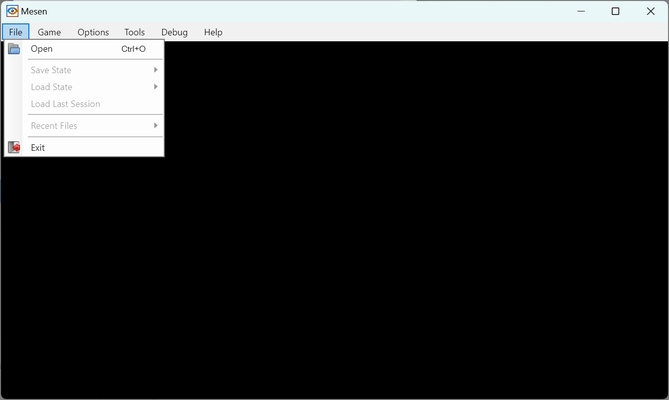
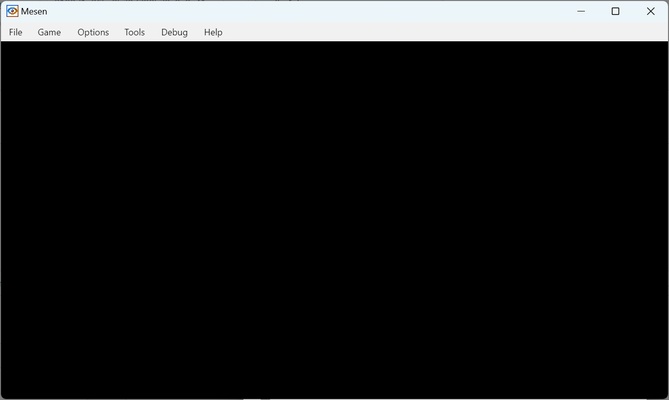
When you open the emulator, you'll find a black screen with various options at the top. From the "Open" tab, you can run the ROM for any game from one of the aforementioned consoles. From this menu, you can also save the game at the exact point where you left it, as well as load it again in case you want to return to an earlier part of the game.

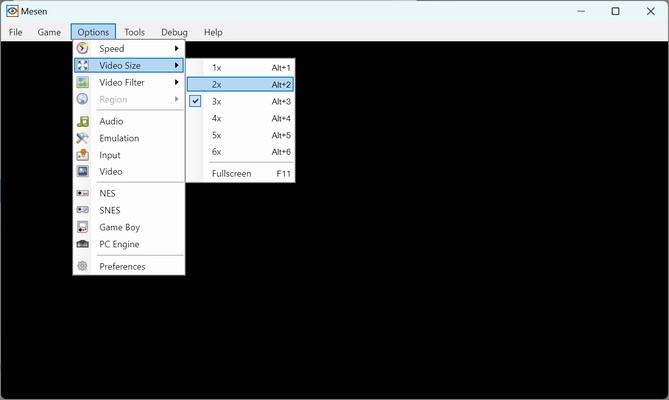
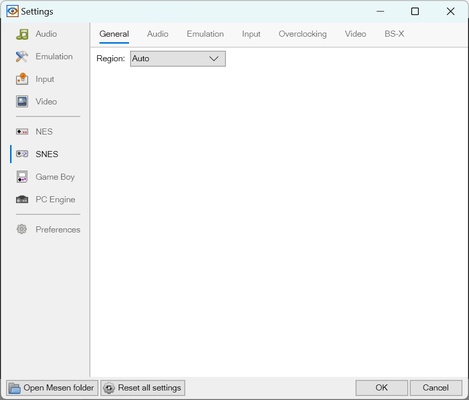
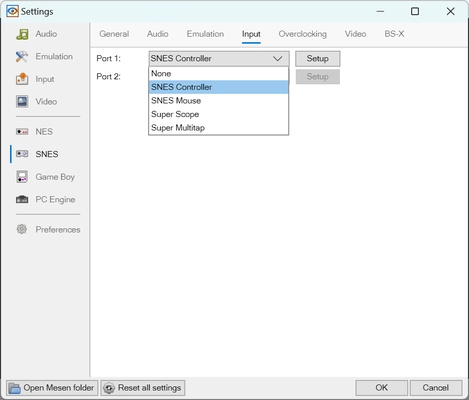
In the "Game" section, you can reload the ROM, simulate a console reset, or simply pause the game. In the "Settings" section, on the other hand, you can change the speed at which the game runs, the size of the video, the video filter used, and the aspect ratio. You can also access specific settings for each console to change certain details, such as the region you want to emulate, the audio, the way video is displayed, etc.

So, if you want a simple emulator of classic Nintendo consoles for PC, don't hesitate to download Mesen.

Information about Mesen

License Free
Op. System Windows
Category Games
Language English
Author SourMesen
permission icon Permissions Not applicable
Date 2026-06-02
Size 30.79 MB
File type ZIP

Apps recommended for you

Diablo IV Companion icon
Diablo IV Companion for Windows is an official app that enhances the Diablo IV gaming experience by providing features like character tracking, event notifications, and game updates.
r3dfox icon
r3dfox for Windows is a software tool designed for streaming and media management, allowing users to access and organize their content efficiently.
HyperX NGENUITY icon
Control all your HyperX peripherals
AzaharPlus icon
The Nintendo 3DS emulator successor of Citra
OpenTTD icon
Plan the best transport system in the country
UltraStar Deluxe icon
Free karaoke game for PC
Last War: Survival icon
Build a military base to wipe out zombies
Xbox Game Bar icon
The best Windows tool for gamers
Epic Games Launcher 20.1.0 icon
All Epic Games titles in one desktop app for Windows PC!
RPCS3 icon
MySQL Workbench for Windows is a powerful database management tool that enables users to design, query, and administer MySQL databases with ease on Windows.
Hearthstone Deck Tracker icon
The companion app to help you play better in Hearthstone
ExtraMAME icon
Play and manage classic arcade games on Windows with ExtraMAME, the enhanced MAME emulator offering improved performance and game compatibility.
LabyMod icon
LabyMod for Windows is a Minecraft launcher that adds mods, enhancements, and customizable features to improve gameplay.
FlightGear icon
Experience realistic flight simulation with FlightGear for Windows, the free open-source flight simulator featuring advanced aircraft and global scenery.
PCSX2 2.7.394 icon
Free and open-source PlayStation 2 emulator for Windows PC
3DMark icon
Benchmark and test your PC performance with 3DMark for Windows, featuring advanced GPU, CPU, and gaming benchmark tools.
IMVU icon
An instant-messaging classic with avatars
PPSSPP icon
PPSSPP for Windows is a PSP emulator that allows users to play PlayStation Portable games on their PC with enhanced graphics.
Mad Birds icon
Shooting The Birds, but in 3D
Ship of Harkinian icon
The best way to play Ocarina of Time
Playnite icon
Playnite for Windows is an open-source game library manager that consolidates your games from multiple platforms into one unified interface.
Sudachi icon
An excellent Swtich emulator for Windows
Retro Arch icon
One emulator to emulate them all
Project64 icon
The best Nintendo 64 emulator