KytyPS5 is a PlayStation 5 emulator for Windows PCs that can boot some 2D games and selected commercial 3D titles. The project is based on a heavily modified version of Kyty and draws on work from the shadPS4 emulator to explore the console's memory model and video playback.
Compatibility with different graphics engines
KytyPS5 aims to support games built with Unreal Engine 4, Unreal Engine 5, Unity, and proprietary engines developed by individual studios. Its compatibility and performance vary by title, and the project continues to develop as developers work to improve game support, graphics rendering, and stability.
Hardware and graphics requirements
KytyPS5 uses Vulkan for graphics rendering. Performance and compatibility depend on your graphics card, drivers, and system configuration. NVIDIA GPUs may work better in some tested configurations, while other graphics cards may experience compatibility issues or less stable performance.
Why KytyPS5 is not a typical emulator
Rather than reproducing every aspect of the PS5 hardware at a low level, KytyPS5 focuses on intercepting calls to the console's Orbis OS and translating them into corresponding Windows and Vulkan operations. It also translates supported GPU instructions for execution through the PC's graphics hardware. This approach can simplify some aspects of emulation, although compatibility remains limited during development.
How to run the games
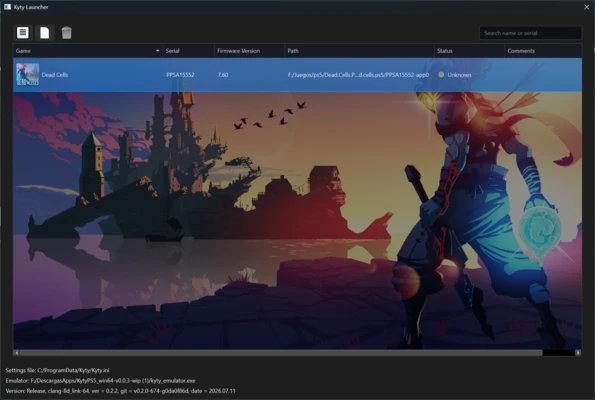
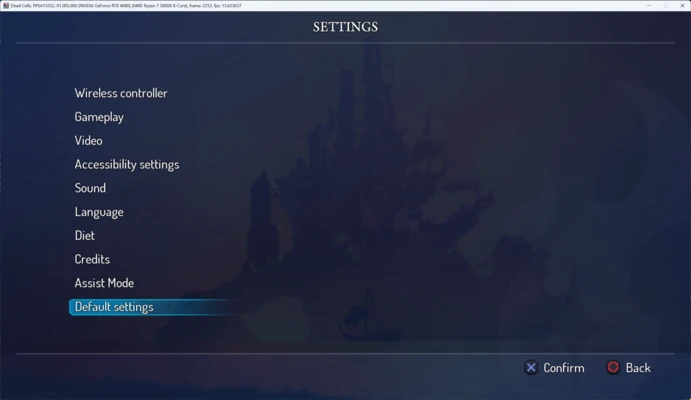
To run a compatible game, open KytyPS5 and add the game's folder. If you have a game backup in a supported format, select its extracted directory and let the emulator scan it. You can then launch the game from the interface. Available settings may include resolution and frame rate, depending on the version and its supported features.
Development and stability
KytyPS5 remains an experimental project, with compatibility improvements and boot issues among its development priorities. Some games may fail to start, while others may experience crashes, graphical glitches, or poor performance. Results vary significantly between titles and hardware configurations.
My experience with KytyPS5
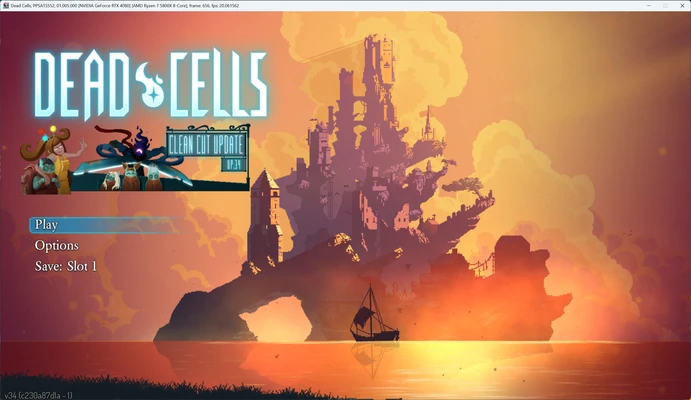
In one test, Dead Cells started through the graphical interface and ran at approximately 15–20 FPS. The default controls were not clearly specified, but movement worked with WASD, while J, K, and L were used for several controller buttons. The emulator eventually crashed during gameplay, illustrating its current stability limitations. Performance and controls may differ across versions and systems.
What I liked most about KytyPS5 and what could be improved
-
What I liked the most: Its ability to start some recognizable commercial games while still in an early stage of development.
-
What could be improved: Crashes, graphical glitches, and limited game compatibility remain significant issues.