


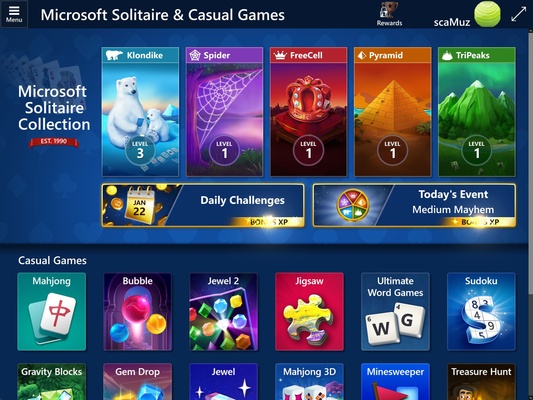
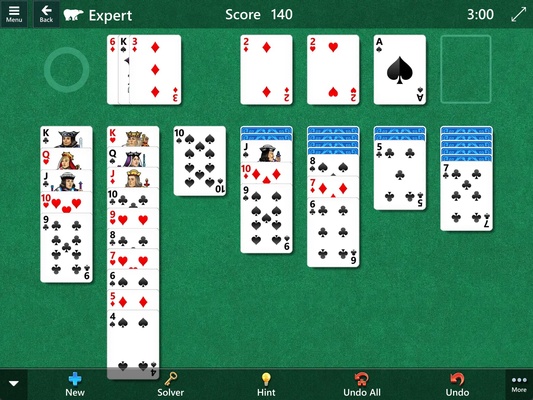
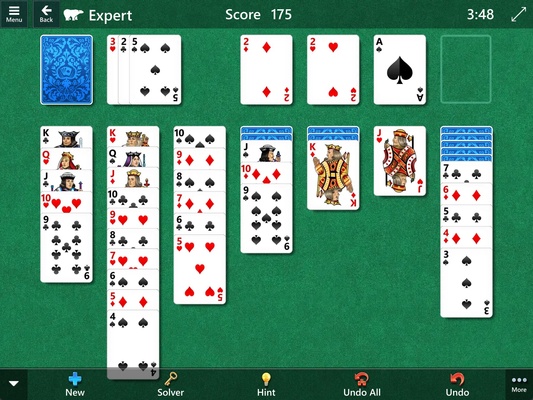
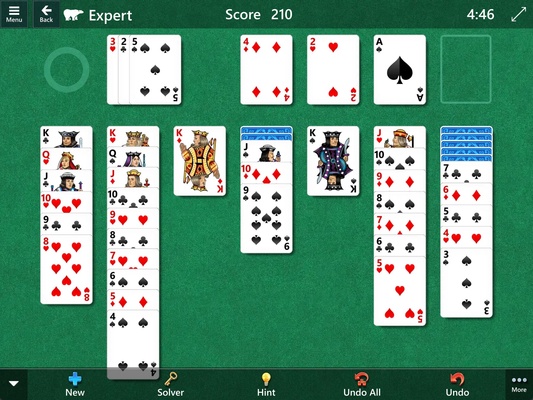
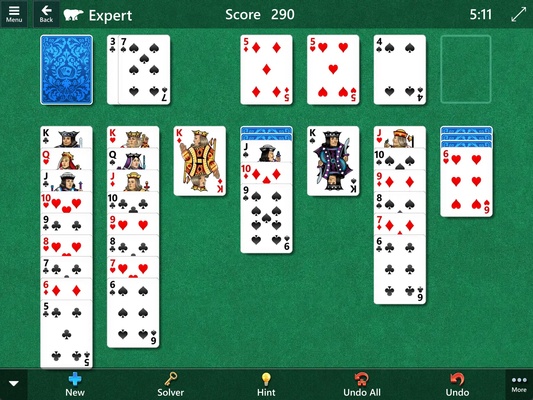
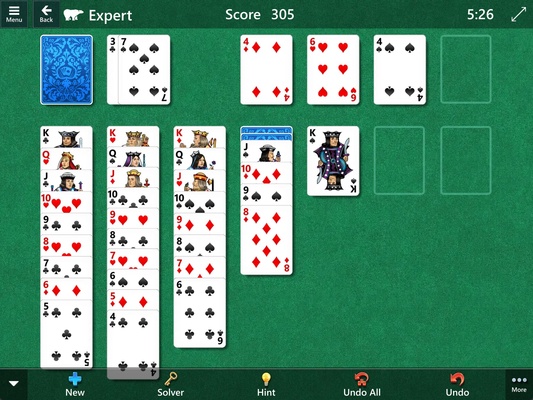
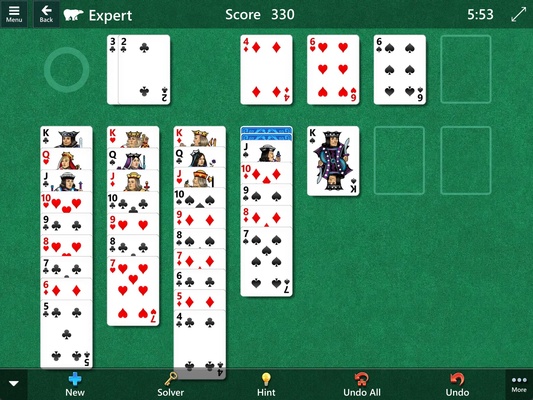
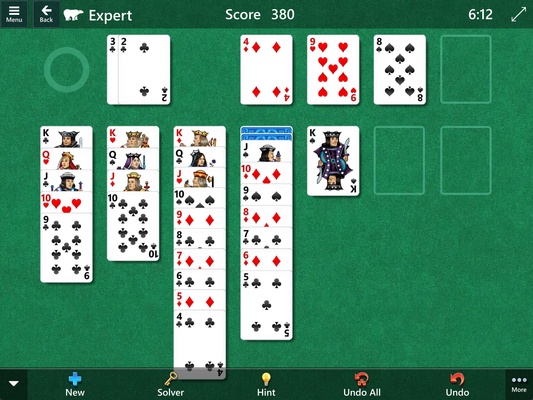
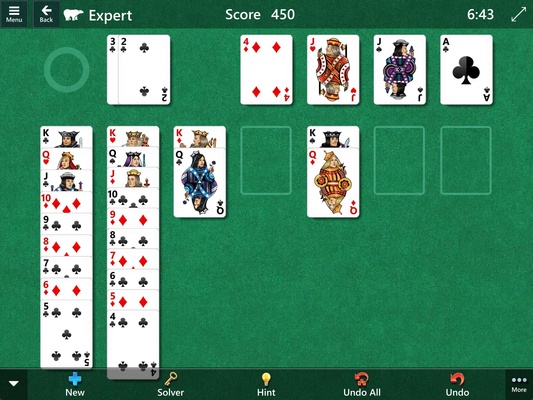
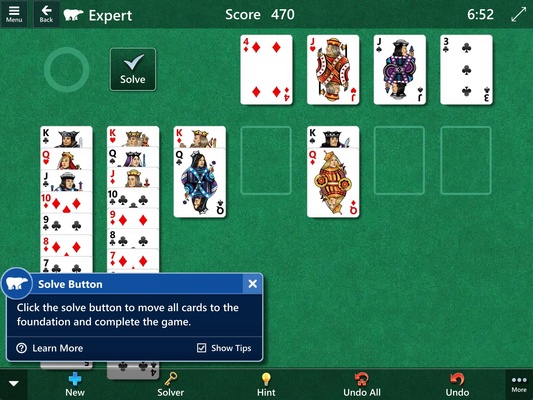
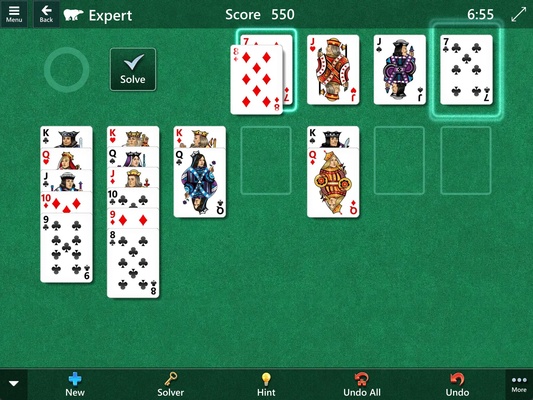
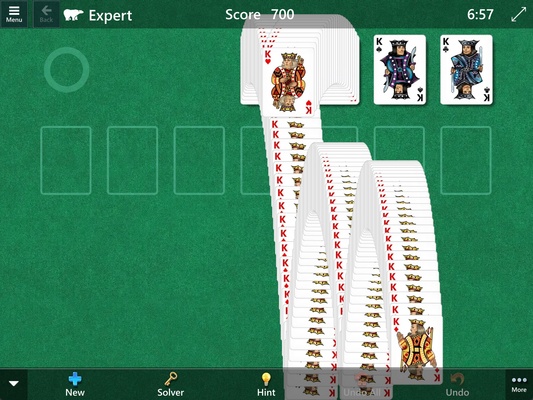
Microsoft Solitaire Collection is a collection of solitaire games developed by Microsoft, which brings together five of the most popular classic card games on a single platform: Klondike, Spider, FreeCell, TriPeaks and Pyramid.
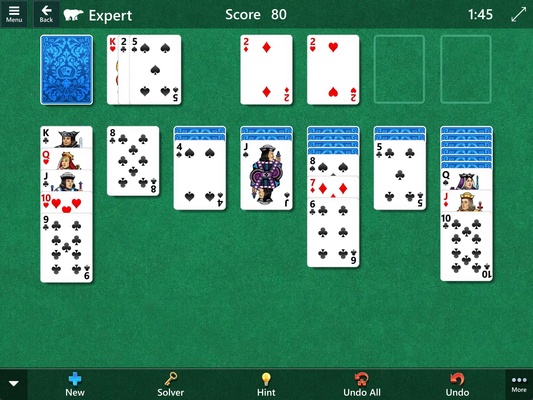
Klondike: The classic solitaire mode
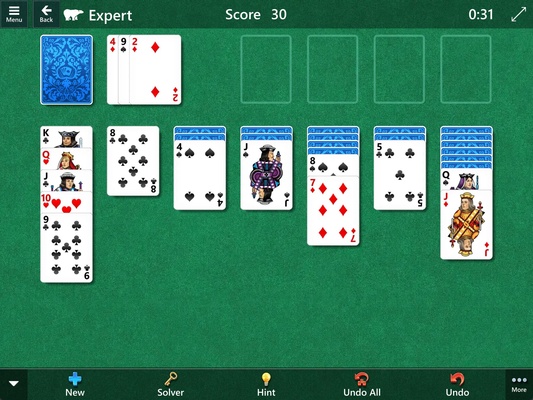
Klondike is the classic game that everyone knows as solitaire. In this game mode, your objective is to clear all the cards from the board by arranging them in descending sequences of alternating colors and then moving them to the bases in ascending order by suit.
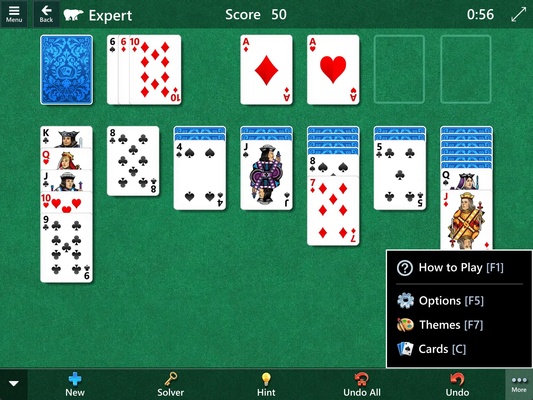
Spider: Remove all the cards sorted into columns
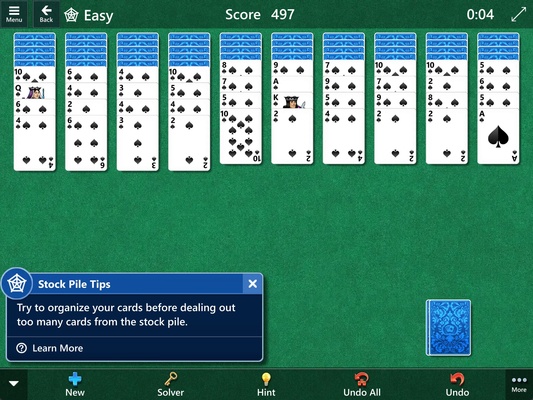
In this variant, you work with eight columns of cards and have to remove them all from the board by forming complete sequences of the same suit in descending order. You can choose to play with one, two or four suits, increasing the difficulty as desired.
FreeCell: Move cards between columns
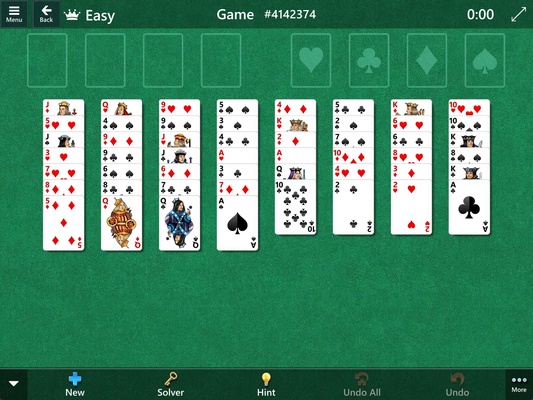
This game focuses more on strategy than luck. With all the cards visible from the start, you need to move them between the columns and the four free cells available to build ascending sequences by suit on each base.
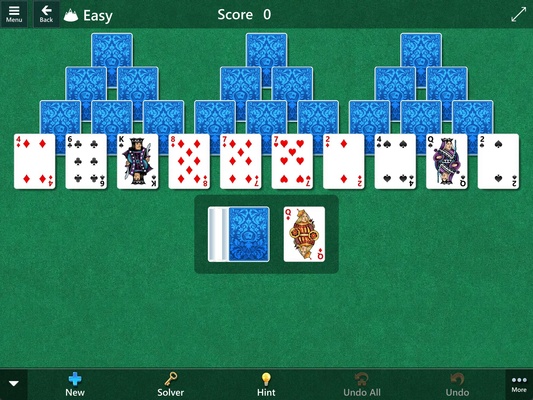
TriPeaks: Select cards in ascending or descending order
Here, you have to select cards in a sequence, either ascending or descending, to clear the board. This is a more relaxed variant that allows you to plan your moves in advance.
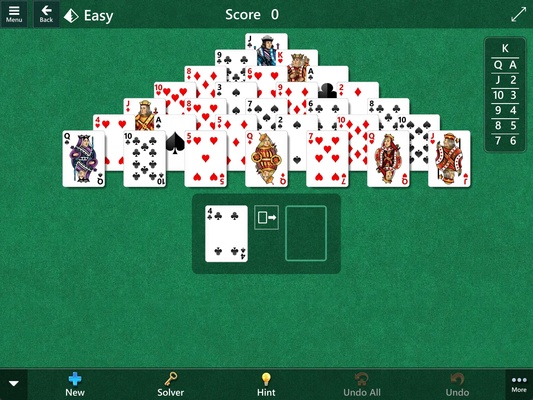
Pyramid: Match cards that add up to 13
In this challenge, you need to match two cards that total 13 to remove them from the board. The objective is to clear all the cards from the pyramid in as few moves as possible.
Daily challenges and events
Microsoft Solitaire Collection sets daily challenges for each of the five games. By completing these challenges, you can earn badges and cool rewards. What's more, the app organizes periodic events where you can compete against other players or work together to achieve common goals.
Integration with Xbox Live
The app integrates with Xbox for Windows, allowing you to sign in with your Microsoft account. This gives you the ability to save your progress in the cloud, unlock achievements and compete on leaderboards. You can even continue your games on different Windows devices.
Customization and themes
Microsoft Solitaire Collection allows you to customize your gaming experience by changing the theme and the design of the cards. You can choose between classic or modern backgrounds, and change the appearance of the cards as desired. This level of customization not only improves the game's aesthetics, but it can also make the experience more comfortable on your eyes, especially during prolonged gaming sessions.
Accessibility and help as you play
The app has been designed to be as accessible as possible. For example, in each game there are helpful options to make the game easier for you, such as undoing moves, suggestions for your next move, and much more. You can also adjust the level of difficulty in all games, adapting each match to your skills and level of experience.
Download Microsoft Solitaire Collection and enjoy one of the best solitaire games for Windows.