

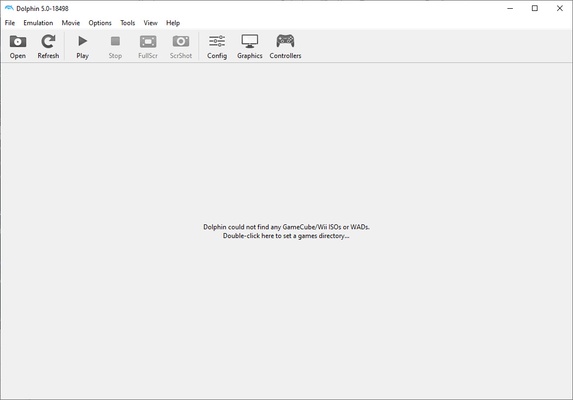
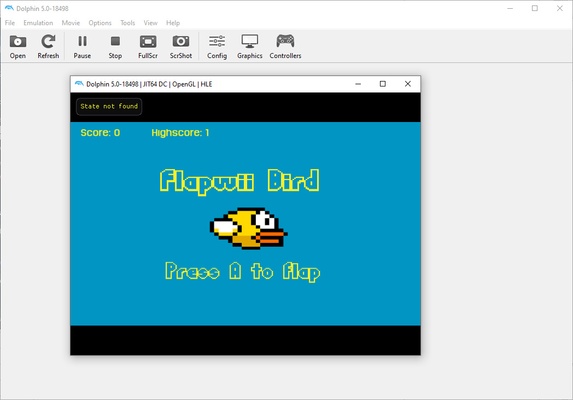
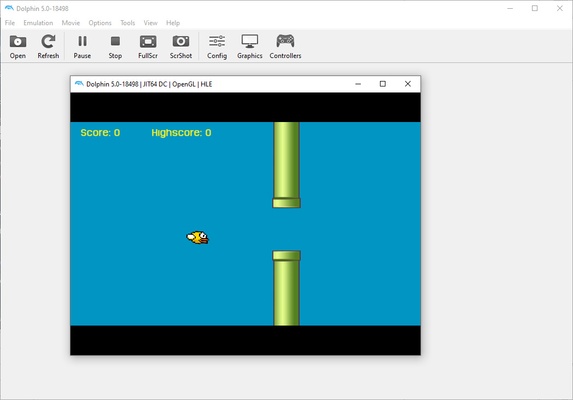
Dolphin Emulator is a powerful Nintendo Wii and GameCube emulator, completely free and open source, which allows you to enjoy almost the entire catalog for these two consoles, with many improvements. Among them, the most notable is undoubtedly the possibility of enjoying all games in high definition, with resolutions ranging from 1080p to 8K, although the latter resolution is only suitable for the best graphics cards and the best screens, of course.
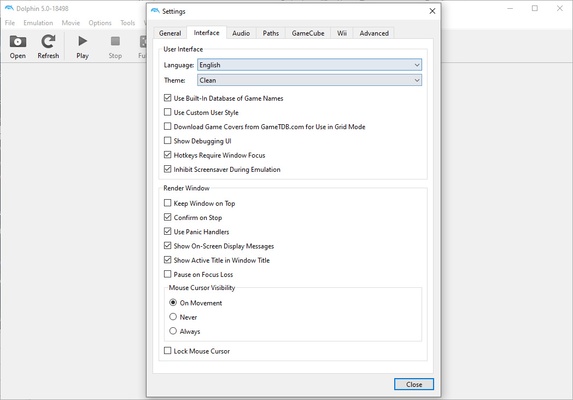
In addition to the resolution, Dolphin Emulator offers many graphical configuration options that will allow you to customize and enhance your experience. You can enable or disable V-Sync, choose between four different types of Shaders, use up to six different types of Anti-Aliasing, or use more than twenty different post-processing effects. This means, in short, that you will be able to enjoy your games as they looked on their original consoles, but you will also be able to improve them so that they look much more beautiful, with little or nothing to envy of later generation Nintendo games.
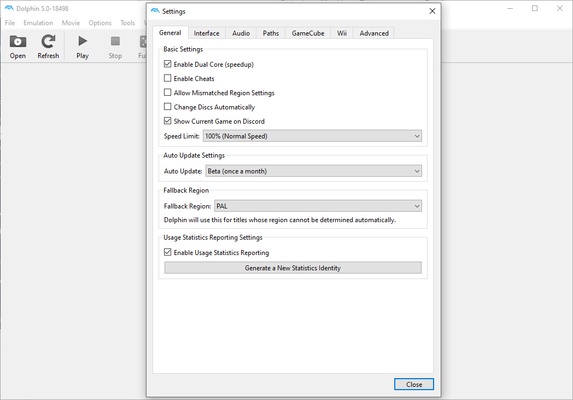
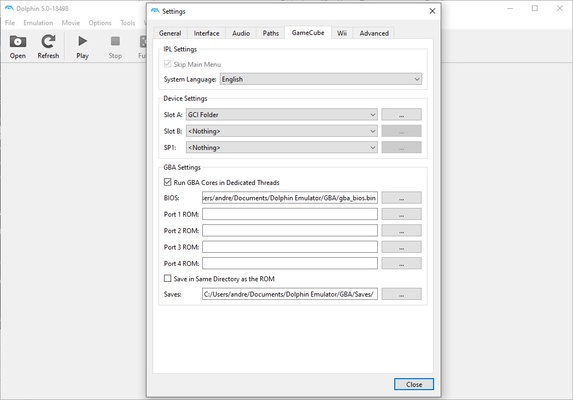
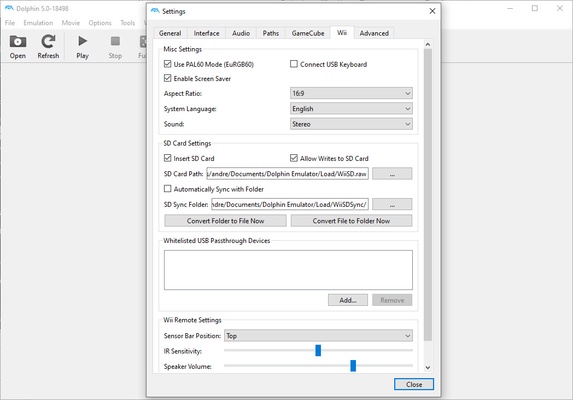
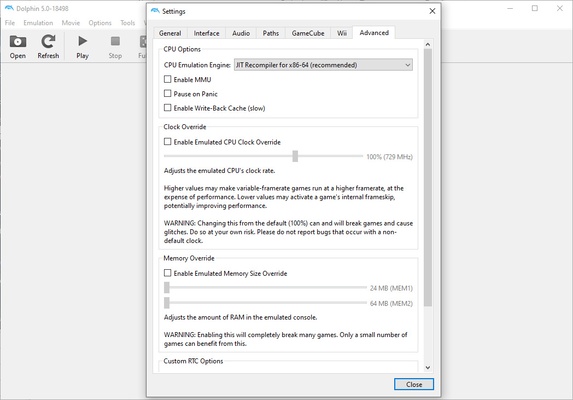
Configuring the graphics of Dolphin Emulator is a simple process, but it can be quite time consuming if you want to get the most out of your computer. The good thing? The emulator is so scalable and well optimized that, regardless of the PC you have, you will most likely be able to play almost any GameCube or Wii game. With a good graphics card and a good processor you can get a higher resolution and better performance, but even mid-range computers will be able to run games at some of the more modest resolutions.
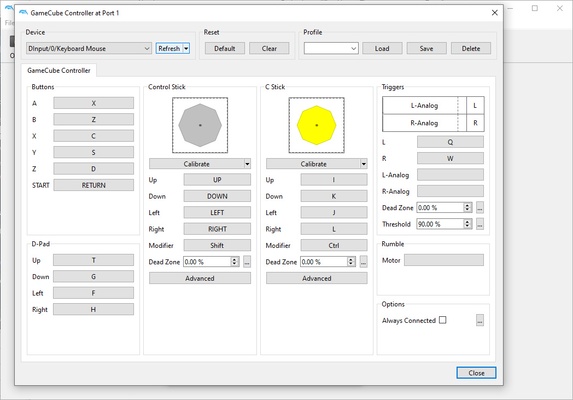
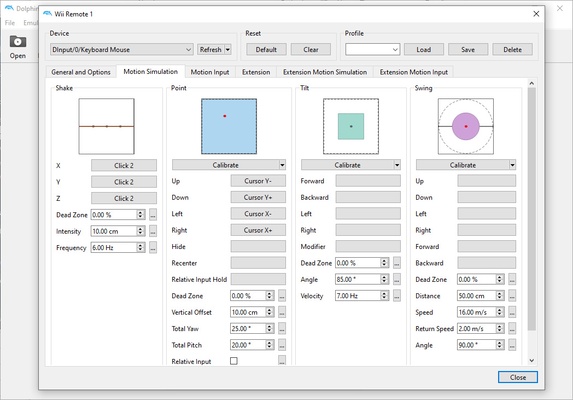
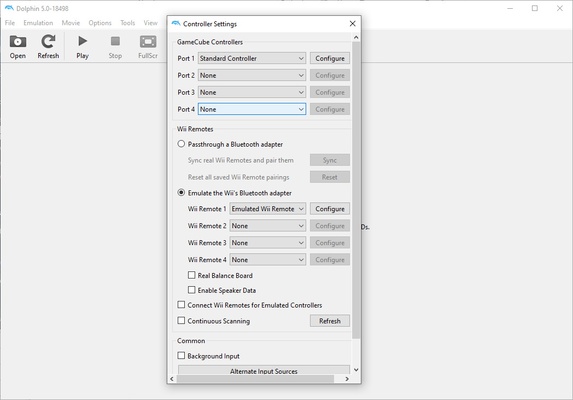
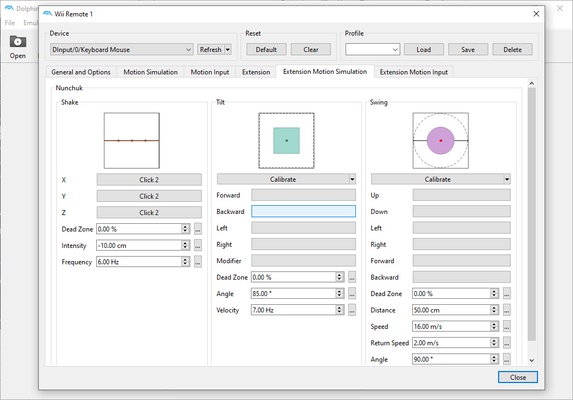
Once you have finished configuring the Dolphin Emulator graphics, you should ideally spend a few minutes configuring the gamepads and other devices. As is common, you will be able to use your Xbox or Playstation controllers to comfortably play any GameCube game or any Wii game that uses the traditional controller. Now, to play the games that use the Wiimote you will have two options: to connect your own Wii Remote to the PC or to configure the mouse so that the emulator identifies it as a Wii Remote. Both options are equally valid. As expected in an emulator for GameCube and Wii, you can also configure the four ports, which means that you can connect up to four gamepads to play with friends.
Back in the day, playing with friends on the same console was the only way to share the experience, but thanks to Dolphin Emulator you can now also do it over the Internet. Thanks to the Netplay function, you will be able to play any GameCube or Wii title with your friends, even if everyone is in their own home. The only requirements are that all players have the game in question on their list, that all players have a high-speed Internet connection, and that all players are using the same version of the emulator. If you meet all these requirements, you will be able to enjoy multiplayer like never before.
Dolphin Emulator is, in a nutshell, the ultimate Wii and GameCube emulator. In addition, it is a project that is in constant development, as it has been receiving almost daily updates since its first version was released back in 2003, so if a particular game does not work properly with one version, it is possible that the next update will fix that particular problem. As if all this were not enough, there are many homebrew ROMs totally free, which you can play legally without any problems.
Frequent questions
Is it legal to use Dolphin Emulator?
The use of emulators itself is legal, but downloading and using ROM or ISO files of copyrighted games without owning a physical copy of the game is illegal in most countries.
Can I use GameCube or Wii controllers with Dolphin Emulator?
Yes, Dolphin Emulator is compatible with GameCube and Wii controllers, as well as generic and other console controllers.
What are the minimum system requirements for Dolphin Emulator?
Minimum system requirements vary by game and configuration, but in general we recommend a CPU of at least 3 GHz, a GPU that supports DirectX 11 or OpenGL 3.3 and at least 2 GB of RAM.
Is Dolphin Emulator compatible with mods?
Dolphin Emulator is compatible with mods, as long as they are designed to work with emulators and do not require hardware modifications to the original consoles.
What is the difference between the stable and development versions of Dolphin Emulator?
Stable versions of Dolphin Emulator are tested and verified versions, while development versions include the latest features and bug fixes, but may be less stable.
Can I configure the graphics and audio options in Dolphin Emulator?
Yes, Dolphin Emulator offers a wide variety of configuration options for graphics and audio so you can customize your gaming experience to your liking.