Go to Windows platform Display platforms icon
Go to Windows platform Go to Mac platform Go to Android platform
Rosalie's Mupen GUI icon

Rosalie's Mupen GUI

0.7.8
Rosalie241
5
72.21 MB size

A powerful and simple Nintendo 64 emulator

Rosalie's Mupen GUI is a Nintendo 64 emulator based on mupen64plus, which offers an improved version with a more accessible interface and additional features. Like the legendary mupen64plus, this GUI is open source, so any user can take a look at its source code from the official project page on GitHub.

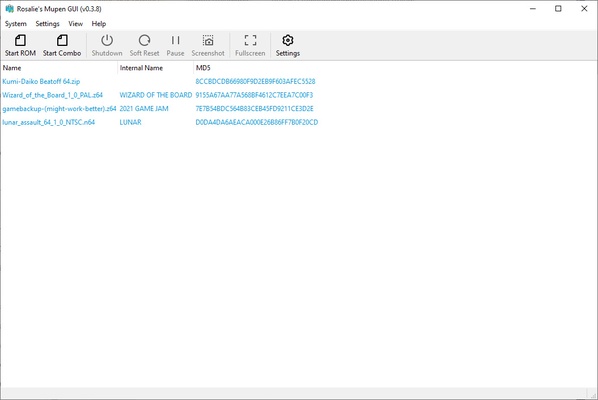
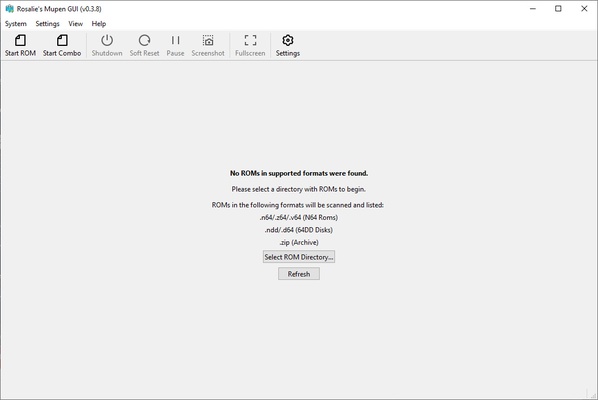
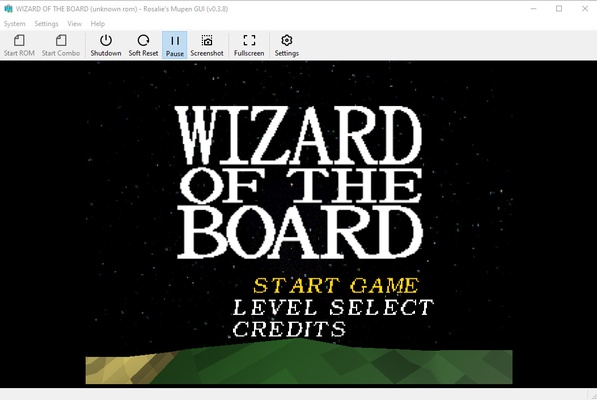
In order to use Rosalie's Mupen GUI, you don't need to download a BIOS pack or anything similar. Simply select the folder where you keep all your ROMs, and the emulator will automatically recognize them and show you a complete list. To start a game, just double-click on its name, or, if you prefer, use the Start Rom button. And that's it. With nothing more than a double-click, you can start playing any of your favorite Nintendo 64 titles.

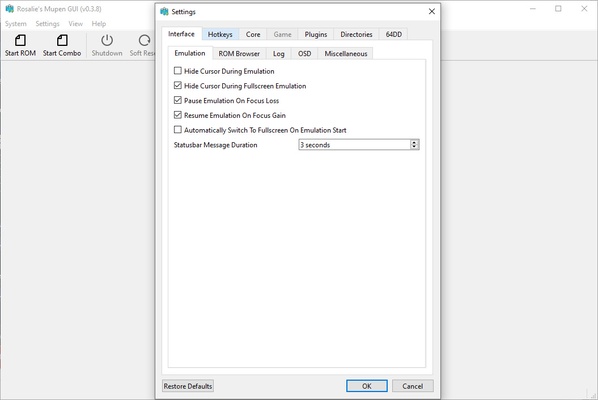
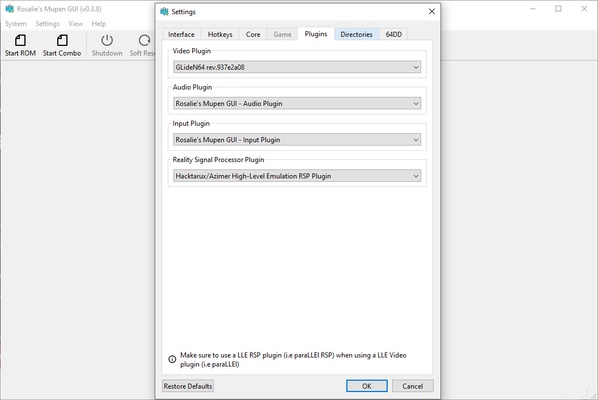
That said, before starting a ROM, it's a good idea to take a look at the different configuration options available on Rosalie's Mupen GUI. In terms of the image, you can change the resolution (640x480 by default) and aspect ratio (4:3 by default), enable V-Sync, use anti-aliasing, or apply texture filters, among many other options. It should be noted that, by default, the emulator tries to provide you with a gaming experience that's as faithful to the original as possible. Of course, if you prefer, you can also customize your experience by greatly improving the graphics.

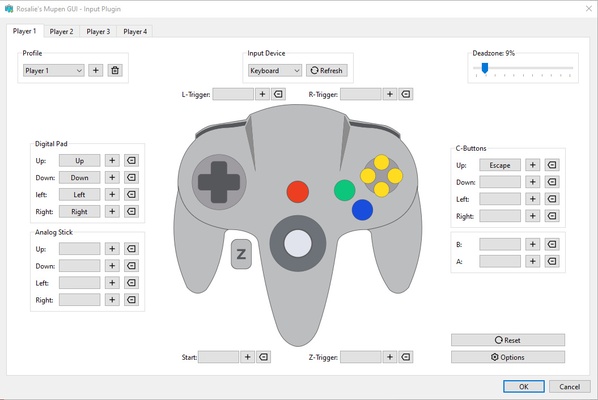
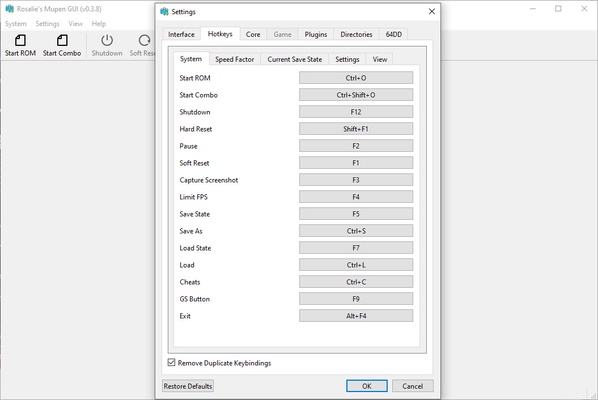
Before playing, you should also take a look at all the controller options. If you have an Xbox or Playstation controller, you should use it with this emulator for a much more comfortable experience. If you don't have a controller, on the other hand, you can always use the keyboard. Of course, you can configure up to four controllers, so if you have enough controllers, up to four people can play simultaneously.

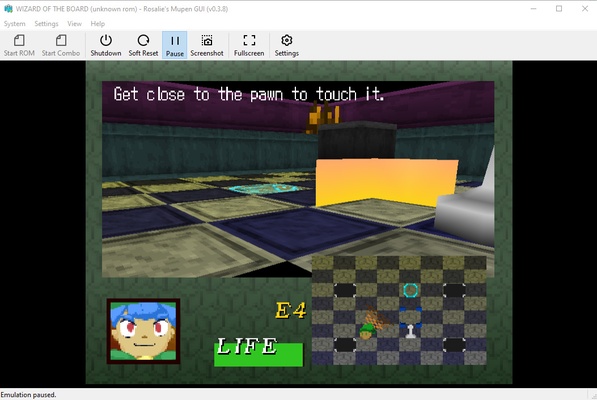
Rosalie's Mupen GUI is one of the best Nintendo 64 emulators available for Windows. With it, you can enjoy some of the best video games in history, and, even better, you can tap into the original gaming experience... or greatly improve the graphics, if you prefer. In the end, that's the magic of emulators: they allow you to customize your experience and your relationship with video games created for other platforms.

Information about Rosalie's Mupen GUI

License Free
Op. System Windows
Category Games
Language English 47 more
Author Rosalie241
permission icon Permissions Not applicable
Date 2026-06-02
Size 72.21 MB
File type EXE

Apps recommended for you

UnCiv icon
An open source version of Civilization for Windows
Candy Crush Soda Saga icon
Match identical candies on Windows
Wakfu icon
Enter into a vibrant fantasy universe
Dolphin Emulator icon
Play Wii and Gamecube on your PC
G-Helper icon
G-Helper for Windows is a system optimization tool that helps manage and enhance the performance of G-Sync enabled graphics cards.
OpenRA icon
Enjoy Command and Conquer classics in all their splendor
Marvel Infinity War icon
The ultimate beat'em up from the Marvel universe
Unleashed Recompiled icon
PC port of Sonic Unleashed for Xbox 360
Epic Games Launcher 20.1.0 icon
All Epic Games titles in one desktop app for Windows PC!
RPCS3 icon
MySQL Workbench for Windows is a powerful database management tool that enables users to design, query, and administer MySQL databases with ease on Windows.
Hearthstone Deck Tracker icon
The companion app to help you play better in Hearthstone
ExtraMAME icon
Play and manage classic arcade games on Windows with ExtraMAME, the enhanced MAME emulator offering improved performance and game compatibility.
LabyMod icon
LabyMod for Windows is a Minecraft launcher that adds mods, enhancements, and customizable features to improve gameplay.
FlightGear icon
Experience realistic flight simulation with FlightGear for Windows, the free open-source flight simulator featuring advanced aircraft and global scenery.
PCSX2 2.7.394 icon
Free and open-source PlayStation 2 emulator for Windows PC
3DMark icon
Benchmark and test your PC performance with 3DMark for Windows, featuring advanced GPU, CPU, and gaming benchmark tools.
DOSBox Staging icon
Modern continuation of the legendary MSDos emulator
Ryujinx icon
A Nintendo Switch emulator with excellent compatibility
Commander Wars icon
An open source Advance Wars clone for Windows
G-Helper icon
G-Helper for Windows is a system optimization tool that helps manage and enhance the performance of G-Sync enabled graphics cards.
Mad Birds icon
Shooting The Birds, but in 3D
Dungeons and Dragons: The Animated Series icon
A beat'em up set in the D&D universe
Amoriax icon
Tactical Roman board game
HP OMEN Gaming Hub icon
The official HP app for improving your PC's performance