


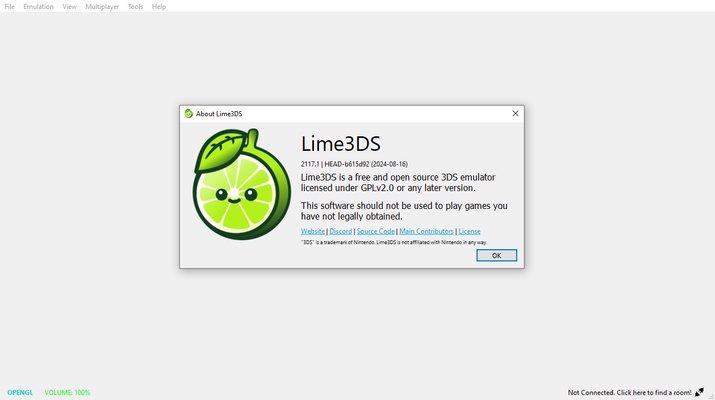
Azahar Emulator (formerly known as Lime3DS) is a free and open source Nintendo 3DS emulator, whose main objective is to bring back the experience offered by Citra, one of the most popular emulators for this platform. This app not only offers all the features you might expect from an emulator, but it does so through a simple interface, perfect for users of all experience levels to start playing within minutes of downloading it.
Easy to install and set up
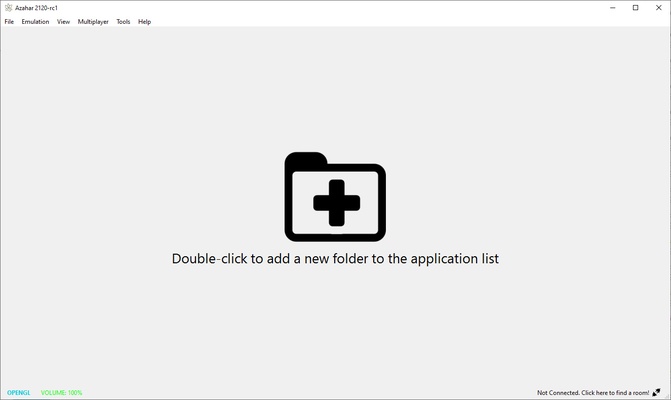
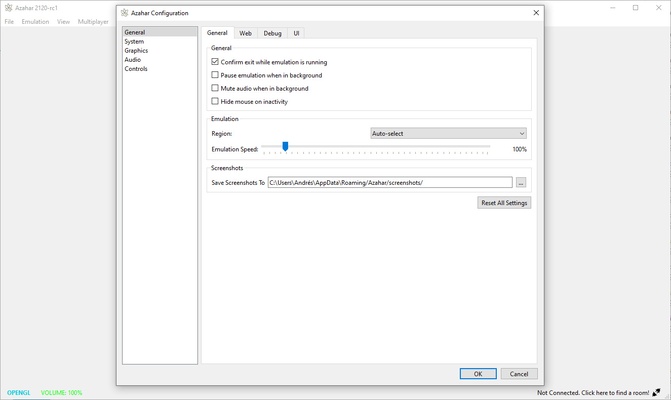
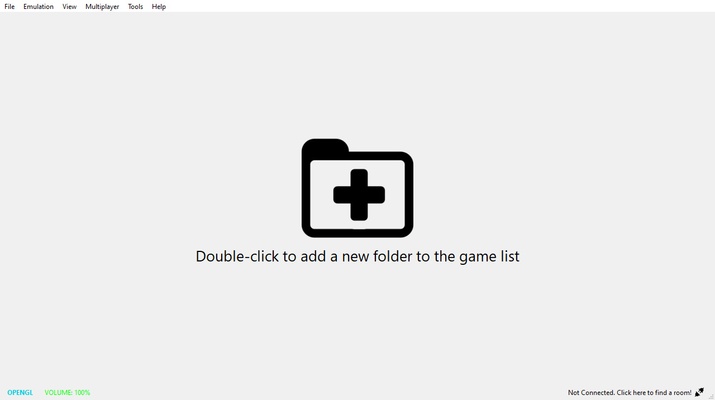
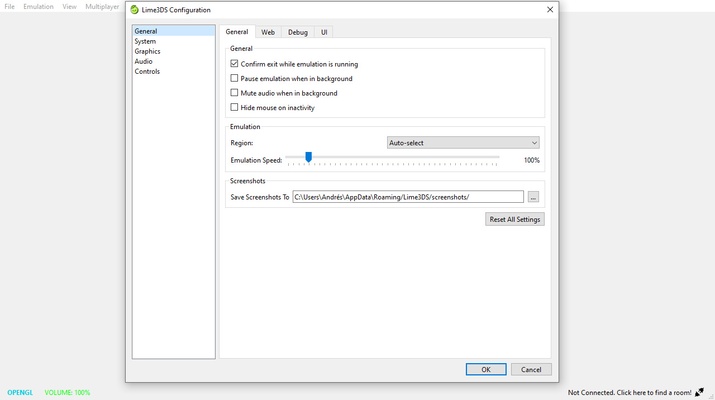
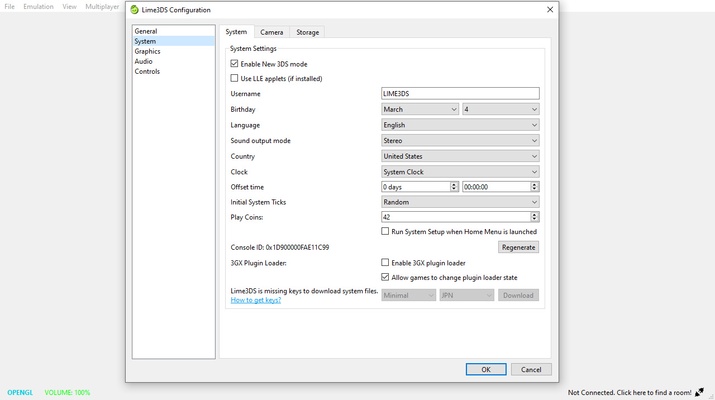
To start using Azahar Emulator simply unzip the compressed file in the folder where you want to store the emulator and double click on the executable. Of the three .exe files, the one you should use is: "lime3ds-gui". By default, the emulator has already been set up so that you can load a ROM instantly and start playing your favorite titles, although it is advisable to take a look at all the configuration options available, of which there are plenty.
Configure the emulator to your liking
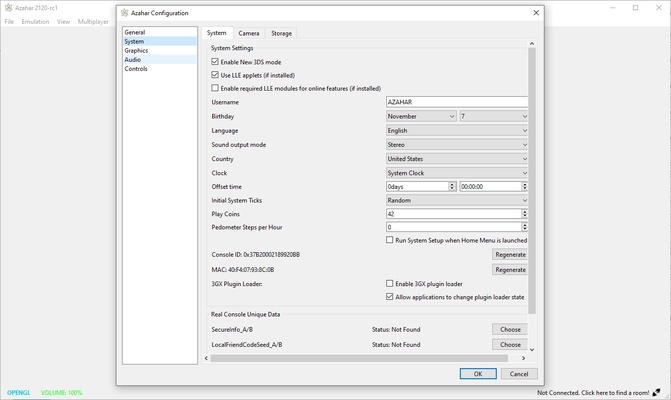
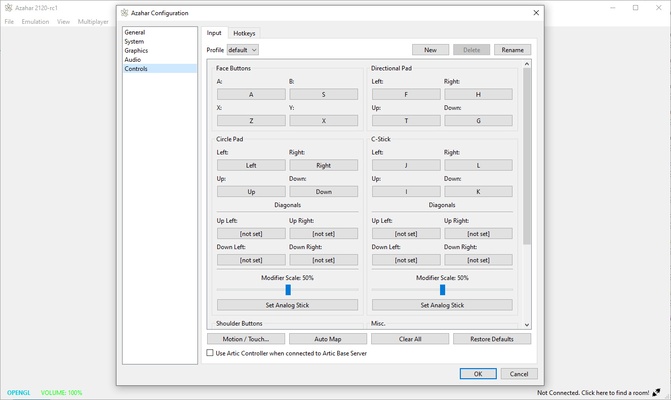
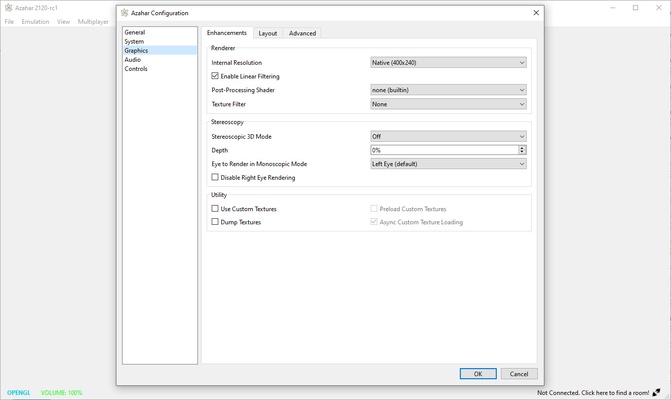
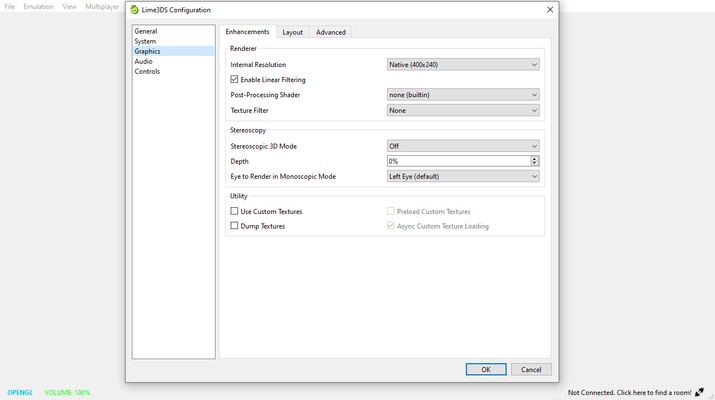
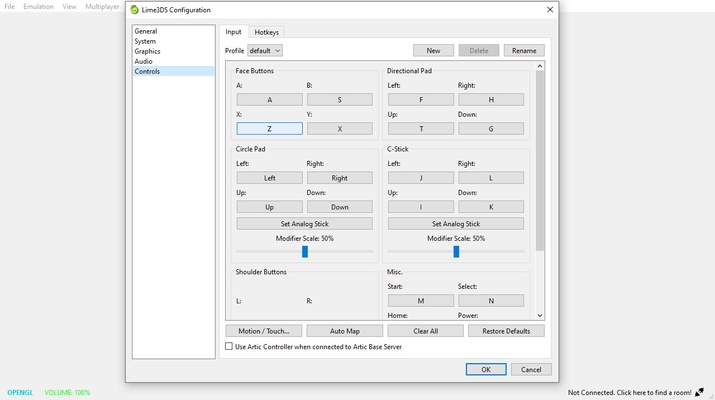
You can configure Azahar Emulator to your liking to get the most out of your 3DS emulation experience. In the Options menu you can choose the graphics API you want to use (which is OpenGL by default), change the resolution of the games, enable and disable VSYNC, or add texture filters for your games. You will find five different filters which allow you to give a totally new look to each game. As you might expect, you can also modify the game controls. Although it is possible to create comfortable controls for keyboard and mouse, it is recommended to use either an Xbox or PlayStation gamepad for a more comfortable experience.
The best 3DS games on your PC
On the official Azahar Emulator website you can find a complete compatibility list. This compatibility list has a search box which allows you to quickly find any title. All games will have one of the following statuses: Not Tested, Menu, Bad, Okay, Great or Perfect. This way you can find out instantly if a ROM is working or not. If you want to contribute to the compatibility list, it is easy to do so.
Play with friends online
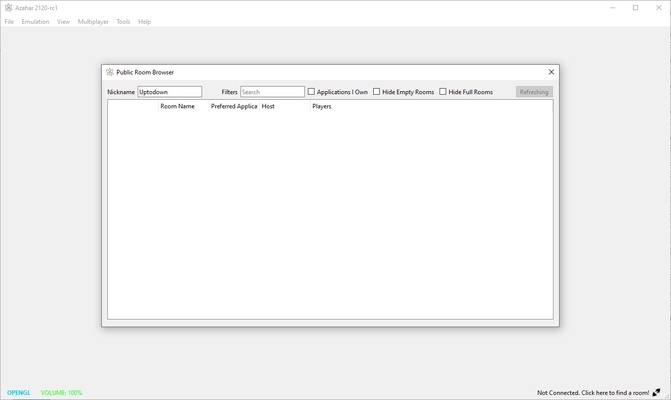
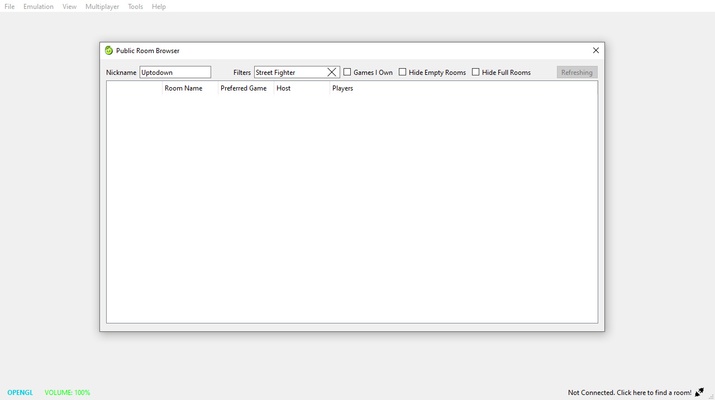
Another of Azahar Emulator's most interesting features is that it allows you to play online with your friends, or with strangers. Creating an online gaming room is very simple. Just keep in mind that all players participating in a game must have exactly the same version of the game. Ideally, you and your friends should use the same version of the ROM so that there are no problems. That said, in the online lobbies you can see the open games at any time.
Play any 3DS title on Windows
Download Azahar Emulator if you are looking for a powerful and easy to use Nintendo 3DS emulator that allows you to play hundreds of great video games, many of them exclusive to the platform. Thanks to this software, which takes over from where Citra left off, you can enjoy new features with each new update and, more importantly, with an ever-growing compatibility list.