Go to Windows platform Display platforms icon
Go to Windows platform Go to Mac platform Go to Android platform
Project64 icon

Project64

4.0.0-6560
pj64-emu.com
4
4.49 MB size

The best Nintendo 64 emulator

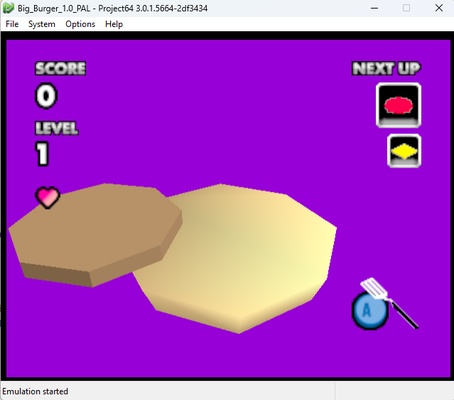
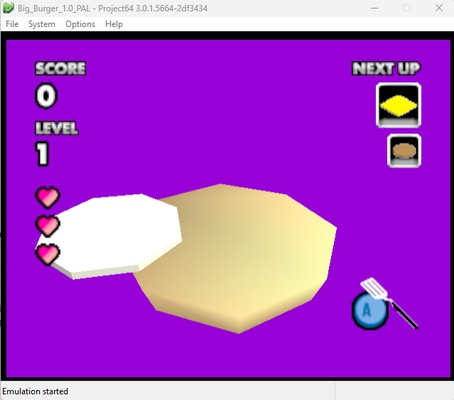
If you had one of Nintendo's most revolutionary game consoles, the Nintendo 64, you can now revisit iconic titles, such as The Legend of Zelda Ocarina of Time, Super Mario 64, and GoldenEye 007. With Project64, you can enjoy almost any game created for this platform, although as with any emulator, there are some titles not supported by this app. In the program's help section, you can find a short list with all the compatible games, which increases with each new version.

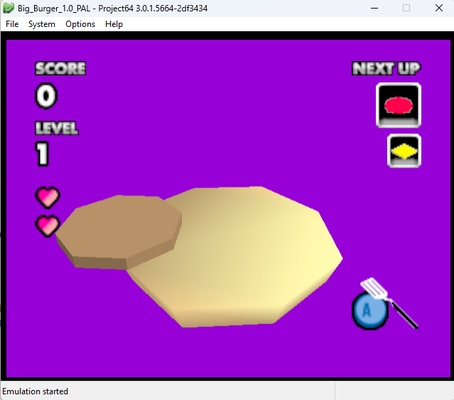
Project64 works with the help of game ROMs, which you'll have to search for on your own in order to play. You don't need to unzip them if they're in ZIP format, as the emulator can extract them automatically. In addition, it has its own game manager, so you can see your collection of games from the program itself, which includes an image and relevant information for each game.

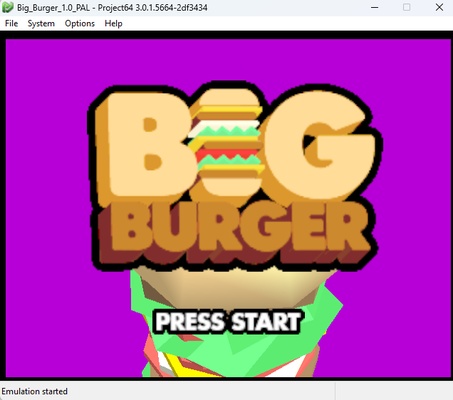
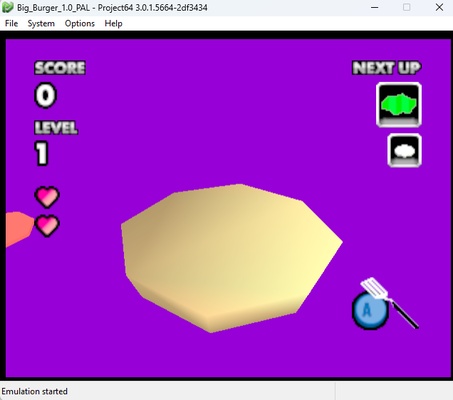
Among its many configuration options is the ability to set the resolution and all kinds of visual filters to make the games look even better than they did on Nintendo 64. This emulator includes a list of all the valid ROMs located in the designated folder. Double-click on any of them to start the game. The video and sound quality is virtually identical to the original. In addition, Project64 supports joysticks and allows full device configuration (including the original console's Rumble Pack for vibration).

Frequent questions

Is Project64 free?

Yes, Project64 is totally free. Its developers accept donations on their own official website and state that, regardless of donations, all the emulator's features will always be free of charge.

Is Project64 secure?

Yes, Project64 is totally secure. The 2.2 version of Project64 was heavily criticized because its code included malware, but as of 2016, the program has been completely clean. All of its latest versions show zero positives in VirusTotal.

When did Project64 come out?

The first version of Project64 came out in May 2001. In May 2021, its developers celebrated the emulator's 20th anniversary with the popular 3.0 version.

How much space does Project64 take up?

Project64 takes up just over 4 MB, which means that it's one of the lightest Nintendo 64 emulators available. The program also consumes very few resources, making it perfect for low-end computers.

Do you need BIOS for Project64?

No, Project64 doesn't require downloading any additional BIOS. Everything you need for the emulator to work and run games correctly is already included in the download.

Information about Project64

License GNU
Op. System Windows
Category Games
Language English 10 more
Author pj64-emu.com
permission icon Permissions Not applicable
Date 2026-06-02
Size 4.49 MB
File type ZIP

Apps recommended for you

Erockus Arcade icon
Elegant frontend for MAME
PCSX2 icon
PCSX2 for Windows is an open-source PlayStation 2 emulator that allows users to play PS2 games on their PC with enhanced graphics.
EmulationStation icon
A good looking front end for your classic emulators
Gardenscapes icon
Solve the puzzles and renovate this villa
Hearthstone Deck Tracker icon
The companion app to help you play better in Hearthstone
G-Helper icon
G-Helper for Windows is a system optimization tool that helps manage and enhance the performance of G-Sync enabled graphics cards.
Commander Wars icon
An open source Advance Wars clone for Windows
Youxing Continent icon
Explore this magical world
Epic Games Launcher 20.1.0 icon
All Epic Games titles in one desktop app for Windows PC!
RPCS3 icon
MySQL Workbench for Windows is a powerful database management tool that enables users to design, query, and administer MySQL databases with ease on Windows.
Hearthstone Deck Tracker icon
The companion app to help you play better in Hearthstone
ExtraMAME icon
Play and manage classic arcade games on Windows with ExtraMAME, the enhanced MAME emulator offering improved performance and game compatibility.
LabyMod icon
LabyMod for Windows is a Minecraft launcher that adds mods, enhancements, and customizable features to improve gameplay.
FlightGear icon
Experience realistic flight simulation with FlightGear for Windows, the free open-source flight simulator featuring advanced aircraft and global scenery.
PCSX2 2.7.394 icon
Free and open-source PlayStation 2 emulator for Windows PC
3DMark icon
Benchmark and test your PC performance with 3DMark for Windows, featuring advanced GPU, CPU, and gaming benchmark tools.
PCSX-Redux icon
Modern and optimized PlayStation emulator
Game Backup Monitor icon
Store backup copies of your game saves in the cloud
Justice League Legacy icon
The definitive Justice League game
Honkai: Star Rail icon
Journey through a sea of stars in this adventure
Mesen icon
A complete emulator for NES, SNES, Game Boy, and PC Engine
RPCS3 icon
MySQL Workbench for Windows is a powerful database management tool that enables users to design, query, and administer MySQL databases with ease on Windows.
Etheria: Restart icon
Uncover secrets in this metaphysical world
LabyMod icon
LabyMod for Windows is a Minecraft launcher that adds mods, enhancements, and customizable features to improve gameplay.