Go to Windows platform Display platforms icon
Go to Windows platform Go to Mac platform Go to Android platform
Bloxstrap icon

Bloxstrap

2.9.0
Bloxstrap Labs
5
12.2 MB size

Improved launcher for Roblox

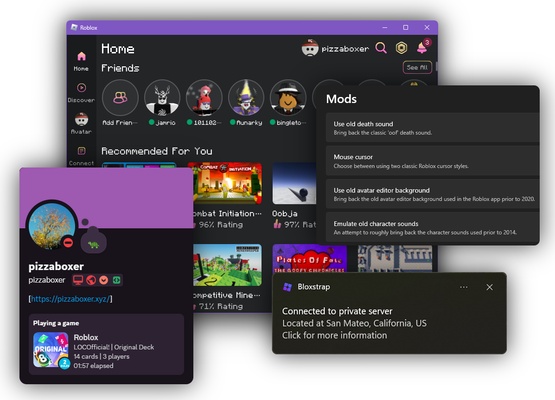
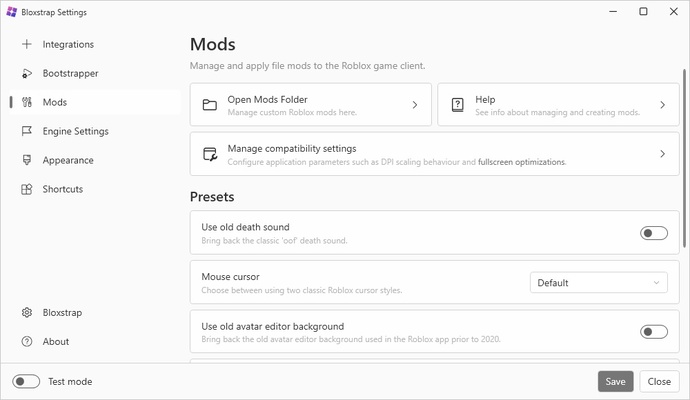
Bloxstrap is an app that allows you to replace the official Roblox launcher with an improved version with more features, including the ability to easily manage your mods. The goal of this bootstrapper is simply to offer a slightly more satisfying experience for those who play Roblox regularly.

Easy to install and set up

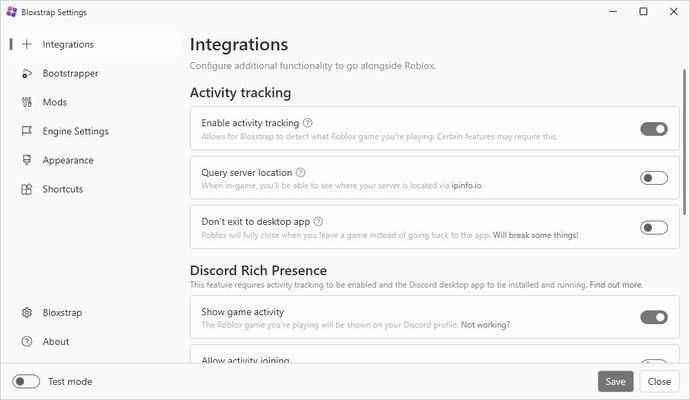
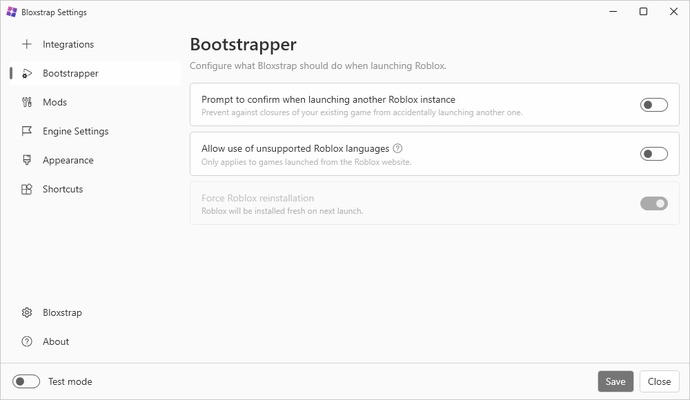
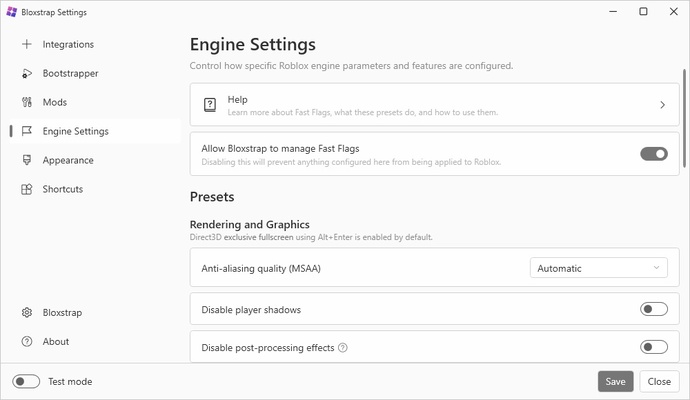
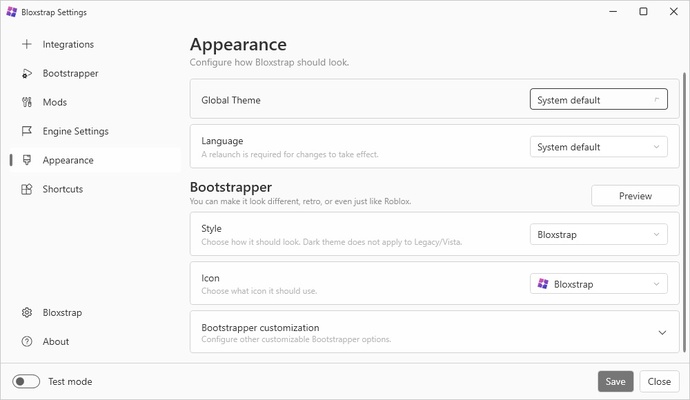
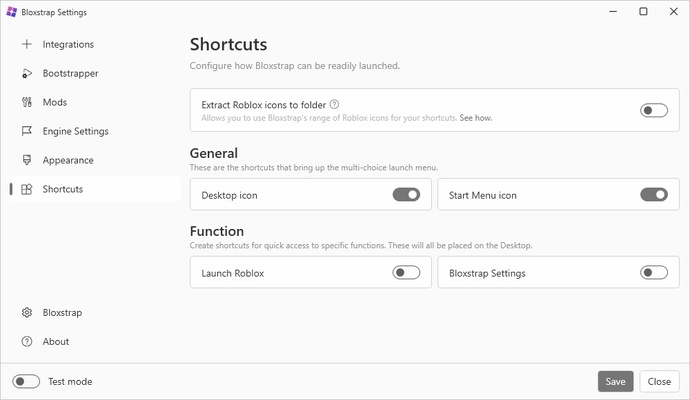
Using Bloxstrap is very simple. Simply choose where you want to install the program and it will be ready for use in seconds. What's more, if you don't already have the latest version of Roblox installed, the launcher will download it automatically after installation. From the options menu, you can also adjust all parameters of the game: the interface language, graphics quality, and even the level of Discord integration.

Can you be banned for using Bloxstrap?

You should not be banned for using Bloxstrap. The reason why is simple: this launcher does not interact with the Roblox client in the same way as other programs that aim to exploit vulnerabilities in the platform or introduce in-game hacks. In fact, one Roblox staff member stated via Discord that using this software is 100% safe.

More features for Roblox

The benefits of using Bloxstrap compared to the official Roblox launcher are the following:

- Simple mod support, with the possibility to customize your own files quickly.

- Better integration with Discord, so you can always be in touch with your friends.

- More graphics and interface configuration options.

- Ability to see where the game servers are located at all times.

Excellent alternative Roblox client

Download Bloxstrap if you play Roblox often and want to considerably improve your gaming experience. Thanks to this simple software you can modify Roblox easily, improve the graphics quality in seconds, and enjoy this great game even more.

Information about Bloxstrap

License Free
Op. System Windows
Category Games
Language English 47 more
Author Bloxstrap Labs
permission icon Permissions Not applicable
Date 2026-06-02
Size 12.2 MB
File type EXE

Apps recommended for you

BlueStacks 10.42.265.1001 icon
Play and Run Android Mobile Games and Apps on Windows PC
Minetest 5.17.0 icon
Open-source voxel game engine, make your own game!
r3dfox icon
r3dfox for Windows is a software tool designed for streaming and media management, allowing users to access and organize their content efficiently.
Amoriax icon
Tactical Roman board game
Logyx Pack icon
More than 150 games on a single app
Gen1Recomp 0.3.19 icon
Play the first Pokémon games natively
GOG Galaxy 2.1.8.32 icon
Install and update your games with GOG Galaxy for Windows PC Desktop
FlightGear icon
Experience realistic flight simulation with FlightGear for Windows, the free open-source flight simulator featuring advanced aircraft and global scenery.
NVIDIA GeForce NOW 2.0.90.138 icon
NVIDIA's cloud gaming service
BlueStacks 5.22.290.1031 icon
Emulate any Android app on your PC
Vita3K 0.2.1.4317 icon
The best emulator for PS Vita (PlayStation Vita)
Rockstar Games Launcher 1.0.110.3150 icon
The official Rockstar Games client
Ankama Launcher 3.15.14.20606 icon
A portal to the world of Ankama video games and animated movies
Xbox Game Bar 7.326.11042.0 icon
The best Windows tool for gamers
Yandere Simulator 2026-11-01 icon
Stealth and murder in a Japanese high school
KytyPS5 2026-11-02 icon
Play PlayStation 5 games on PC with this PS5 emulator
EDuke32 icon
EDuke32 Community
KytyPS5 2026-10-23 icon
Play PlayStation 5 games on PC with this PS5 emulator
Legends of Runeterra icon
Card duels in the world of League of Legends
Dungeons and Dragons: The Animated Series icon
A beat'em up set in the D&D universe
Game Backup Monitor icon
Store backup copies of your game saves in the cloud
fheroes2 icon
Ihar Hubchyk
FragPunk icon
A 5v5 hero shooter with an unexpected twist
Microsoft Mahjong 4.9.9090.0 icon
Match tiles in this classic game