

Microsoft OneDrive for Windows – Free Cloud Storage & File Sync Software
Microsoft OneDrive is a powerful cloud storage and file synchronization solution for Windows that lets users store, access, and share files across multiple devices. Deeply integrated with Windows 10 and Windows 11, OneDrive provides a seamless backup solution for documents, photos, videos, and other essential files.
Whether for personal use or business collaboration, OneDrive offers robust security, real-time sharing, and cross-device access, making it one of the most popular cloud storage solutions.
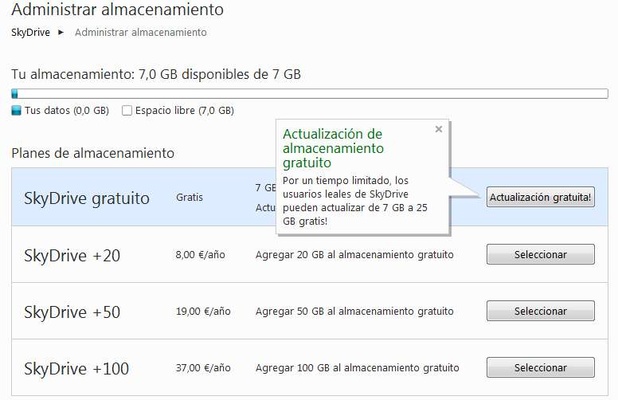
Free Plan: 5 GB storage included, with options to upgrade for more space.
What’s New in OneDrive 2026
- Faster file upload and download with improved sync performance.
- Enhanced Files On-Demand reliability for smarter cloud access.
- Better integration with Microsoft 365 apps for real-time collaboration.
- Improved sharing controls with easier permission management.
- Advanced ransomware detection and file recovery.
- Updated web interface with smoother navigation.
- Optimized handling of large files and stable background syncing.
- Expanded file version history with simpler restore options.
- Performance improvements for Windows 11 and macOS clients.
- Bug fixes and overall stability enhancements.
Key Features
- Cloud Storage & Sync: Automatically sync files between local devices and the cloud for up-to-date access everywhere.
- File Versioning & Recovery: Restore previous file versions and recover deleted files easily.
- Real-time Collaboration: Edit documents simultaneously with team members using Microsoft 365 apps.
- Ransomware Protection: Detect suspicious activity and recover affected files.
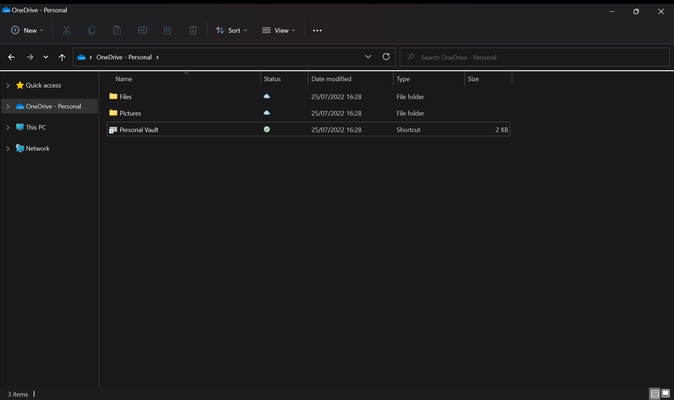
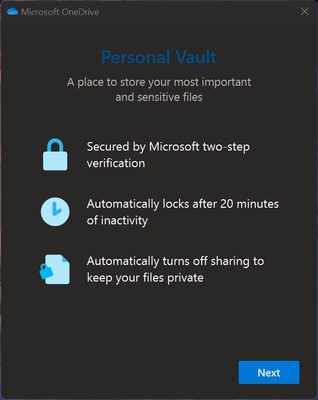
- Personal Vault: Extra security layer for sensitive documents with authentication.
- Selective Sync: Choose which folders to sync to save local storage.
- Offline Access: Work on files without an internet connection; changes sync automatically when online.
- Cross-platform Support: Available on Windows, macOS, Android, and iOS.
User Interface
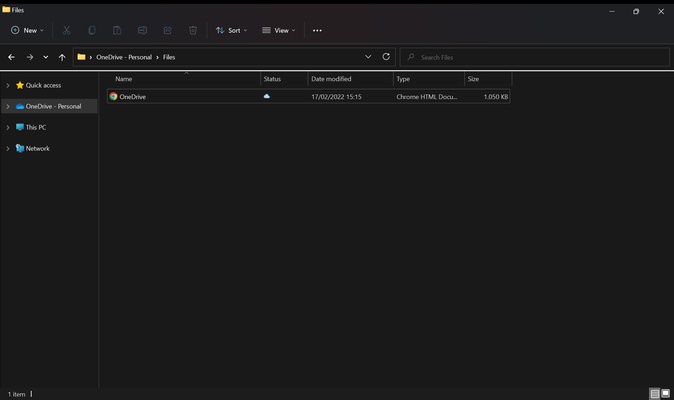
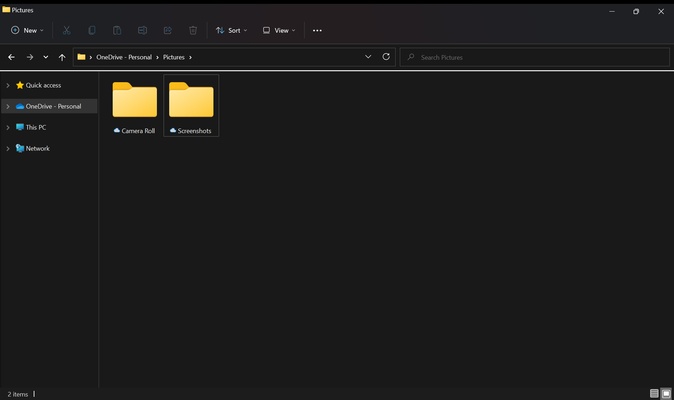
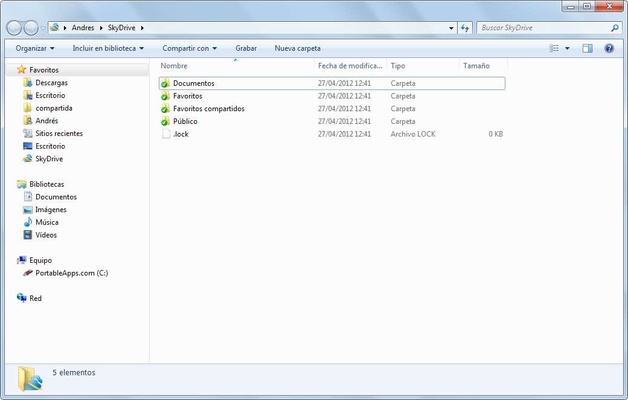
OneDrive integrates directly into Windows File Explorer, allowing users to manage cloud files like local files. The intuitive drag-and-drop interface shows clear sync indicators for online, offline, or syncing files.
The web interface provides additional tools for sharing, version history, and file management.
Installation and Setup
- Pre-installed on Windows: Comes built into Windows 10 and 11.
- Sign In: Use a Microsoft account to start syncing files.
- Select Folders: Choose which folders to sync during setup.
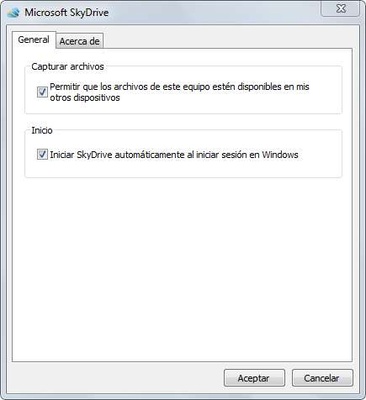
- Configuration: Adjust storage, enable Personal Vault, and customize sync preferences.
How to Use
- Upload Files: Drag and drop files into the OneDrive folder.
- Share Files: Right-click any file and select "Share" to generate a shareable link.
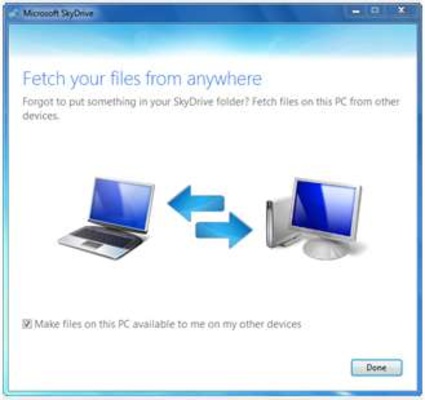
- Remote Access: Log in through OneDrive web or mobile apps.
- Manage Storage: Monitor usage and upgrade plans if needed.
- Recover Files: Restore deleted files from the OneDrive Recycle Bin.
FAQ
Is OneDrive free?
Yes, the free plan offers 5 GB. Paid plans provide more storage.
Can I use OneDrive without a Microsoft account?
No, a Microsoft account is required.
Does OneDrive automatically back up my PC?
It can back up Desktop, Documents, and Pictures folders automatically. Other files must be manually synced.
Can I access OneDrive offline?
Yes, files marked for offline access can be edited without internet, syncing changes when reconnected.
Is OneDrive secure?
Yes, with encryption, Personal Vault, ransomware protection, and version history.
Alternatives
- Google Drive: 15 GB free, integrated with Google services.
- iCloud Drive: Ideal for Apple ecosystem users.
- Box: Business-focused cloud storage with enhanced security.
- Mega: 20 GB free with end-to-end encryption.
Pricing Plans
OneDrive Free: 5 GB cloud storage, Windows/macOS/iOS/Android access.
Microsoft 365 Basic ($1.99/month): 100 GB storage, web & mobile Office apps, ad-free Outlook.
Microsoft 365 Personal ($9.99/month): 1 TB cloud storage, desktop Office apps with AI features, enhanced security, OneDrive & Defender protection.
System Requirements
- OS: Windows 10, Windows 11
- Processor: 1.6 GHz or higher
- RAM: 2 GB minimum
- Disk Space: 200 MB free
- Internet: Broadband recommended for syncing
Pros
- Seamless integration with Windows and Microsoft 365
- Reliable file syncing and version control
- Strong security with ransomware protection and Personal Vault
- Cross-platform access
- Real-time collaboration features
Cons
- Limited free storage
- Large syncs can use significant bandwidth
- Performance may slow with many files
- Less customizable than other cloud storage services
- Full functionality requires Microsoft ecosystem
Conclusion
Microsoft OneDrive is a top cloud storage and sync solution for Windows users. Its tight integration with Windows File Explorer and Microsoft 365 makes it perfect for personal backups, file sharing, and team collaboration. While free storage is limited, OneDrive’s security, reliability, and cross-platform accessibility make it one of the best cloud tools available.