


Vim for Windows is a free, open-source text editor designed for programmers, system administrators, and power users. Based on the classic UNIX Vi editor, Vim is known for its speed, lightweight design, and keyboard-driven workflow.
Unlike traditional editors, Vim uses modal editing, allowing users to navigate and edit text efficiently with keyboard commands. Although it takes time to learn, it offers exceptional productivity once mastered.
Key Features
- Modal editing with Normal, Insert, Visual, and Command modes.
- Fast keyboard navigation and editing.
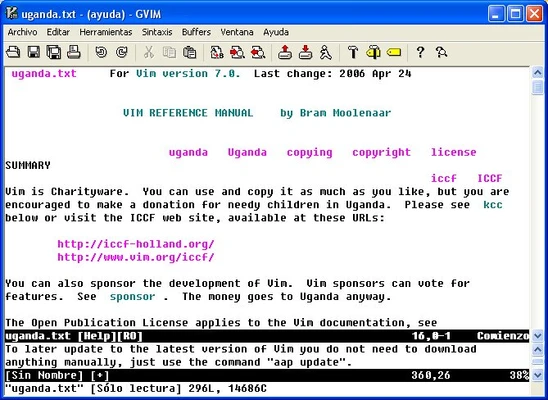
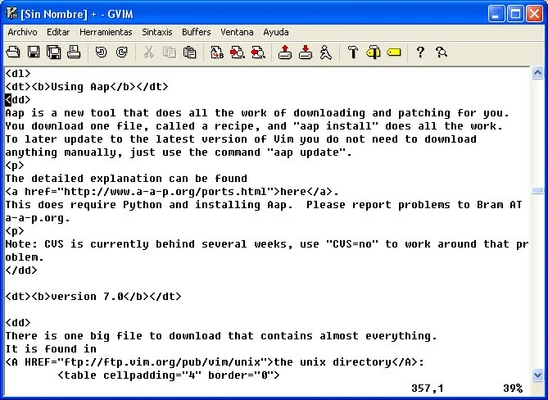
- Syntax highlighting for hundreds of programming languages.
- Advanced search and replace with regular expressions.
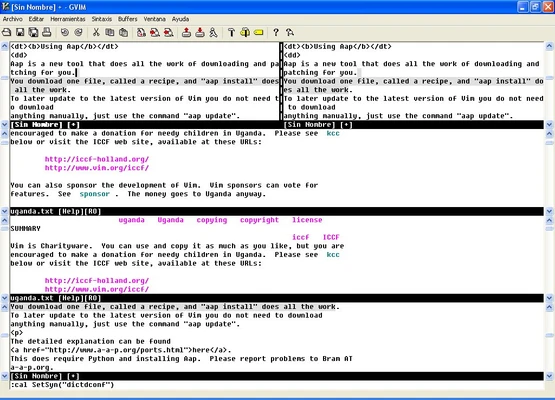
- Split windows and tab support for working with multiple files.
- Powerful undo history.
- Plugin support through Vim-Plug, Vundle, Pathogen, and more.
- Fully customizable via the .vimrc configuration file.
- Lightweight and fast startup.
How to Use
- Install Vim or GVim on Windows.
- Open a file from the command line or File Explorer.
- Press i to enter Insert mode.
- Press Esc to return to Normal mode.
- Use commands like :w to save, :q to quit, and :wq to save and exit.
- Customize Vim with plugins and a personal .vimrc file.
System Requirements
- Windows 11, 10, 8, or 7
- Any modern processor
- 512 MB RAM or higher
- Less than 100 MB disk space
Pros
- Extremely fast and lightweight
- Powerful keyboard-driven editing
- Highly customizable
- Large plugin ecosystem
- Free and open source
Cons
- Steep learning curve
- Minimal interface may not suit beginners
- Configuration requires some manual setup
Conclusion
Vim for Windows is one of the most powerful text editors available for developers who prefer a keyboard-first workflow. Its speed, flexibility, and extensive customization options make it an excellent choice for coding, scripting, and text editing, especially for users willing to invest time in learning its commands.