Go to Windows platform Display platforms icon
Go to Windows platform Go to Mac platform Go to Android platform
VirtualBox icon

VirtualBox

7.1.8 Build 168469
Oracle Corporation
3.8
118.79 MB size

An easy-to-use virtualization tool

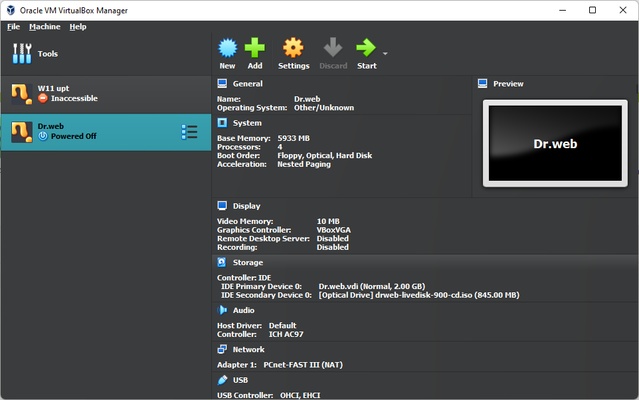
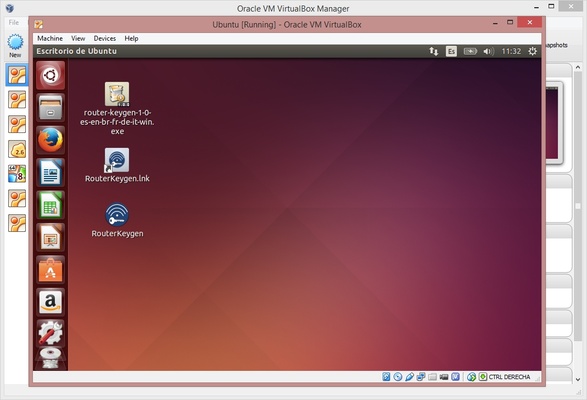
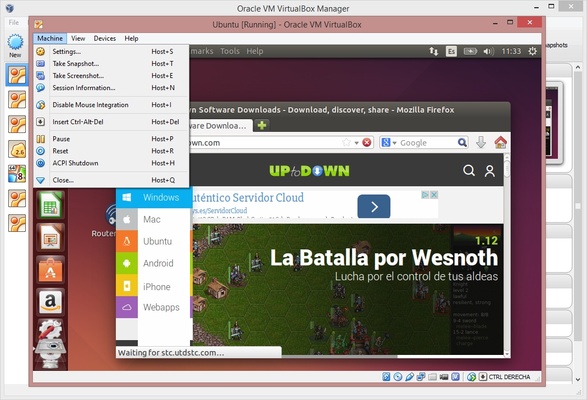
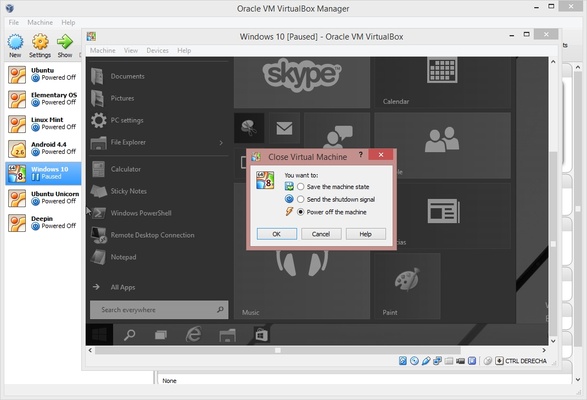
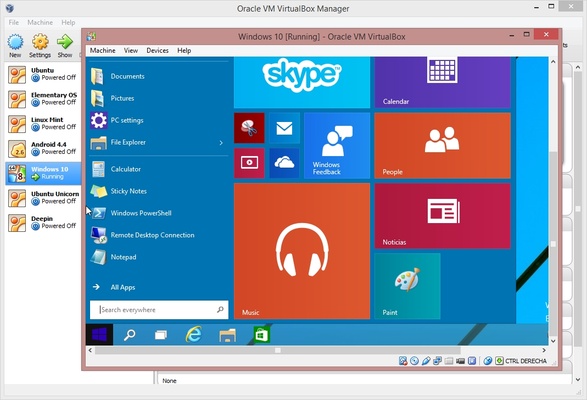
VirtualBox is a multi platform and open-source virtualization tool for Windows, Linux, Mac OS X, and other operating systems, that lets you create virtual disc units in which you can install a guest operating system within the one you normally use on your computer, using it in the same way as if it was actually installed.

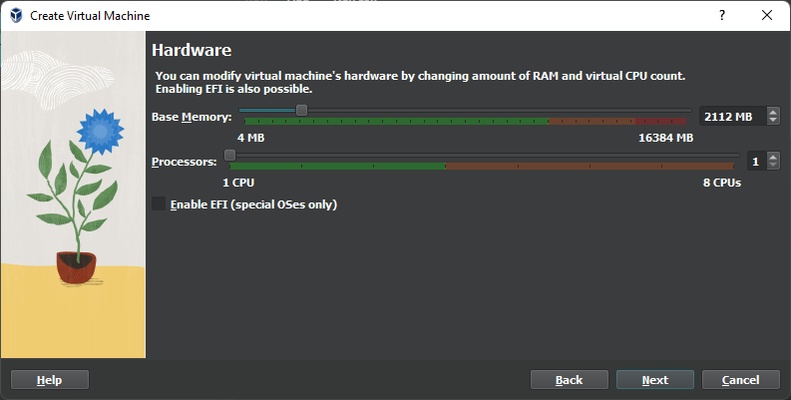
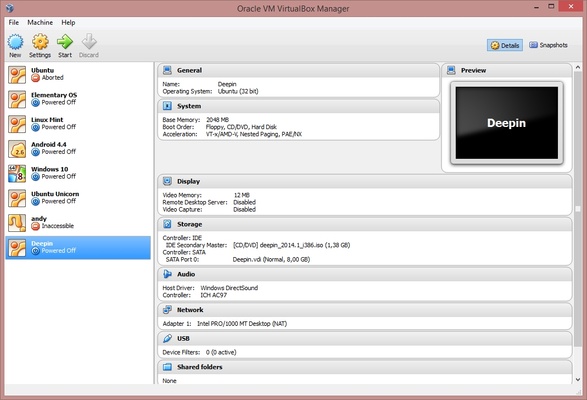
The virtual unit on which the system runs is completely customizable, and lets you change the virtual hardware according to your needs, be it the processor, RAM memory, or the storage space. You need to have in mind that these take resources from your real hardware equipment, so need a powerful enough computer in order to run and interact between the host and guest operating system.

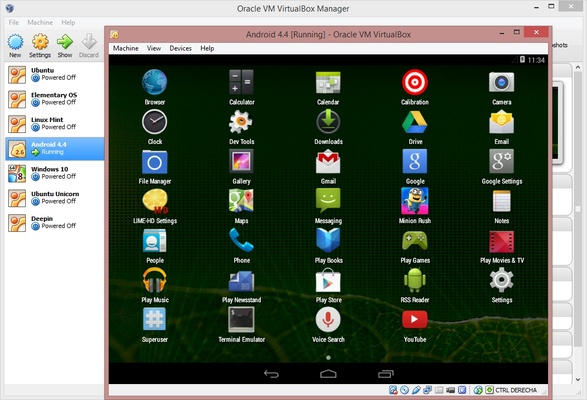
The program supports almost every version of the latest operating systems, such as Windows 10, Mac OS Yosemite, and the latest versions of Ubuntu and any other Linux distribution. The benefits of virtualization are many; the most obvious one is that you can use programs that are exclusive to a certain platform, not to mention that you can carry your virtual units wherever you want, and make safety copies of them too. In fact, an interesting feature in VirtualBox is that it lets you create instances in the guest operating system so you can resume your activity exactly where you left it the last time.

Frequent questions

What is VirtualBox for?

VirtualBox is a virtualization program that allows you to run an OS within another independently and securely. Among the OS that you can emulate, there are Windows, Linux or macOS.

Is VirtualBox free?

VirtualBox It is an open-source program that is free for personal or educational purposes. Therefore, there is no need to pay to enjoy all the emulation and virtualization options it offers.

What type of hypervisor does VirtualBox use?

VirtualBox uses the type 2 hypervisor, where an OS is emulated within an existing one. This mode is more secure, but offers worse performance.

Which is better, VirtualBox or VMWare?

VirtualBox and VMWare are two virtualization programs that allow you to run other OS within your own. VMWare is a more complete solution and offers better performance, so it is better than VirtualBox.

Information about VirtualBox

License Free
Op. System Windows
Category Utilities
Language English 10 more
Author Oracle Corporation
permission icon Permissions Not applicable
Date 2026-06-02
Size 118.79 MB
File type EXE

Apps recommended for you

Easy System Utility 1.1.68 icon
An All-in-one Windows PC Solution for All Your Needs
Windows App icon
Enjoy Windows on the cloud for when you're on the go
EmailProHelp PST Viewer Tool icon
Download the Updated PST File Viewer Tool to Open and Read PST Files
SIW icon
SIW
Get detailed system information and diagnostics for Windows PCs with SIW, the comprehensive system inventory and monitoring tool.
Cisdem PDF Converter OCR icon
Convert and OCR PDFs to Office, images formats and more.
Ant Commander Personal icon
Personal file manager with tabs support
Adobe Acrobat Reader icon
Adobe Acrobat Reader is a free PDF viewer that allows users to open, read, and annotate PDF documents with ease.
MyRadar 10.11.1005 icon
The most powerful and accurate radar + weather prediction app
HERI Editor 3.26.2 icon
Herisoft Writer - Simple and Convenient Document Editing
Readest 0.12.10 icon
A lightweight, powerful and elegant e-book reader
DocuFreezer 7.0 icon
Convert Office documents into PDF and image formats
Fixyfier 9.1.0.0 icon
Fix common Windows problems with just one click
NovaBench 6.2.0 icon
A modern benchmark suite that quickly and accurately tests your entire system
balenaEtcher 2.1.7 icon
Burn images to SD cards & USB drives, safe & easy for PC
OCCT 17.1.3 icon
Let you benchmark and overclock your PC system components
BurnAware Free 19.4 icon
Free burning software and various CD, DVD, Blu-ray tools
SystemInfo icon
View detailed hardware and system information with SystemInfo for Windows, the lightweight diagnostic tool for monitoring PC specifications and performance.
SyncBackFree 12.1.6.0 icon
Fast backup software that greatly reduces backup time
BreeZip icon
Free alternative to WinRAR
SNOQ icon
SNOQ for Windows is a fast and secure file transfer tool that allows users to send large files quickly without the need for email attachments.
Microsoft PC Manager 3.22.3.0 icon
Safeguard your Windows PC in a quiet and reliable way
Secure Eraser icon
Securely delete files from your computer
Coolmuster Android Eraser 4.1.13 icon
Erase All File Types on Android with 1 Click!