Go to Windows platform Display platforms icon
Go to Windows platform Go to Mac platform Go to Android platform
Windows Notepad icon

Windows Notepad

11.2501.31.0
4.5
size

Official Windows Notepad app

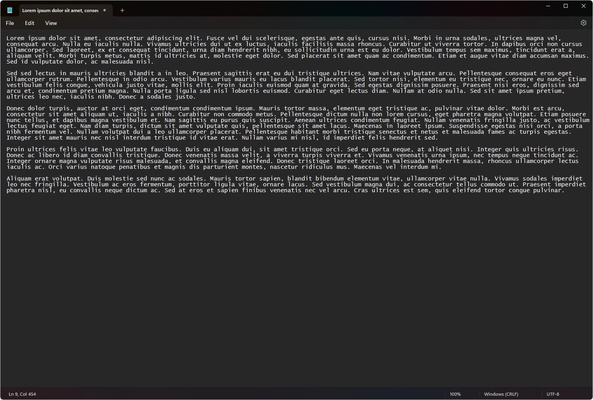
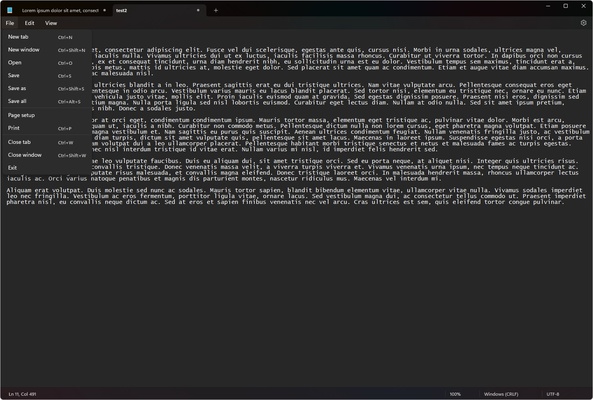
Windows Notepad is the official Notepad app since Windows 10. With this system app you can quickly open, edit and save all kinds of texts and notes on your computer. After creating content, you can save it in TXT format, as well as open some files containing only text, such as scripts in BAT format or similar.

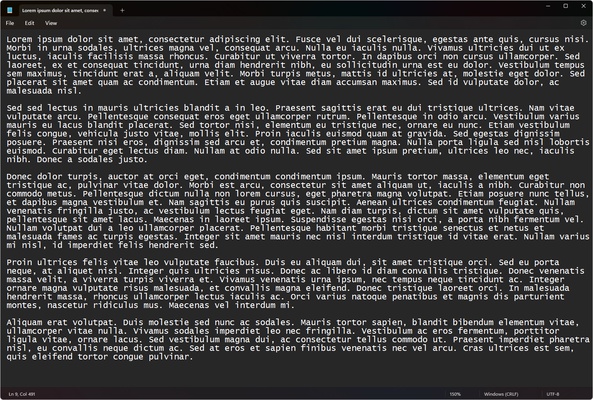
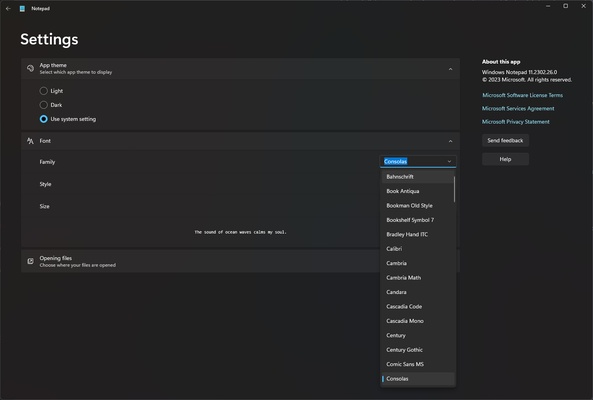
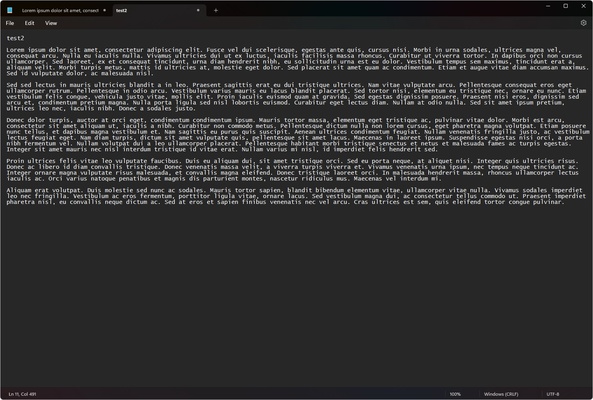
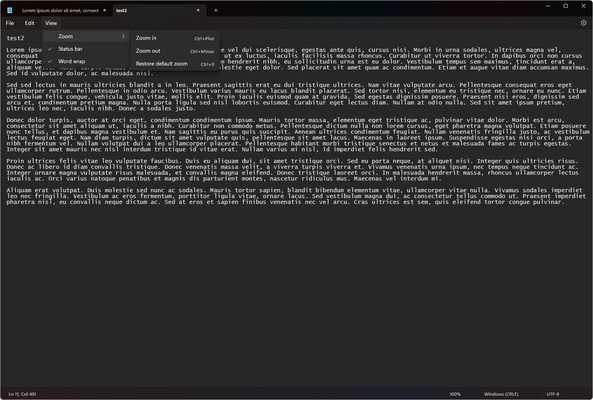
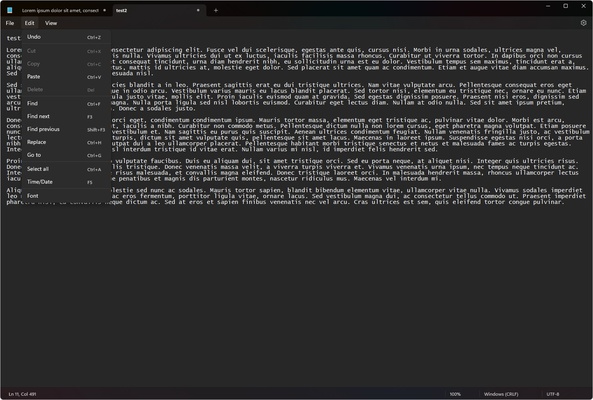
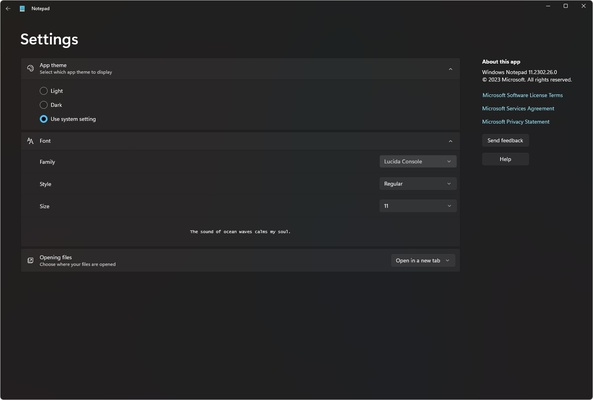
The classic app version allowed only typing, applying line wrap formatting or searching for content. This new version for Windows introduces several improvements compared to the classic app. For example, it features tabs in which you can have several documents open at the same time within the same window. You can also use the dark or light mode. It will be applied automatically depending on the one you have defined in the system, but if you want to change one or the other, you can do it in the settings.

Another interesting and convenient feature is the possibility to change the font. In the settings, you can choose the font family, style and size. By default, the font used by the program is Lucida Console, just like the classic app version.

If you want to enjoy the latest Windows Notepad news on your computer, do not hesitate to download Windows Notepad.

Information about Windows Notepad

License
Op. System
Category Personal
Language
Author
permission icon Permissions
Date 2026-06-02
Size
File type

Apps recommended for you

ueli icon
oliverschwendener
Perplexity icon
Use AI to answer any question
TomTom MyDrive Connect icon
Use and update your TomTom GPS from Windows
Personal Budget Maker icon
Unique Budgeting Tool that is simple to setup and use
EverythingToolbar icon
Find your files with ultra-fast searches
Simplenote icon
A straightforward note-taking tool
WizTree Portable icon
Use WizTree without installing a thing
Tencent Weiyun icon
Reliable cloud storage from Tencent
FocusMe icon
FocusMe is a productivity tool that helps users block distractions and improve focus by restricting apps and websites.
MuseScore icon
MuseScore (Windows) – Create, play, and print sheet music with ease.
TomTom MyDrive Connect icon
Use and update your TomTom GPS from Windows
Ambie icon
Sounds to boost your concentration in front of the PC
ArsClip icon
Manage your clipboard in a simple way
Workrave icon
Avoid risks at work by planning your rests
GUIPropView icon
NirSoft
C-Organizer icon
A well-designed and practical planner
Portable NVDA icon
Portable NVDA for Windows is a lightweight, open-source screen reader that helps visually impaired users access and interact with their computer.
RedNotebook icon
Write down your day-to-day activities in this virtual diary
EssentialPIM Free Portable icon
Portable version of this full-featured professional agenda
TheBrain icon
TheBrain for Windows is a knowledge management software that helps users organize ideas, files, and notes visually in a dynamic mind map.
Evernote icon
Evernote for Windows is a note-taking app that helps users organize ideas, tasks, and projects with features like text, images, and file attachments.
EarthTime icon
What is the time all around the world?
JW Library icon
Official Jehovah's Witnesses Bible app
Microsoft OneNote icon
Take customized notes and sync them on all your devices