
Go to Windows platform Display platforms icon
Go to Windows platform Go to Mac platform Go to Android platform
Xournal++ icon

Xournal++

1.2.6
Xournalpp
0
58.15 MB size

Take notes in the most efficient way

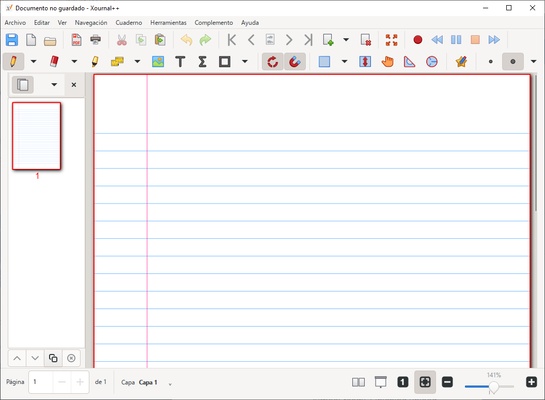
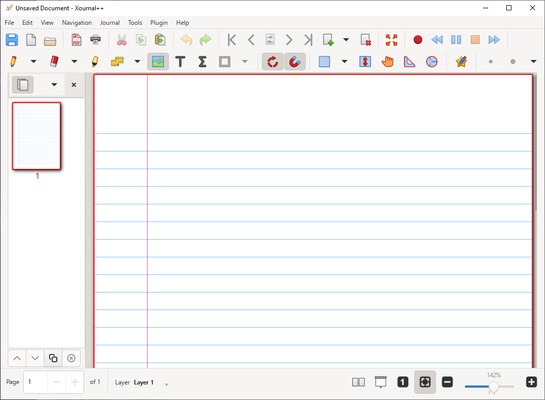
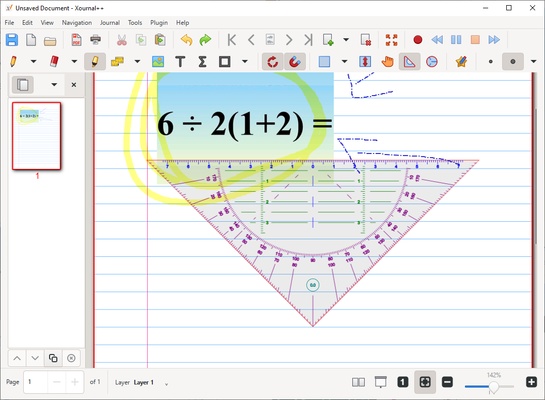
Xournal++ is an open source tool designed to help you take handwritten notes on your PC in the simplest, fastest, and most comprehensive way possible. With this tool, you can create notes in a flexible and functional way, adapting the notepad to your needs with a wide variety of advanced features. If you want to take the best notes in the most productive way, download Xournal++ for free.

Take notes by hand

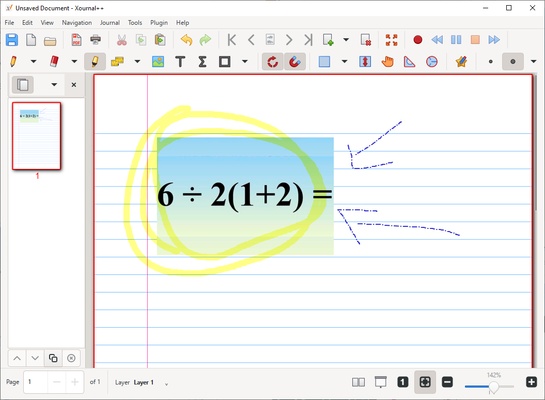
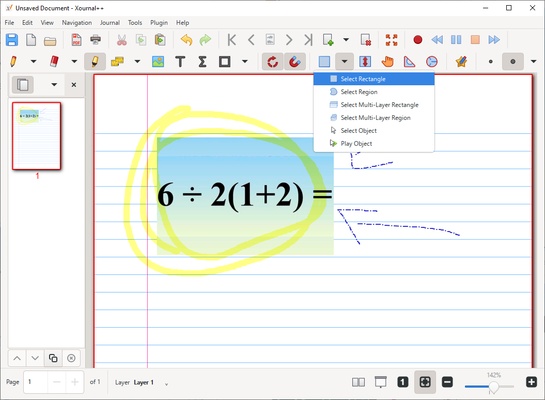
This software is compatible with stylus pens and pressure-sensitive graphic tablets, such as Wacom, Huion, XP-Pen, and more, so you can use any of these tools to take notes. In addition, you will have the possibility to choose from a wide variety of pencils, thicknesses and colors, to fully customize all your notes. On the other hand, and although you will be free to add as many hand annotations as you want, you will also have the option to add images and all kinds of shapes, from circles to splines and axes.

Efficient organization

Xournal++ also lets you add layers, making it possible to create complex notes that are easy to manage and work with. In addition, you can keep track of your notes through page previews, making it much easier to navigate and search for certain content.

Explains each note in detail

One of the most amazing and useful features offered by Xournal++ is the ability to record audio as you type. As a result you will be able to insert the audio recording in any part of your note, which will help you to explain and complement your notes effectively. This audio will be available for playback at any time, making reviewing and understanding your creations easier.

In summary, Xournal++ is a versatile and powerful tool that allows you to take handwritten notes in an efficient and customizable way. This software gives you everything you need to take high quality notes on your PC. Download Xournal++ for free and improve your productivity.

Information about Xournal++

License Free
Op. System Windows
Category Personal
Language English 47 more
Author Xournalpp
permission icon Permissions Not applicable
Date 2026-06-02
Size 58.15 MB
File type EXE

Apps recommended for you

Atomic Time Synchronizer icon
Atomic Time Synchronizer for Windows is a tool that ensures your system clock is accurate by synchronizing it with reliable time servers over the internet.
CopyQ icon
An advanced clipboard for all your needs
C-Organizer icon
A well-designed and practical planner
BetterDiscord icon
Enhance your Discord experience with new features
WizTree icon
Find and sort files that take up the most space on your hard drive
Windows Notepad icon
Official Windows Notepad app
EverythingToolbar icon
Find your files with ultra-fast searches
Personal Budget Maker icon
Unique Budgeting Tool that is simple to setup and use
FocusMe icon
FocusMe is a productivity tool that helps users block distractions and improve focus by restricting apps and websites.
MuseScore icon
MuseScore (Windows) – Create, play, and print sheet music with ease.
TomTom MyDrive Connect icon
Use and update your TomTom GPS from Windows
ArsClip icon
Manage your clipboard in a simple way
Ambie icon
Sounds to boost your concentration in front of the PC
Metalith icon
A. A. Semyonov
C-Organizer icon
A well-designed and practical planner
GUIPropView icon
NirSoft
Yuanbao icon
A desktop version of Tencent AI
Ambie icon
Sounds to boost your concentration in front of the PC
OpenRGB icon
Easily customize your PC lighting
Tencent Weiyun icon
Reliable cloud storage from Tencent
Singularity App icon
Singularity App is a cross-platform task management and productivity tool designed to help users organize tasks, set priorities, and manage daily workflows efficiently.
Gaia Sky icon
Powerful 3D simulator of the universe
TomTom MyDrive Connect icon
Use and update your TomTom GPS from Windows
QQ News icon
Get the latest news from China and around the world