

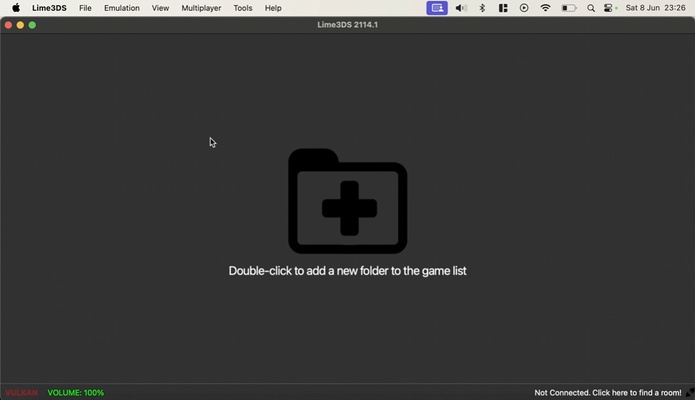
Azahar Emulator (formerly known as Lime3DS) is a free and open source Nintendo 3DS emulator, with the main objective of continuing the excellent work of Citra, one of the most popular emulators for this platform. So, this emulator offers all the features you would expect, and all from a simple interface, so anyone can start playing right away without having to deal with a complex setup.
Easy to install and set up
To start using Azahar Emulator, simply unzip the compressed file in the folder where you want to store the emulator, then add the executable to your list of apps. Of the three executables you'll see, the one you want to use is "lime3ds-gui." By default, the emulator is already configured so you can instantly upload a ROM and start playing your favorite titles, although it's best to take a look at all the available configuration options, through which you can substantially improve your experience.
A wealth of options at your disposal
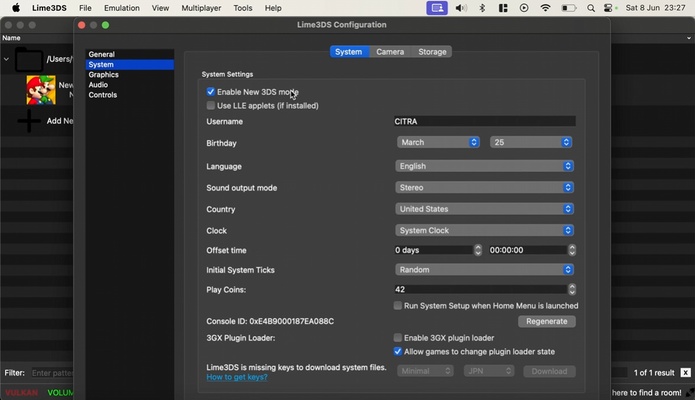
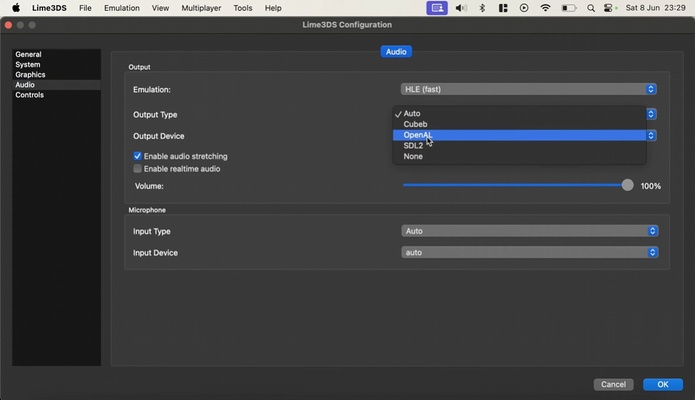
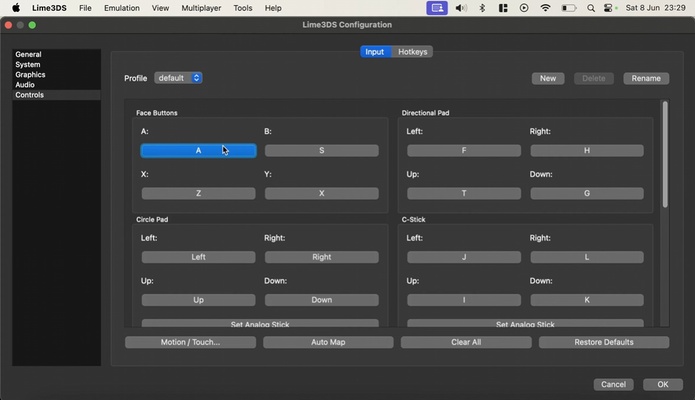
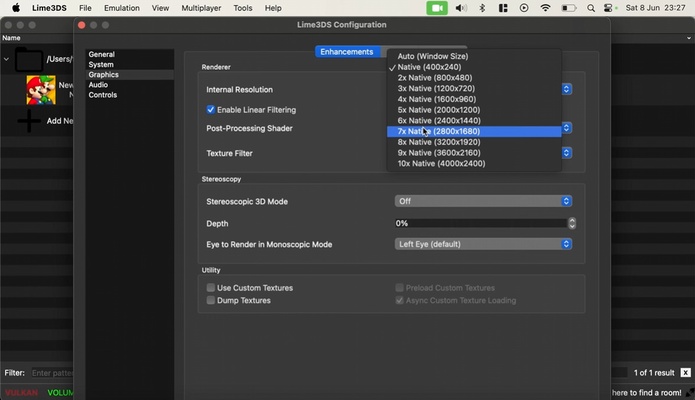
In the Configuration Options menu on Azahar Emulator, you'll find a wide range of options for customizing your gaming experience. You can choose the graphics API you want to use (OpenGL by default), change the native resolution of each game, enable and disable VSYNC, and add textures to the games. At your disposal, you'll have five different filters, each of which will give a totally new look to any video game. You'll also be able to modify the controls as you wish. Although it's possible to create decent keyboard and mouse controls, it's recommended to use either an Xbox or PlayStation gamepad for a more comfortable experience.
Play any 3DS title on your Mac
On Azahar Emulator's official website, you can take a look at its compatibility list. This compatibility list also includes a search field, thanks to which you can quickly find any video game you want. All the titles will show one of the following statuses: Not Tested, Menu, Bad, Okay, Great, or Perfect. Thanks to this system, you can quickly figure out how well each ROM works. If you want to contribute to the compatibility list, it's easy to do so.
Play online with opponents from all over the world
Another feature offered by Azahar Emulator is the ability to play online against opponents from anywhere in the world. Creating an online gaming room is very simple. The only thing to keep in mind is that all the players who are going to participate in a game need to have the exact same version of the game you want to play. Ideally, both you and your friends should use the same version of the ROM to avoid any problems. That said, you'll also be able to check for open games at any time.
Play any 3DS title on your Mac
Download Azahar Emulator if you're looking for a powerful and easy to use Nintendo 3DS emulator for enjoying the best 3DS games on your Mac. Thanks to this app, which picks up where Citra left off, you'll be able to enjoy new features with each new update, as well as an ever-growing compatibility list.