ActivePresenter Free Download for Windows – Screen Recorder, Video Editor & eLearning Authoring Tool
ActivePresenter is a powerful all-in-one screen recording, video editing, and eLearning authoring software designed for educators, trainers, YouTubers, businesses, and content creators. With advanced screen capture technology, interactive course creation tools, and professional video editing features, ActivePresenter helps users create engaging tutorials, software demonstrations, online courses, training materials, and instructional videos with ease.
Whether you need to record your screen, edit videos, add annotations, create quizzes, or publish interactive HTML5 content, ActivePresenter provides everything you need in a single application.
Key Features
Advanced Screen Recording
Capture your entire screen, selected regions, applications, webcam, microphone, and system audio with high-quality recording performance.
Smart Capture Technology
Automatically record mouse clicks, keystrokes, and user interactions, making it ideal for software tutorials, product demos, and training materials.
Professional Video Editing
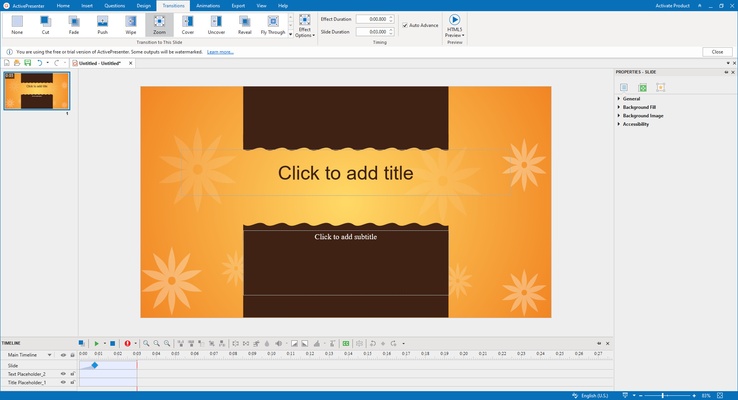
Edit videos with powerful tools including trimming, cutting, splitting, merging, cropping, speed adjustment, audio editing, transitions, animations, and visual effects.
Webcam & Audio Recording
Record webcam footage alongside screen recordings and capture microphone narration or system sound simultaneously.
Interactive eLearning Authoring
Create engaging online learning content with interactive slides, simulations, assessments, quizzes, and learner tracking features.
HTML5 Export
Publish responsive HTML5 content that works seamlessly across Windows, macOS, Android, iPhone, iPad, and modern web browsers.
SCORM & xAPI Support
Generate LMS-ready learning materials compatible with popular Learning Management Systems (LMS) using SCORM and xAPI standards.
Quiz & Assessment Builder
Design interactive quizzes, surveys, exams, and knowledge assessments with multiple question types and randomized question pools.
Green Screen Effects
Apply chroma key effects to combine webcam footage with presentations, tutorials, and educational videos.
Responsive Project Design
Build mobile-friendly learning content that automatically adapts to different screen sizes and devices.
Why Choose ActivePresenter?
ActivePresenter combines the functionality of a professional screen recorder, video editor, presentation creator, and eLearning development platform into one lightweight application. Unlike many competing solutions, users do not need multiple software programs to create professional educational and training content.
The software is widely used by:
- Teachers and educators
- Corporate trainers
- Online course creators
- YouTube content creators
- Software trainers
- Technical support teams
- Business professionals
- Digital marketers
User Interface
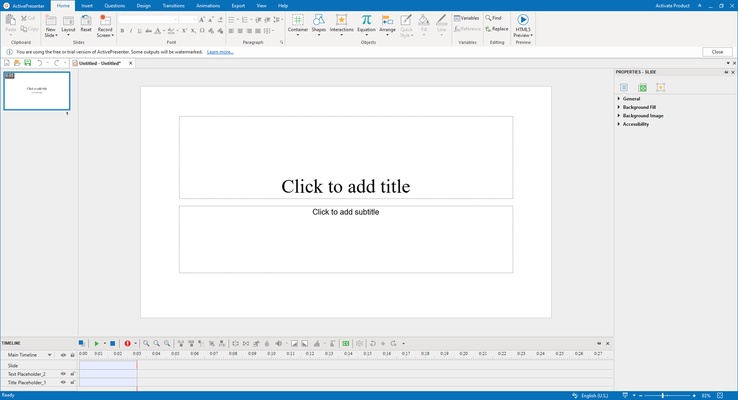
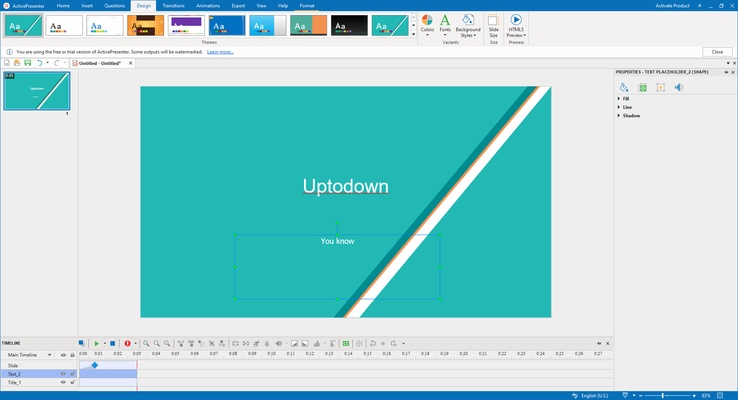
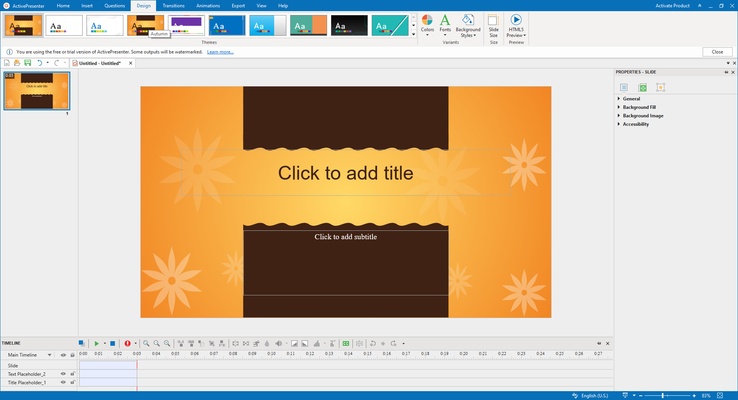
ActivePresenter features a modern and intuitive interface with a timeline-based editor, drag-and-drop functionality, customizable workspaces, and easy access to recording and editing tools.
Both beginners and advanced users can quickly navigate the software and create professional projects without a steep learning curve.
How to Use ActivePresenter
Record Your Screen
- Launch ActivePresenter.
- Select Screen Recording mode.
- Choose the recording area.
- Configure audio and webcam settings.
- Start recording.
Edit Your Video
- Import recordings or media files.
- Trim unwanted sections.
- Add annotations, captions, transitions, and effects.
- Enhance audio quality and visual appearance.
Create eLearning Content
- Create a new project.
- Add slides, interactions, quizzes, and multimedia elements.
- Configure learner interactions.
- Export to HTML5, SCORM, xAPI, or video formats.
Export Options
ActivePresenter supports exporting projects to:
- MP4 Video
- AVI Video
- WMV Video
- MKV Video
- WebM
- HTML5
- SCORM Packages
- xAPI Packages
- Images
- Interactive Simulations
System Requirements
Operating System
- Windows 11
- Windows 10
- Windows 8
- Windows 7
Hardware
- 64-bit Processor Recommended
- 4 GB RAM Minimum
- 8 GB RAM Recommended
- 2 GB Available Storage Space
- Internet Connection for Updates
Pros
- Powerful screen recording capabilities
- Built-in professional video editor
- Interactive eLearning authoring tools
- SCORM and xAPI support
- Webcam and audio recording
- Responsive HTML5 publishing
- Beginner-friendly interface
- Multiple export formats
- Free version available
- Regular updates and improvements
Cons
- Some advanced features require the Pro version
- Learning curve for advanced eLearning projects
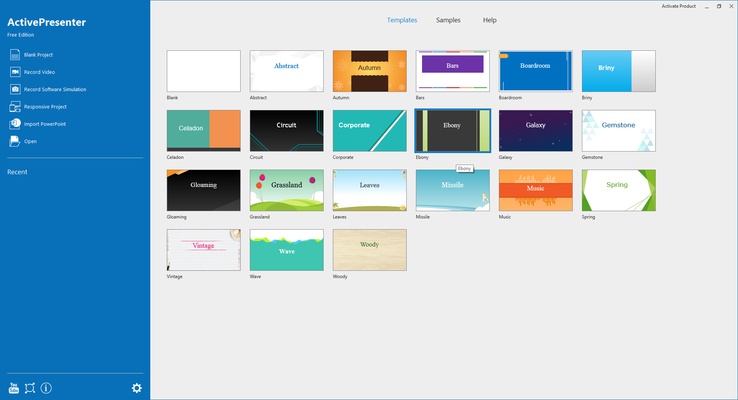
- Limited built-in design templates
- Large projects may require higher system resources
Conclusion
ActivePresenter for Windows is one of the most complete screen recording and eLearning development solutions available today. Combining professional video editing, screen capture, software simulation, quiz creation, and LMS-ready publishing tools, it is an ideal choice for educators, trainers, businesses, and content creators.
Whether you are creating video tutorials, online courses, employee training materials, educational presentations, or software demonstrations, ActivePresenter delivers a powerful and efficient workflow that helps transform ideas into engaging learning experiences.
Download ActivePresenter for Windows today and create professional tutorials, training videos, interactive courses, and educational content with ease.