


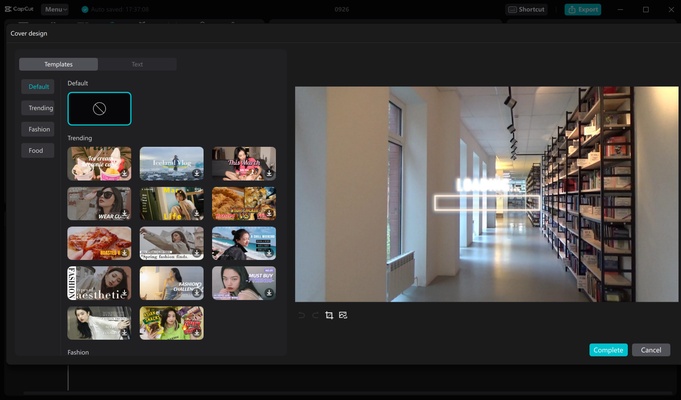
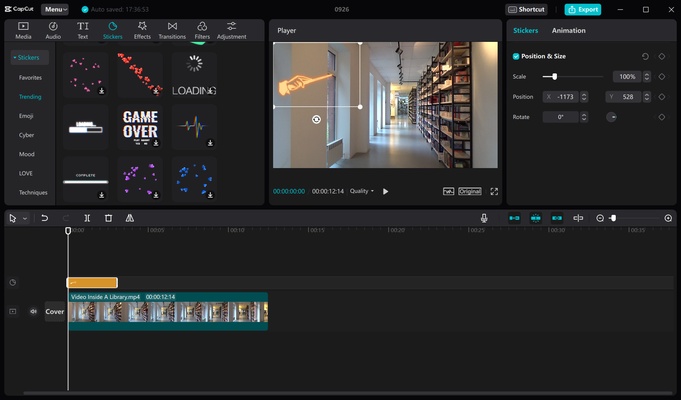
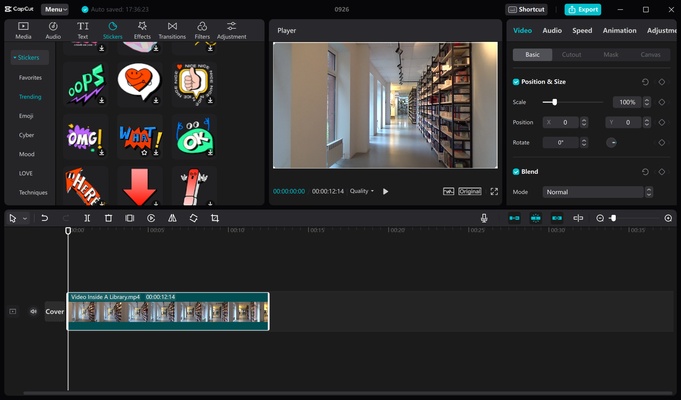
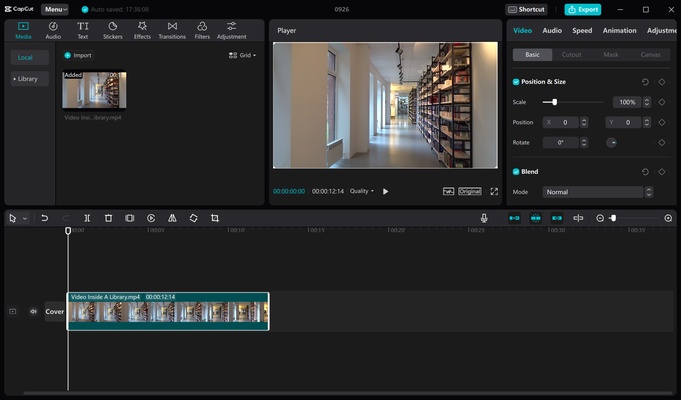
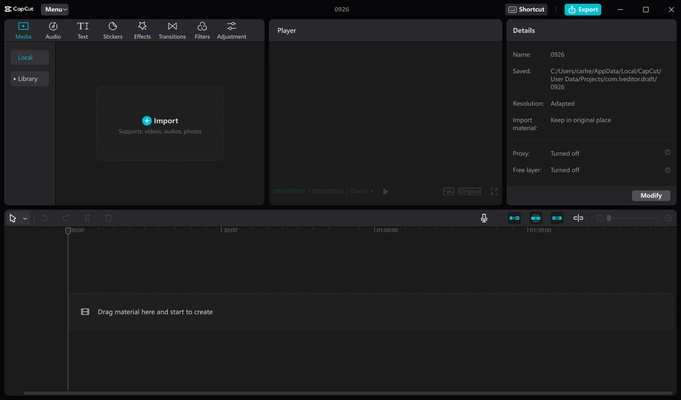
CapCut is a video editing program developed by the same company behind TikTok, which offers all the necessary tools to create high-quality movies in a very short time. The app, in fact, achieves what very few other video editors have managed to do: offer a huge amount of features without overwhelming the user. And this is primarily due to how easy it is to learn how to use it.
No registration and no social login
You can start using CapCut without registering for a user account. This way, you can instantly create a new project and start editing without worrying about logging in. However, while it is not necessary, it is recommended. You can sign up using your Facebook, Google, or TikTok account in just seconds, and if you do so, you will receive 10GB of free cloud storage. Thus, you can continue working on a project you have started on your Android from the comfort of your PC. If you use the program as a guest, you cannot use this feature.
Intuitive and easy-to-use interface
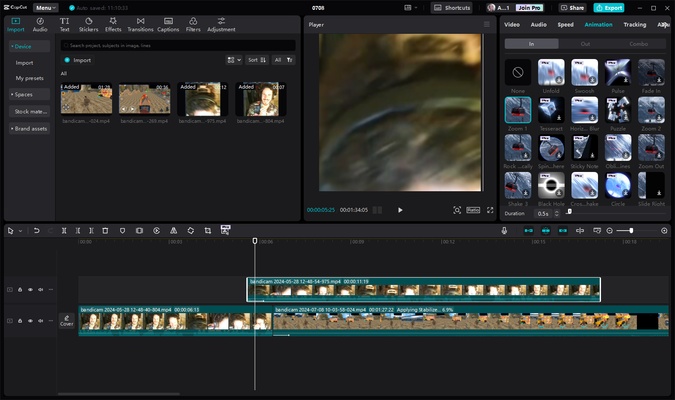
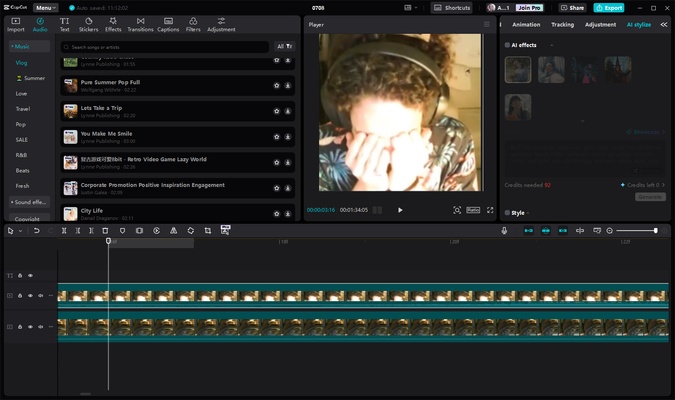
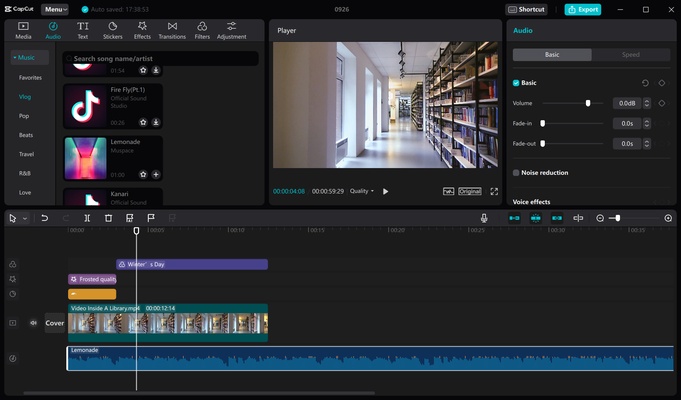
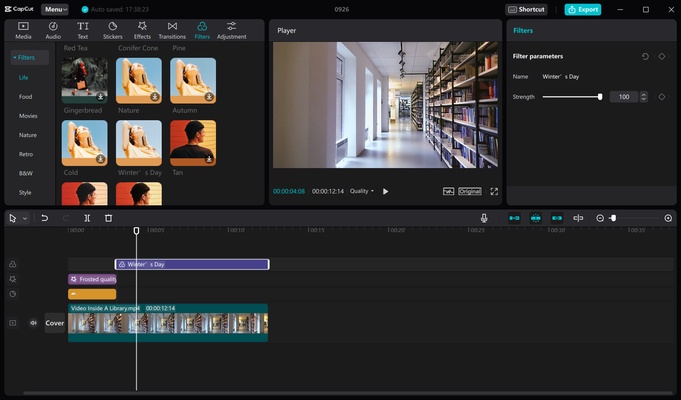
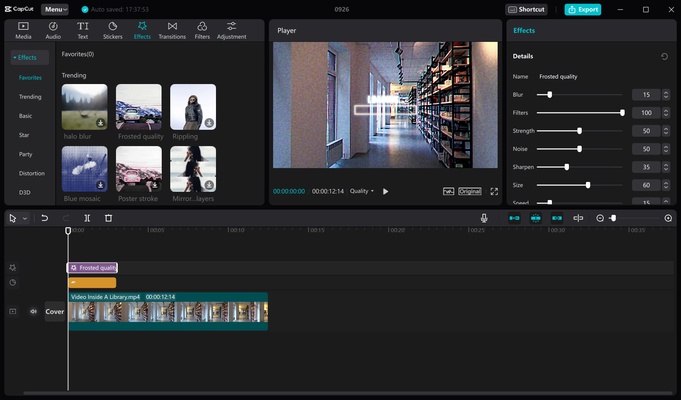
Anyone who has ever used Adobe Premiere or any other traditional video editing program will quickly be able to learn how to use CapCut. The reason? Aside from their obvious differences, the interface is reminiscent of this app type. You will see the timeline at the bottom of the screen with all the video and audio clips you add. To the left, you will have all the multimedia material you are working with. On the right, you can change the size or speed of the video and audio clips. And finally, in the center, you will have a constant preview of your work. In a nutshell: the app is very easy to use for anyone who has previously used a similar app.
A range of options to export your videos
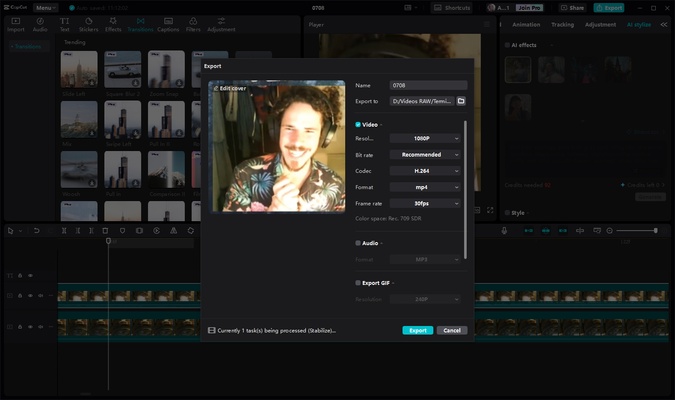
Once you have finished working on a project, simply choose the export quality, which is 1080p and 30fps by default. These are the default settings, but you can lower the resolution to 720p or 480p so that the video takes up much less space and is easier to share. You can also do the opposite and export it in 2K or 60fps, giving the final video a spectacular resolution and making it look more fluid. Of course, you can also choose between various formats and codecs. This process can take anywhere from a few seconds (if the video is short) to several hours (if it is a long movie with a lot of editing work).
Conversion of long videos to short videos
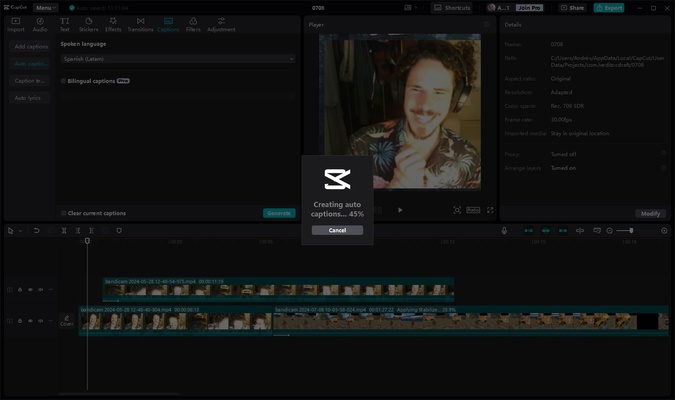
Although with CapCut you normally create projects from scratch, the program also has a very interesting feature that allows you to generate several short videos, in vertical format and with subtitles, from a single long video. This feature is particularly interesting if you regularly stream for long periods or take long videos and want to share the best clips on social media. With this specialized tool, you can create these clips in seconds. Just look over all the finished work, and that's it.
How to use the app with tutorials
One of CapCut's strengths, as already mentioned, is its easy use. This is partly thanks to the many tutorials you can watch to carry out practically any action you want. Both on the program's official website and social media pages, you will find lots of tutorials on which you can learn how to create spectacular effects with your videos. You will soon see how using Key Frames, for example, is much simpler than it may seem initially. You can learn some of the most advanced features of the program in less than 5 minutes.
More features in the Pro version
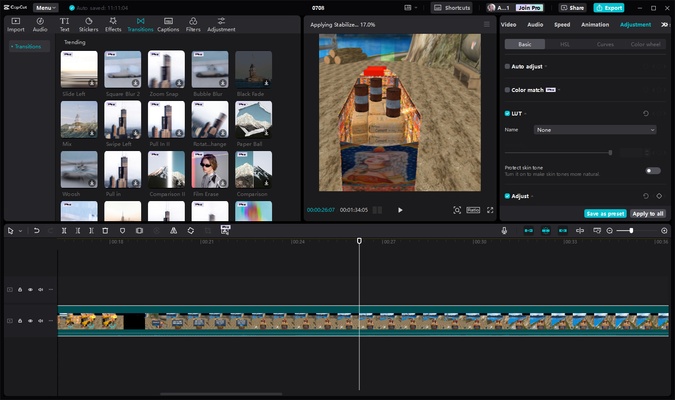
CapCut is free. However, you can also subscribe to the Pro version by paying a small fee each month. This version provides access to a host of very interesting advanced features. CapCut Pro includes many additional transitions and filters, as well as tools to improve the sound of a video using AI or highly advanced video stabilization tools. You don't need these features to create spectacular movies, but they can help you considerably in some projects.
An outstanding video editor for Windows
Download CapCut if you are looking for a powerful and easy-to-use video editing tool to quickly edit your movies on Windows. If you want to give editing a try on Android or Mac, you will also find the app on these operating systems. A good portion of the videos on TikTok, Instagram, and other social media platforms are combined using this app. Why? Very simple, because it is one of the best pieces of video editing software that you can find for Windows.
Frequent questions
Is CapCut free?
Yes, CapCut is a free PC application, although you'll have to pay to use some special features. But don't worry: CapCut has many tools that you can use for free.
Is CapCut owned by Tik Tok?
CapCut is owned by the same company as Tik Tok, Bytedance Pte. Ltd., so it's primarily an editor for this app, although you can also use it to create and edit videos for other platforms.
Does CapCut put a watermark on videos?
Yes, CapCut puts a watermark on the videos you create. You can pay to remove it, or you can trim the video or template you use to remove it without spending money.
Is CapCut for Windows a secure program?
Yes, CapCut for Windows is a secure program. If you want to make sure, you can check the VirusTotal report that Uptodown offers for all its files.
Do I need an emulator to use CapCut on Windows?
No, you do not need an emulator to use CapCut on Windows. You can download the file and install it without using third party programs.
How much space does CapCut for Windows take up?
CapCut for Windows takes up 454 MB, although this can vary depending on the version of the file you download.