

Go to Windows platform Display platforms icon
Go to Windows platform Go to Mac platform Go to Android platform
KMPlayer icon

KMPlayer

4.2.3.34
Pandora TV
4.1
55.1 MB size

KMPlayer for Windows is a versatile media player that supports a wide range of video and audio formats with advanced playback features.

KMPlayer for Windows Download – Versatile Media Player for All Your Media Needs

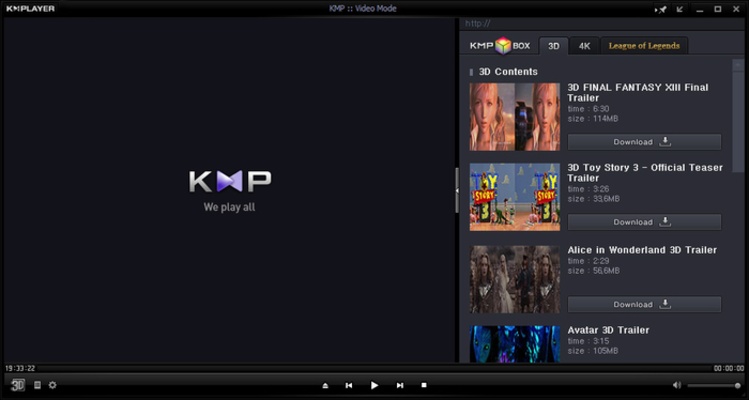
KMPlayer for Windows is a versatile and feature-rich media player designed to play a wide range of audio and video formats, including high-definition (HD) and 4K content. Known for its extensive file format support and customizable features, KMPlayer provides an excellent multimedia experience for both casual users and media enthusiasts. Whether you’re watching movies, listening to music, or streaming media, KMPlayer offers a reliable and high-quality playback experience.

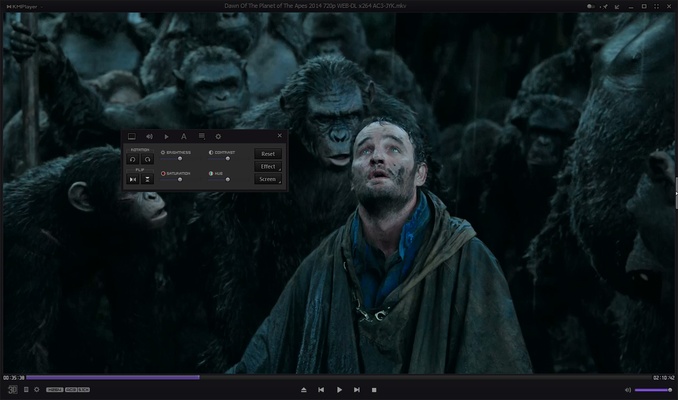
With powerful playback controls, support for subtitles, and advanced features like screen capture and video/audio effects, KMPlayer is an all-in-one solution for enjoying your favorite media files.


Wide Format Support & HD Playback

KMPlayer supports a broad range of audio and video formats, including MP4, AVI, MKV, FLV, and more. It can handle both standard-definition (SD) and high-definition (HD) videos, as well as 4K content, ensuring that you can watch your media in the highest quality available.


Customizable Media Controls & Interface

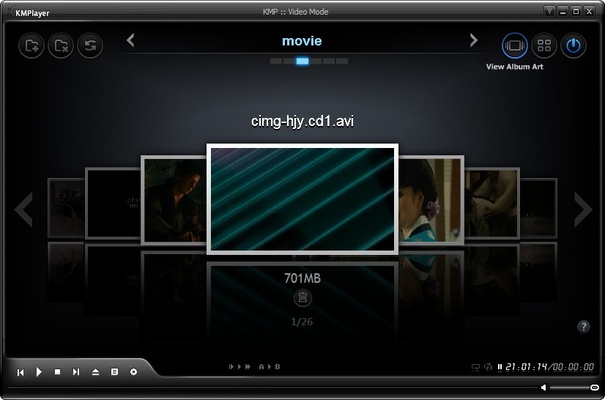
KMPlayer offers a highly customizable interface, allowing you to adjust playback settings, apply effects, and change the appearance of the player to suit your preferences. You can also control the playback speed, adjust volume levels, and use built-in hotkeys for enhanced convenience.


Subtitle Support & Syncing

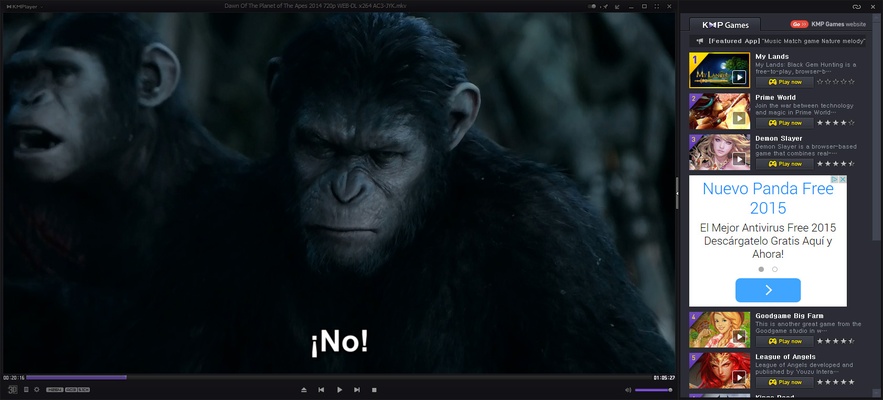
With built-in support for subtitles, KMPlayer allows you to add and synchronize subtitle files with your media. Whether you're watching movies in different languages or need captions for accessibility, KMPlayer ensures a seamless viewing experience.


Advanced Features & Tools

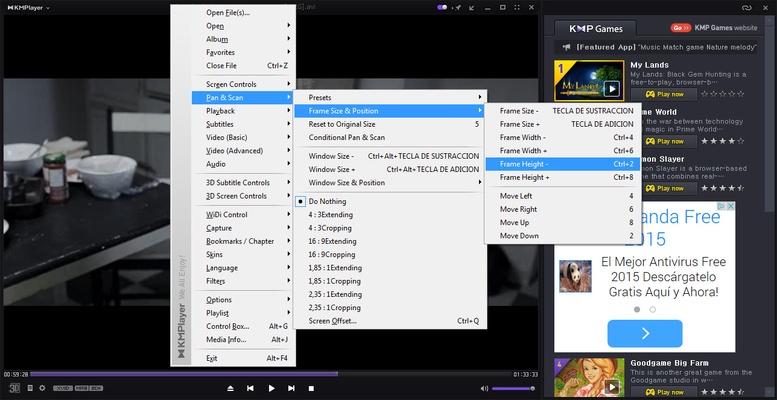
KMPlayer includes powerful features like screen capture, video/audio effects, and video filters. You can take snapshots of your video playback, apply various filters, and even modify playback settings to fine-tune the experience to your liking.


Final Overview

KMPlayer for Windows is an all-in-one media player that delivers a versatile and high-quality multimedia experience. With its broad format support, customizable interface, and advanced playback features, KMPlayer is the perfect choice for users looking for a reliable and feature-packed media player. Whether you’re watching movies, listening to music, or streaming content, KMPlayer provides everything you need for an optimal media experience.

Information about KMPlayer

License Free
Op. System Windows
Category Video
Language English 21 more
Author Pandora TV
permission icon Permissions Not applicable
Date 2026-04-26
Size 55.1 MB
File type EXE

Apps recommended for you

UkeySoft Music Converter icon
Best Tool to Convert Spotify Music to MP3/WAV/M4A/AAC
Movavi Video Editor Plus 2026 26.17.0 icon
Powerful yet easy-to-use video processing program for Windows
Bandicam icon
Records everything that happens on your screen, even video games
VidCoder icon
Rip your DVDs and Blu-Rays without losing quality
Wondershare Filmora 15.6.4 icon
Easy video editor everyone can use, support 800+ effects & 50+ formats!
Vidigger icon
Vidigger for Windows is a video downloader that allows users to extract and download videos from popular streaming sites with ease.
Aiseesoft Screen Recorder icon
A powerful screen recording program for your Windows PC!
Descript icon
A video editor based on the transcribed text
UltraMixer 6.4.8 icon
Mix & Enterain with Audio, Video, Visual & live camer for PC!
VSDC Free Video Editor 11.2.1.720 (64-bit) icon
Amazing program that allow you to create and edit video for Free!
Streamlabs OBS 1.21.4 icon
Fast Feature-Packed Broadcast Software Designed by Pro Streamers!
Wondershare Filmora 15.6.4 icon
Easy video editor everyone can use, support 800+ effects & 50+ formats!
Any Video Converter Free icon
Convert and edit videos easily with Any Video Converter Free for Windows, the versatile tool for fast video format conversion and basic video processing.
Streamlabs OBS icon
Stream, record, and broadcast high-quality content with Streamlabs OBS for Windows, the powerful live streaming and recording software for gamers and creators.
DVDFab icon
DVDFab for Windows is a versatile media software that allows users to copy, rip, convert, and burn DVDs and Blu-rays easily.
Iriun Webcam icon
Turn your smartphone into a high-quality webcam with Iriun Webcam for Windows, the easy-to-use app for video calls, streaming, and online meetings.
Zoom Player icon
Fast and free multiformat video player
scrcpy icon
Control your smartphone and tablet from your computer
iVCam icon
Turn your smartphone into a high-quality webcam with iVCam for Windows, the easy-to-use app for video conferencing, live streaming, and remote communication.
go1984 icon
logiware gmbh
Social Media Downloader icon
Social Media Downloader for Windows allows users to download videos and images from various social media platforms in high quality.
TubeDigger icon
TubeDigger for Windows is a powerful tool that enables users to download videos and audio from streaming websites with ease.
HandBrake 1.11.2 icon
Free tool for converting video from nearly any format
Resolume Avenue icon
Resolume Avenue for Windows is a VJ software that allows users to mix and manipulate live video, create visuals, and control media for performances.