


FFmpeg is a powerful open-source multimedia framework that can decode, encode, convert, stream, filter, and play almost any audio and video format.
It supports a huge range of multimedia formats, from older legacy codecs to the latest video standards. Thanks to its powerful libraries and command-line tools, FFmpeg is widely used by developers, video editors, streaming platforms, and multimedia applications.
FFmpeg for Windows, macOS, and Linux provides a complete solution for video conversion, audio processing, media analysis, and streaming tasks.
Key Features
- Video and Audio Conversion
Convert multimedia files between hundreds of formats, including MP4, MKV, AVI, MOV, MP3, AAC, and more. - Advanced Codec Support
Supports popular codecs such as H.264, H.265, VP9, AV1, AAC, and many others. - Media Processing Tools
Perform video trimming, scaling, filtering, compression, audio extraction, subtitle processing, and more. - Streaming Support
Handle live streaming, broadcasting, and network media processing. - Cross-Platform Support
Works on Windows, macOS, Linux, BSD, and other operating systems. - Developer Libraries
Includes powerful multimedia libraries for building applications:- libavcodec - Audio/video codec library
- libavformat - Multimedia container handling
- libavfilter - Audio/video filtering
- libavutil - Common multimedia utilities
- libswscale - Image scaling and conversion
- libswresample - Audio resampling
Included Tools
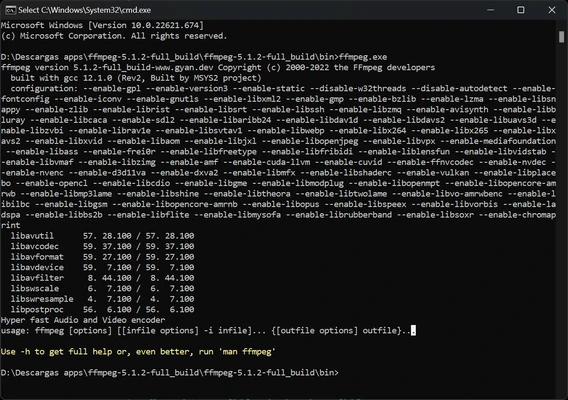
FFmpeg
The main command-line tool used for:
- Media conversion
- Encoding and decoding
- Video processing
- Audio extraction
- Streaming
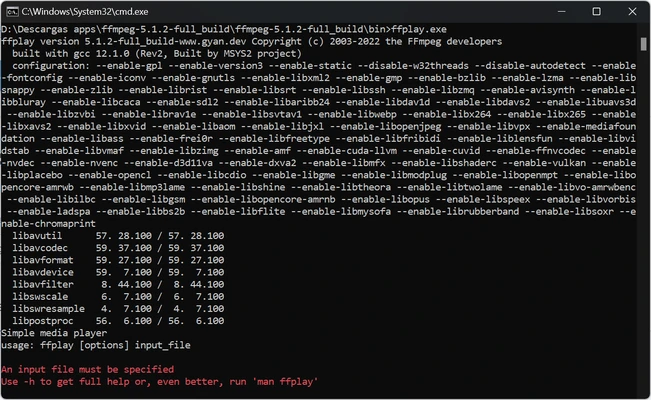
FFplay
A lightweight media player based on SDL and FFmpeg libraries.
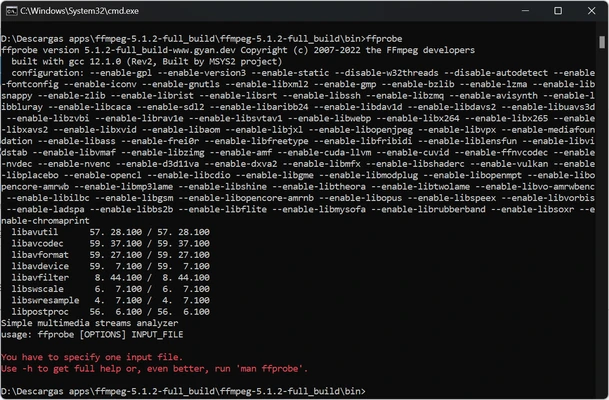
FFprobe
A multimedia analysis tool for checking:
- File information
- Codec details
- Stream data
- Metadata
How to Use FFmpeg
- Download the FFmpeg package.
- Extract the archive to a folder.
- Add FFmpeg to the system PATH environment variable.
- Open Command Prompt or Terminal.
- Run FFmpeg commands to process media files.
Example:
Convert a video file:
ffmpeg -i input.mp4 output.mkv
Extract audio:
ffmpeg -i video.mp4 audio.mp3
System Requirements
- Operating System: Windows 7 or later (64-bit recommended), macOS, Linux
- Processor: Intel or AMD CPU with SSE2 support
- RAM: 2 GB minimum
- Storage: About 100 MB free space
- GPU: Not required, but hardware acceleration is supported
PROS
- Supports thousands of audio and video formats
- Completely free and open-source
- Powerful multimedia processing capabilities
- Works on multiple platforms
- Regular updates and active development
CONS
- No official graphical user interface
- Command-line usage can be difficult for beginners
- Advanced features require technical knowledge
- Manual setup may be required
Conclusion
FFmpeg is one of the most complete multimedia processing tools available today. With support for almost every audio and video format, powerful conversion features, and cross-platform compatibility, it is an essential tool for developers, content creators, and advanced users.
Whether you need to convert videos, extract audio, analyze media files, or process streaming content, FFmpeg provides a reliable and flexible solution.
Note: Use 7-Zip or another archive tool to extract the FFmpeg package.