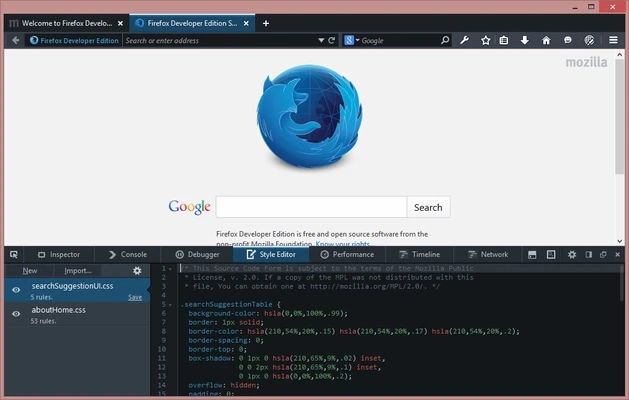
Firefox Developer Edition is a specialized version of Mozilla Firefox built for web developers. It provides advanced browser development tools for debugging, testing, performance analysis, and responsive web design, along with access to experimental web platform features.
Key Features
Advanced DevTools – Includes Inspector, Console, Debugger, Network Monitor, and other tools for analyzing and troubleshooting websites.
CSS and JavaScript Debugging – Inspect page styles, debug JavaScript, set breakpoints, and analyze application behavior.
Responsive Design Mode – Test websites at different screen sizes and simulate various devices and viewport configurations.
Performance Tools – Analyze page performance, rendering behavior, network activity, and JavaScript execution.
WebSocket Inspector – Monitor and troubleshoot WebSocket connections and real-time web communication.
Service Worker Debugging – Inspect and manage service workers directly from the browser.
Experimental Web Technologies – Provides developers with access to selected new web APIs and platform features for testing.
Multi-Account Containers – Create separate browsing environments for testing different accounts and sessions.
Variable Fonts Support – Inspect and test variable fonts while developing websites.
Customizable Themes – Supports developer-focused themes and interface customization.
Firefox Extension Support – Use compatible Firefox extensions to extend the browser's functionality.
User Interface
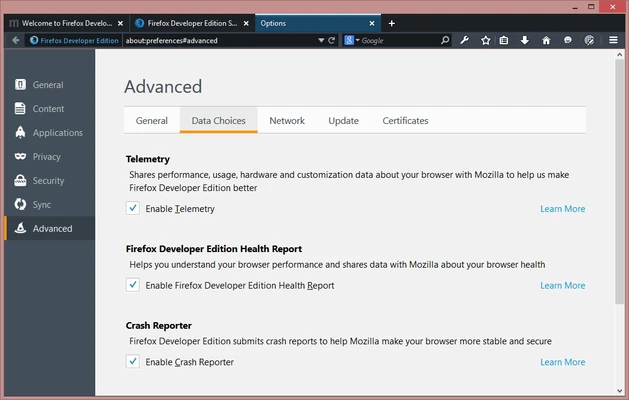
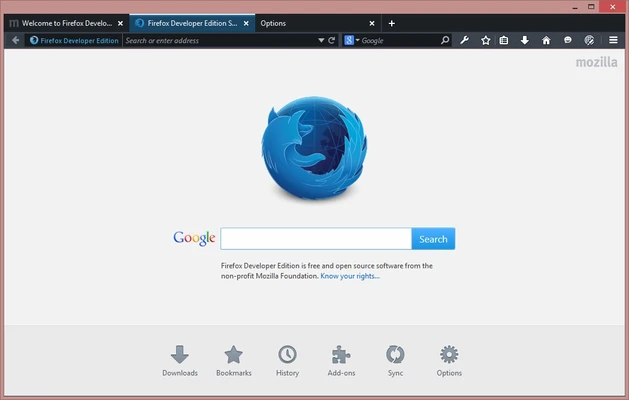
Firefox Developer Edition uses a familiar Firefox-based interface with developer tools integrated directly into the browser. Development panels can be opened alongside webpages, making it easy to inspect elements, debug scripts, monitor network requests, and analyze performance without using separate applications.
Installation and Setup
-
Download the Firefox Developer Edition installer.
-
Run the installer and follow the on-screen instructions.
-
Launch the browser after installation.
-
Configure browser settings, extensions, and developer tools according to your workflow.
-
Sign in to Firefox Sync if you want to synchronize supported browser data across devices.
How to Use
-
Open a webpage you want to test or debug.
-
Press F12 or Ctrl + Shift + I to open Developer Tools.
-
Use Inspector to examine HTML elements and CSS styles.
-
Use Console and Debugger to troubleshoot JavaScript.
-
Open Network Monitor to inspect requests and loading activity.
-
Use Responsive Design Mode with Ctrl + Shift + M to test different screen sizes.
-
Use the performance tools to identify rendering and script-related issues.
Pros
-
Free and open-source
-
Comprehensive built-in developer tools
-
Strong CSS and JavaScript debugging capabilities
-
Responsive design and performance testing tools
-
Supports modern web technologies
-
Can be used alongside standard Firefox
Cons
-
Experimental features may occasionally change or behave unexpectedly
-
Some development workflows may have better tooling support in other browsers
-
Can use significant system resources when running complex web applications
Conclusion
Firefox Developer Edition provides a dedicated browser environment for web development, combining Firefox's browsing engine with advanced debugging, testing, and performance tools. It is particularly useful for developers who regularly inspect websites, troubleshoot JavaScript and CSS, test responsive layouts, and experiment with emerging web technologies.