
Go to Windows platform Display platforms icon
Go to Windows platform Go to Mac platform Go to Android platform
FreeDOS icon

FreeDOS

1.4
FreeDOS Project
0
637.82 MB size

An operating system that can run retro games and programs

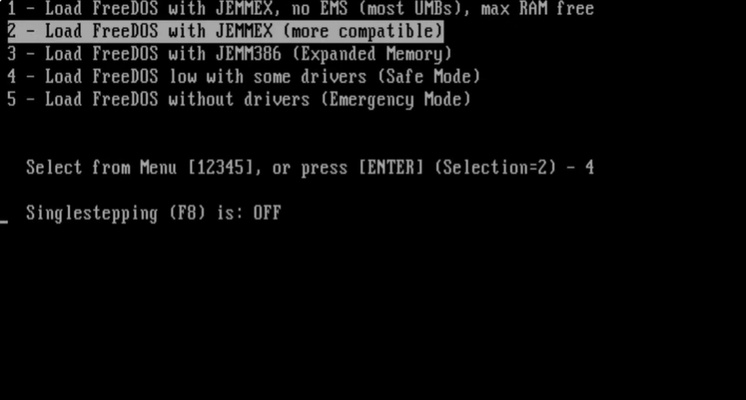
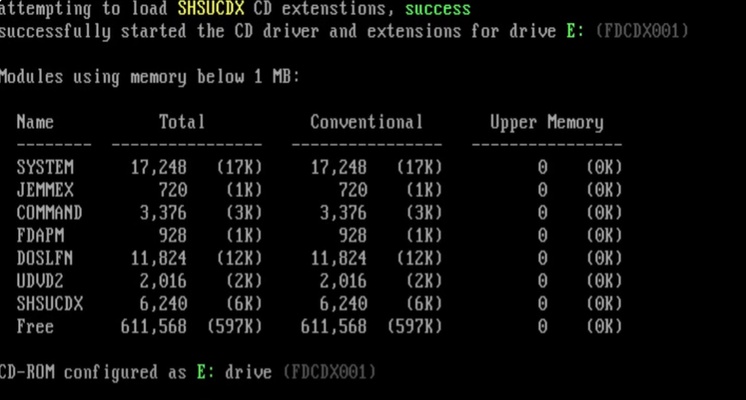
FreeDOS is a free and open source operating system through which you can run classic games and programs from the MS-DOS era. Without requiring an old Microsoft license, this software can bring back the magic of almost any retro game or program without too much hassle.

How to install FreeDOS

Installing FreeDOS is really simple. All you have to do is put the operating system on a USB with a program like Rufus, mount it on VirtualBox, or install it on your hardware without a problem. On the other hand, if you need to, you can also combine this operating system with Windows to format hard drives or perform other simple technical tasks.

Give your computer a new life

If you still have a computer from decades ago on which you can no longer install modern operating systems, FreeDOS makes it possible to say goodbye to planned obsolescence. By installing this free option, you will have a fully functional DOS environment. Like this, you can give a second life to any "legacy" equipment you still have around the house.

Play classic DOS games

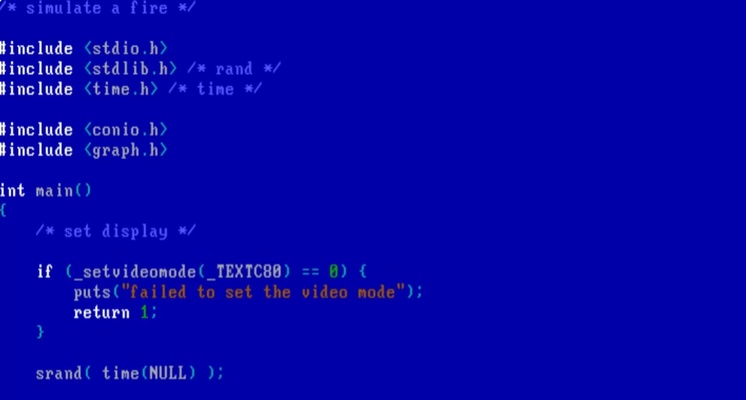
To run classic MS-DOS video games, simply copy the game's data to any folder on your hard drive. Of course, you need to have the operating system already installed on the same computer for maximum compatibility when it comes to playing legendary titles such as Doom.

Download FreeDOS for Windows to enjoy this free and open source operating system that has everything you need to run old games and programs on your PC or virtual machine, all completely free of charge.

Information about FreeDOS

License Free
Op. System Windows
Category Utilities
Language English
Author FreeDOS Project
permission icon Permissions Not applicable
Date 2026-06-02
Size 637.82 MB
File type ZIP

Apps recommended for you

WinDirStat icon
WinDirStat for Windows is a disk usage analyzer that visually shows how space is used and helps users clean up their drives efficiently.
Evernote 11.36.3 icon
Notes organize your life, Evernote organizes your notes
ExpanDrive icon
Access and manage cloud storage like local drives with ExpanDrive for Windows, the powerful cloud file management and remote storage software.
BleachBit 6.0.2 icon
BleachBit quickly frees disk space and tirelessly guards your privacy
SIW icon
SIW
Get detailed system information and diagnostics for Windows PCs with SIW, the comprehensive system inventory and monitoring tool.
KCleaner 4.0.5.0 icon
A quick way to Free space in your Hard Drive
FinePrint icon
Save ink and paper when printing
GoodSync icon
GoodSync for Windows is a file synchronization and backup software that ensures your data is safely mirrored across devices and locations.
KCleaner 4.0.5.0 icon
A quick way to Free space in your Hard Drive
Intel Extreme Tuning Utility (XTU) 10.0.1.248 icon
Monitor your processor's performance and overclock it
iDrive 7.0.1.22 icon
Get 10GB of free storage space for your backups
Argente Utilities 3.1.1.0 icon
Complete tools to maintain and optimize your PC
PhraseExpress 18.0.86 icon
Finally! Autotext completion for your desktop
Privacy Eraser 6.32.0.5620 icon
Protect your privacy by erasing all traces of your activity
Evernote 11.42.3 icon
Notes organize your life, Evernote organizes your notes
Zotero 10.0.8 icon
Your own personal research assistant
SAPPHIRE TriXX icon
SAPPHIRE TriXX (Windows) – Optimize and monitor your AMD graphics card performance easily.
Rclone 1.75.1 (64-bit) icon
The command-line app for transferring files and synchronizing directories
ChrisPC RAM Booster icon
Does your Windows system take ages to boot up?
Binderus icon
Binderus is a simple writing and note organization tool designed to help users collect, structure, and manage text content in a clean and distraction-free environment.
AMD Driver Autodetect 2026 26.8.1 icon
Auto-Detect and Install Radeon Graphics Drivers for Windows PC
Microsoft OneDrive icon
Store, sync, and access your files anywhere with Microsoft OneDrive for Windows, the secure cloud storage and file backup solution.
Secure Eraser icon
Securely delete files from your computer
EaseUS Data Recovery Wizard Free Edition 20.8.0 icon
Free data recovery software for PC to easily and quickly recover deleted