Go to Windows platform Display platforms icon
Go to Windows platform Go to Mac platform Go to Android platform
Shotcut icon

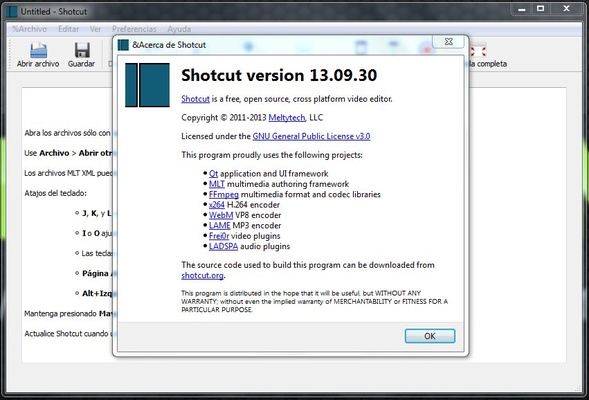
Shotcut

25.03.29
Meltytech
4.7
179.61 MB size

A cross-platform video editor for enhancing all kinds of media

Shotcut is a multiplatform video editor that allows you to work with a multitude of image, audio, and video formats. This program also works independently of the codecs installed on your computer, so they'll never be a problem when editing or loading videos that use different formats.

The first thing you'll notice when you open Shotcut is that it's compatible with virtually any multimedia content you have on your PC. Thanks to FFmpeg, this program supports several dozen video and audio formats. It also supports more than a dozen image formats, including JPG, PNG, and WEBP. As if all this were not enough, you can even import animations in Lottie and rawr. You can also record image and audio directly on this program with a webcam.

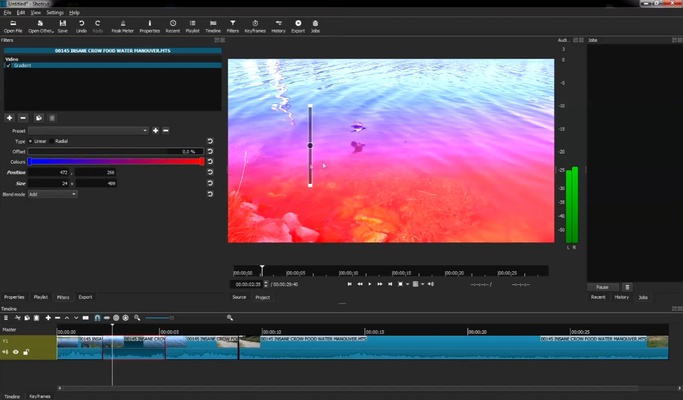
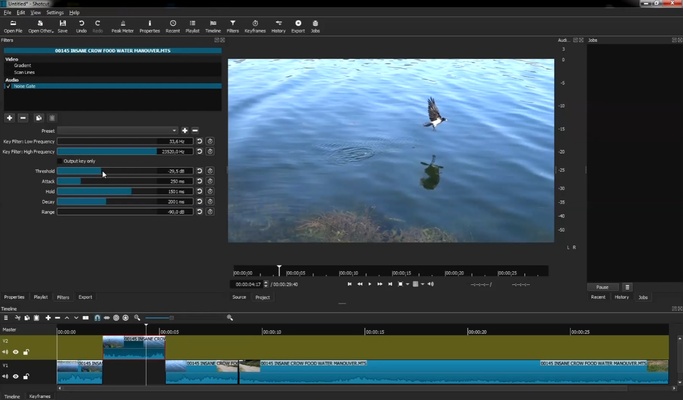
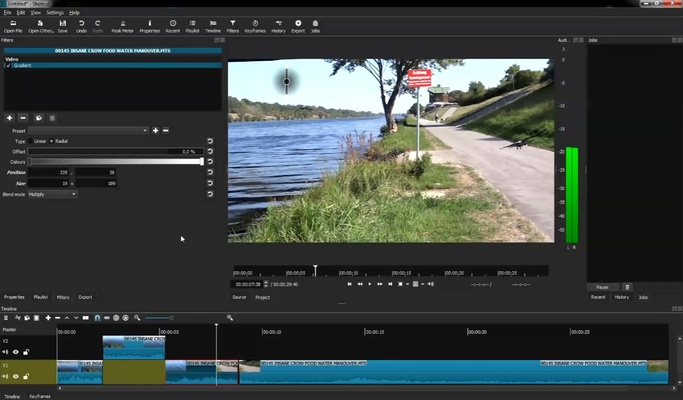
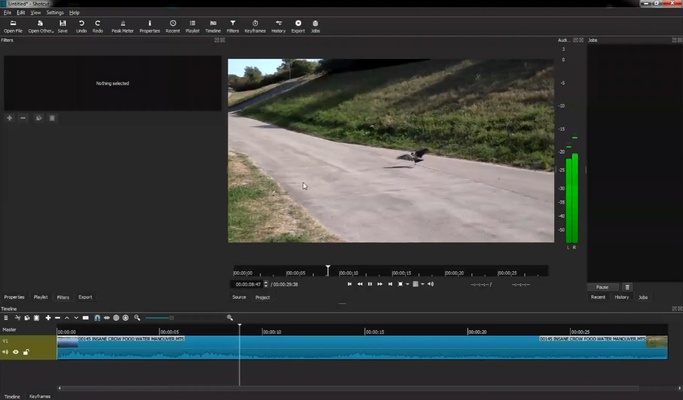
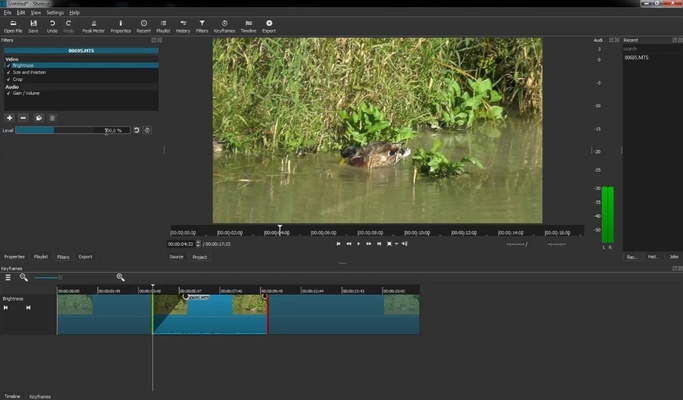
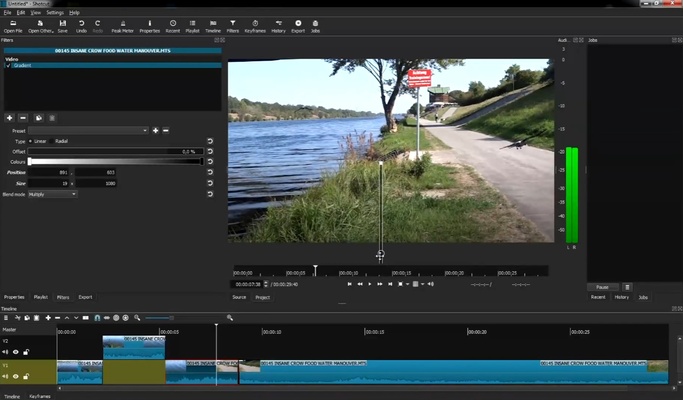
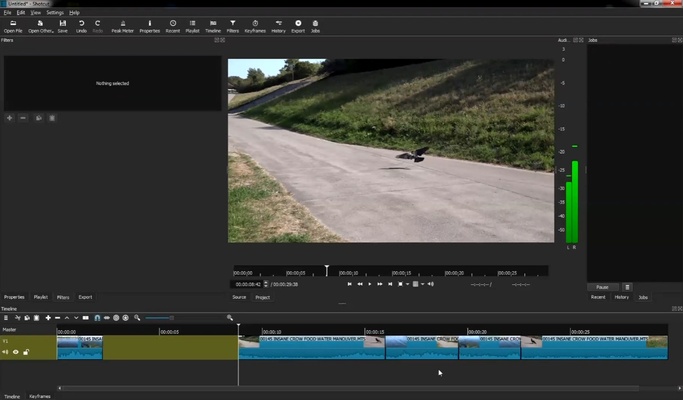
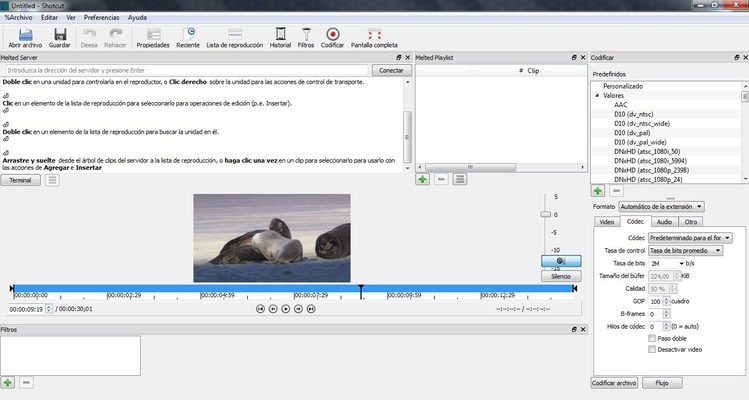
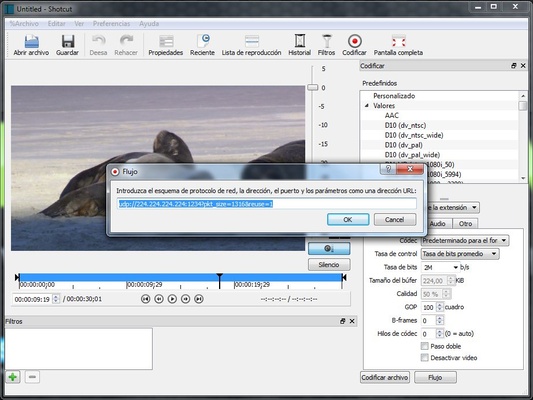
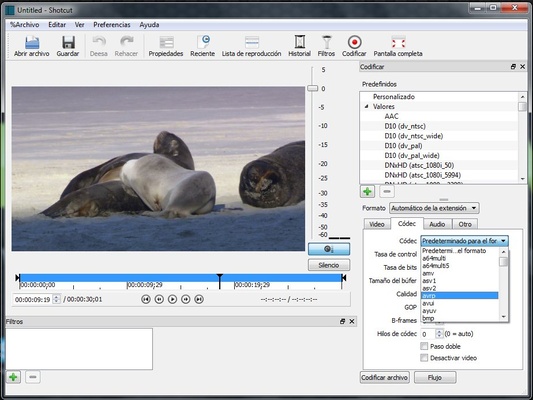
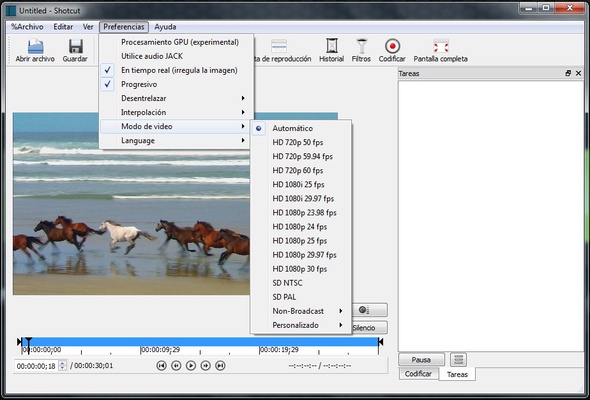
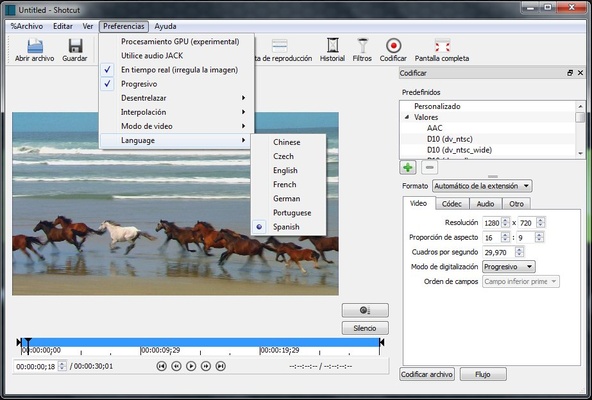
Shotcut has an accessible interface that will probably be familiar to anyone who has ever used a video-editing program. At the bottom of the screen, you'll see different timelines, while on the left, you'll find the basic controls; in the center and right part of the screen, on the other hand, you can see the image you're working on at that moment. Best of all, if you don't like something about the interface, you can change it however you want.

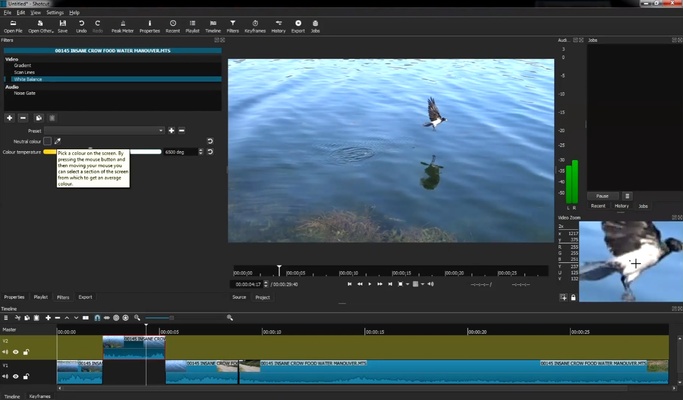
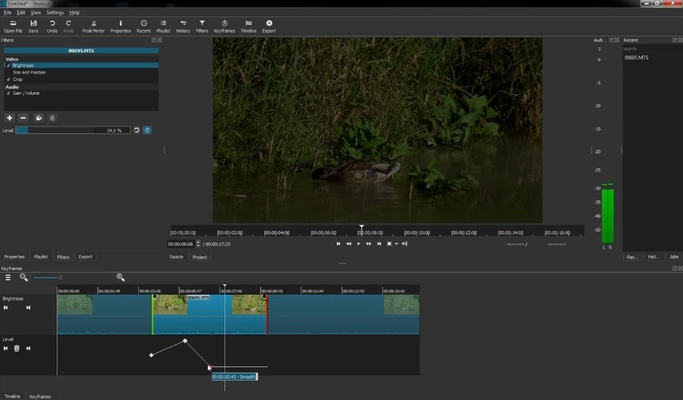
In Shotcut, you'll find tons of tools and filters for editing video and audio files. The amount of features at your disposal can be overwhelming, which is why this program's official website includes several video tutorials for users of different levels, so you can advance at your own pace. Thanks to these tutorials, you can learn how to trim and join videos, apply color correction filters, and flip images.

Shotcut is a very powerful video editor, thanks to which you can create professional-quality projects from the comfort of your desktop PC. Moreover, thanks to the possibility of customizing all the program's keyboard shortcuts, it's easy to adapt it to your needs, especially if you're already used to other video editors.

Frequent questions

Is Shotcut free?

Yes, Shotcut is a completely free and open-source software that does not accept monetary donations. There are other ways to contribute listed on their official website.

Is Shotcut safe?

Yes, Shotcut is totally safe. The software does not present any positive in VirusTotal and is open-source, so any user can take a look at the code to check that everything is in order.

When was Shotcut created?

Shotcut was originally conceived in November 2004, by Charlie Yates. In 2011, however, the project came under the leadership of Dan Dennedy, who completely rewrote the program and updated it.

Is Shotcut portable?

Yes, Shotcut is portable and can be run from a USB stick. Ideally, it should be installed, but if you prefer, you can run it directly without installation.

Information about Shotcut

License Free
Op. System Windows
Category Video
Language English 6 more
Author Meltytech
permission icon Permissions Not applicable
Date 2026-06-02
Size 179.61 MB
File type EXE

Apps recommended for you

UltraMixer 6.4.8 icon
Mix & Enterain with Audio, Video, Visual & live camer for PC!
TinyMediaManager icon
Create your own movie database
KMPlayer icon
KMPlayer for Windows is a versatile media player that supports a wide range of video and audio formats with advanced playback features.
PotPlayer Portable icon
A portable version of this excellent media player
Media Player Classic - Home Cinema (MPC-HC) icon
An all-round great multimedia player
Rclone icon
The command-line app for transferring files and synchronizing directories
Shark007 Codecs icon
A complete audio and video codec package
MPV-EASY icon
422658476
UltraMixer 6.4.8 icon
Mix & Enterain with Audio, Video, Visual & live camer for PC!
VSDC Free Video Editor 11.2.1.720 (64-bit) icon
Amazing program that allow you to create and edit video for Free!
Streamlabs OBS 1.21.4 icon
Fast Feature-Packed Broadcast Software Designed by Pro Streamers!
Wondershare Filmora 15.6.4 icon
Easy video editor everyone can use, support 800+ effects & 50+ formats!
Any Video Converter Free icon
Convert and edit videos easily with Any Video Converter Free for Windows, the versatile tool for fast video format conversion and basic video processing.
Streamlabs OBS icon
Stream, record, and broadcast high-quality content with Streamlabs OBS for Windows, the powerful live streaming and recording software for gamers and creators.
DVDFab icon
DVDFab for Windows is a versatile media software that allows users to copy, rip, convert, and burn DVDs and Blu-rays easily.
Iriun Webcam icon
Turn your smartphone into a high-quality webcam with Iriun Webcam for Windows, the easy-to-use app for video calls, streaming, and online meetings.
WonderFox DVD Video Converter icon
A fine option for converting your DVDs into video files
TunesBank Music Converter icon
Best Tool to Download any Spotify song to your computer
Streamlabs OBS icon
Stream, record, and broadcast high-quality content with Streamlabs OBS for Windows, the powerful live streaming and recording software for gamers and creators.
Clipchamp icon
Create stunning videos for YouTube, Instagram, and TikTok
Audio Video Cutter Joiner Suite icon
Separates, merges and cuts audio tracks and video files
Replay Media Catcher icon
Download videos from hundreds of websites
Zoom Player icon
Fast and free multiformat video player
AVS Video Editor icon
Powerful multitask application to edit video