

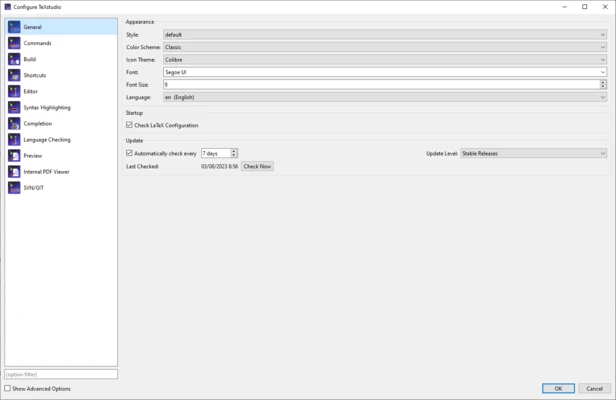
TeXstudio Overview
TeXstudio is a free, open-source LaTeX editor designed to make creating and editing LaTeX documents faster and more efficient. Based on the popular TeXmaker project, TeXstudio has evolved into a powerful integrated writing environment with advanced editing tools, intelligent automation, and extensive customization options.
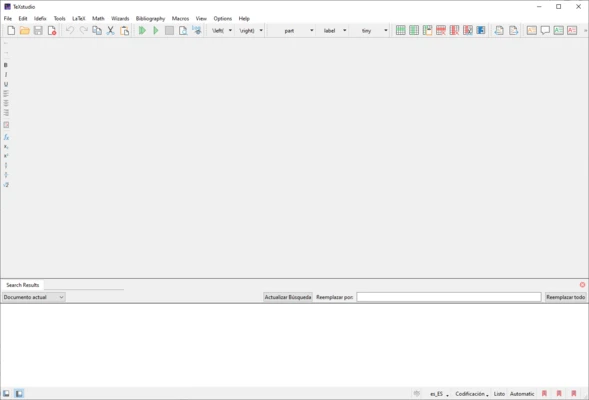
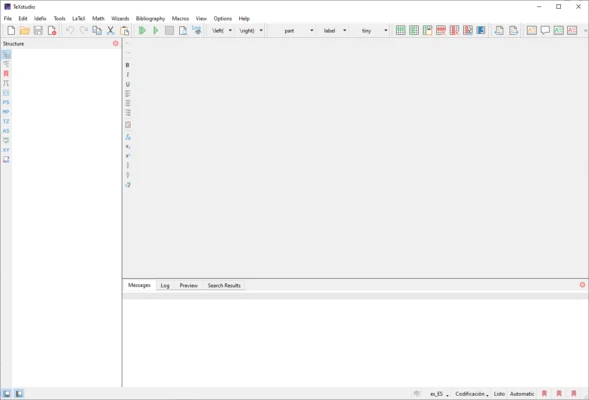
The application provides syntax highlighting, code completion, real-time error detection, and an integrated PDF viewer, allowing users to write, compile, and review documents within a single interface. Whether you're creating academic papers, technical reports, theses, books, or scientific publications, TeXstudio offers the tools needed to streamline the LaTeX workflow.
Compatible with Windows, Linux, and macOS, TeXstudio supports popular LaTeX distributions such as TeX Live and MiKTeX, making it a popular choice among students, researchers, educators, and professional writers.
Key Features
-
Advanced LaTeX syntax highlighting and code completion
-
Built-in PDF viewer with forward and inverse search
-
Real-time error and warning detection
-
Interactive spell checking and grammar support
-
Reference and bibliography management
-
Document templates and setup wizards
-
Structure viewer for easy document navigation
-
Code folding for improved readability
-
Support for multiple LaTeX compilers and build tools
-
Automatic detection of required compilation runs
-
Live preview for formulas and document elements
-
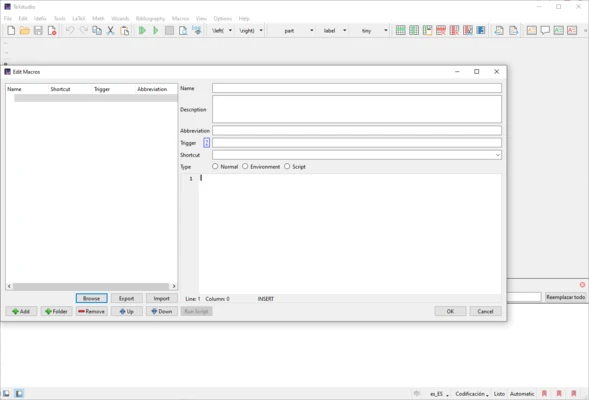
Customizable shortcuts, macros, and toolbars
-
Integration with TeX Live, MiKTeX, Ghostscript, and Latexmk
-
Cross-platform support for Windows, Linux, and macOS
Pros
-
Free and open-source
-
Feature-rich LaTeX editing environment
-
Integrated PDF viewer with synchronization support
-
Excellent code completion and error highlighting
-
Highly customizable interface and workflow
-
Suitable for both beginners and advanced users
Cons
-
Requires basic knowledge of LaTeX
-
Interface may feel complex for first-time users
-
Large projects can require additional LaTeX package configuration
Conclusion
TeXstudio is one of the most complete LaTeX editors available today. With its powerful editing features, integrated PDF tools, intelligent code assistance, and extensive customization options, it provides an efficient environment for creating professional-quality documents. Whether you're writing research papers, dissertations, technical documentation, or books, TeXstudio is an excellent choice for LaTeX users of all experience levels.