Go to Windows platform Display platforms icon
Go to Windows platform Go to Mac platform Go to Android platform
TweakPower icon

TweakPower

2.072
Kurt Zimmermann
4.4
20.97 MB size

Optimize your PC to free up space and speed it up

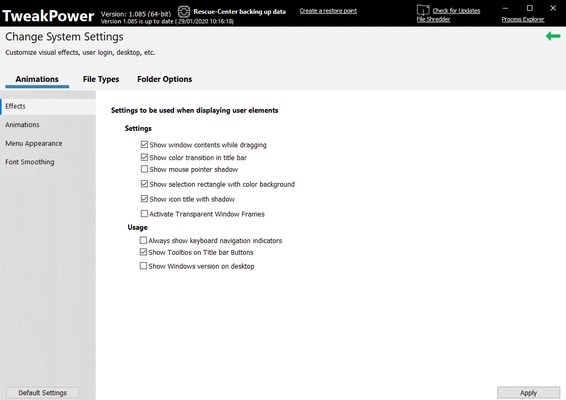
TweakPower is a comprehensive and versatile application for adjusting your operating system to get the best performance possible. You can also protect your computer from external threats and get rid of files that slow your computer down. Basically, this application is designed to improve your PC's performance, providing a smoother gaming experience and faster load times, among many other things.

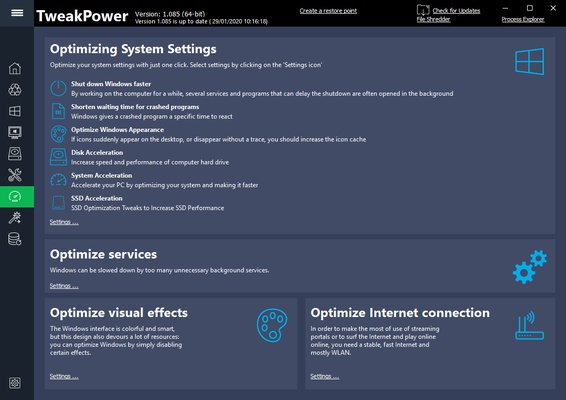
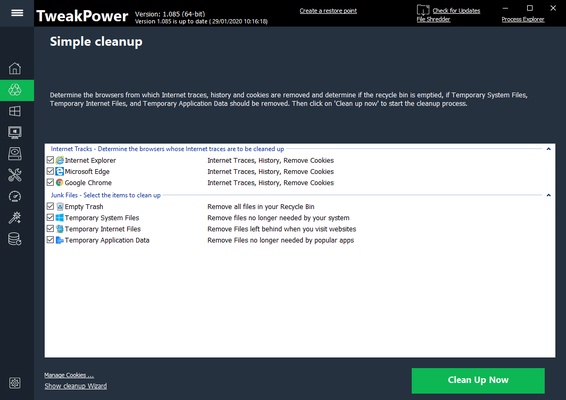
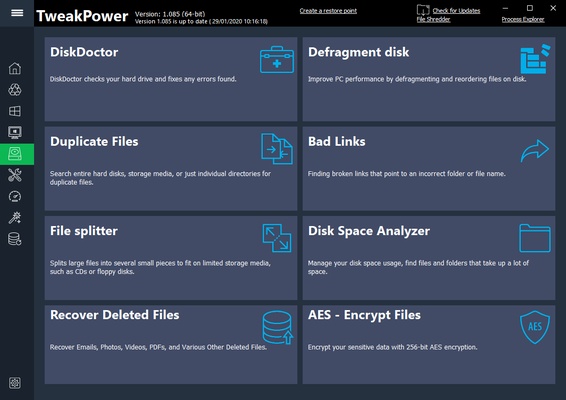
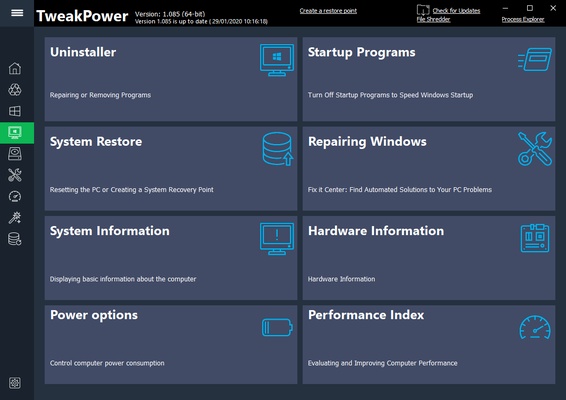
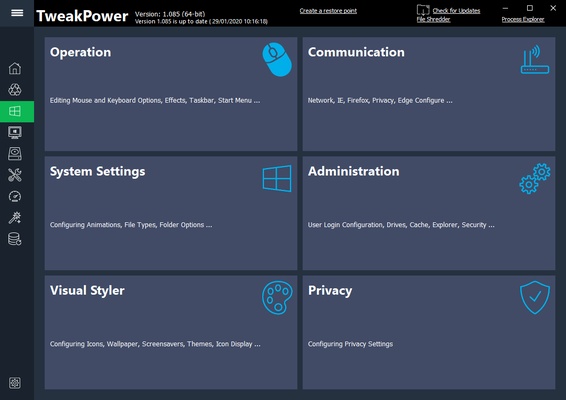
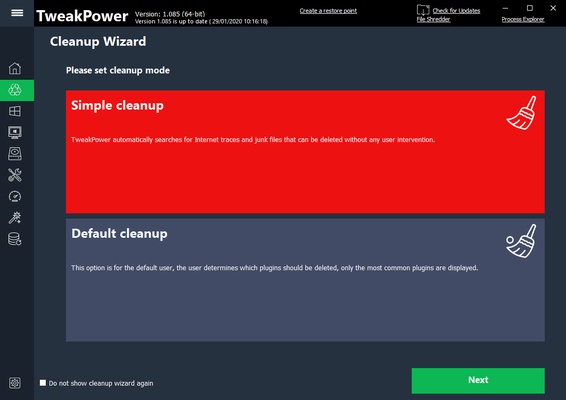
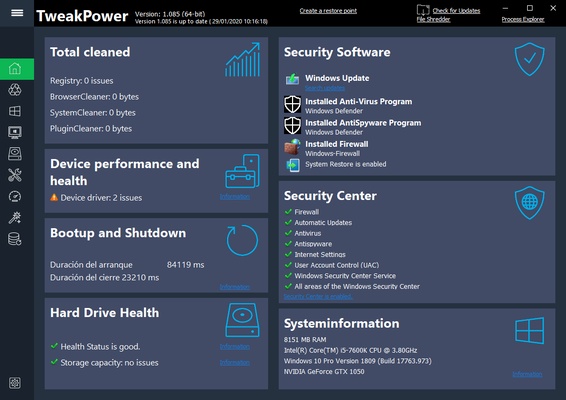
The six essential features offered by TweakPower are: customizing Windows, removing trash files, protecting your PC, optimizing its performance, completing maintenance tasks, and defragmenting the hard drive. All these features will make your life easier. You can delete trash files, set up a firewall, optimize resource consumption, troubleshoot hard drive errors, and manage applications as they run.

This application is a great option for keeping everything under control, both in terms of performance and also safety. If you want to browse the Internet while keeping your computer safe from viruses, for example, this application has tons of added features to help you browse without encountering any problems.

If you're looking for an application to help you solve errors and sniff out what's slowing your computer down, TweakPower can do this and more. All of its features are intended to get your computer running just like new.

Information about TweakPower

License Free
Op. System Windows
Category Utilities
Language English 47 more
Author Kurt Zimmermann
permission icon Permissions Not applicable
Date 2026-06-02
Size 20.97 MB
File type EXE

Apps recommended for you

CCleaner Free 7.11.1504 icon
Registry and junk-clearing utility for keeping your system clean and optimized
FixBuff 1.0.0.190 icon
Repair Windows system errors, missing DLLs, and optimize PC gaming.
Driver Easy 7.1.3 icon
Driver Updater for all Windows PC. Update All Drivers in one click!
IDrive icon
IDrive for Windows is a cloud backup service that allows users to securely store, sync, and restore files across multiple devices.
Argente Utilities icon
Argente Utilities for Windows is a system optimization tool that helps clean, speed up, and maintain your PC by fixing errors and managing files.
EMCO Ping Monitor icon
Monitor network availability and performance with EMCO Ping Monitor for Windows, the professional tool for pinging and tracking multiple devices.
PeaZip Portable 11.3.0 icon
Mobile version of this excellent file compressor
Revo Uninstaller Pro 5.5.2 icon
Uninstall and remove programs in Windows with Revo Uninstaller Pro easily!
KCleaner 4.0.5.0 icon
A quick way to Free space in your Hard Drive
Intel Extreme Tuning Utility (XTU) 10.0.1.248 icon
Monitor your processor's performance and overclock it
iDrive 7.0.1.22 icon
Get 10GB of free storage space for your backups
Argente Utilities 3.1.1.0 icon
Complete tools to maintain and optimize your PC
PhraseExpress 18.0.86 icon
Finally! Autotext completion for your desktop
Privacy Eraser 6.32.0.5620 icon
Protect your privacy by erasing all traces of your activity
Evernote 11.42.3 icon
Notes organize your life, Evernote organizes your notes
Zotero 10.0.8 icon
Your own personal research assistant
ChrisPC CPU Booster icon
Optimize your system in seconds
Easy Duplicate Finder 8.3.0.5 icon
Let Easy Duplicate app recover free space for the files that really matter!
CPU-Z 2.21.0 icon
Utility that gathers information of the main devices of your system
Intel® Driver & Support Assistant icon
The program you need to update Intel drivers
PrusaSlicer icon
Export files to print on your 3D printer
Hyena icon
SystemTools
Wise Disk Cleaner 11.3.9 icon
Clean junks of Browsers, remove junk and useless files of Windows
PDF24 Creator icon
Create and edit PDF documents with this virtual printer