WhatsApp for Windows is the official desktop messaging application that allows users to send messages, make voice and video calls, and share files directly from a Windows PC.
The desktop version syncs with your mobile WhatsApp account and provides a faster way to manage conversations with native notifications, keyboard shortcuts, and improved file handling.
With support for encrypted messaging, group chats, media sharing, and multi-device connectivity, WhatsApp for PC is suitable for both personal communication and business use.
Features and Highlights
Desktop Messaging
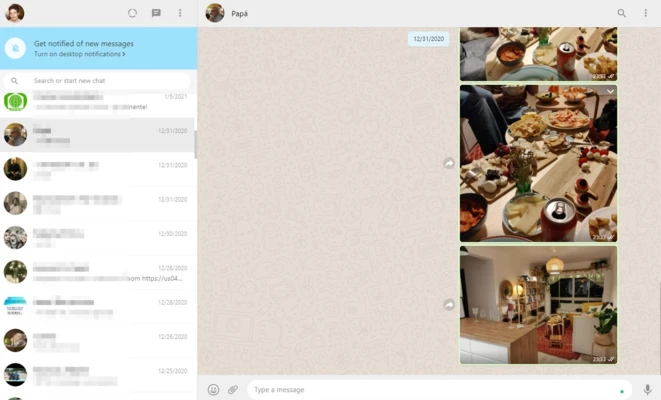
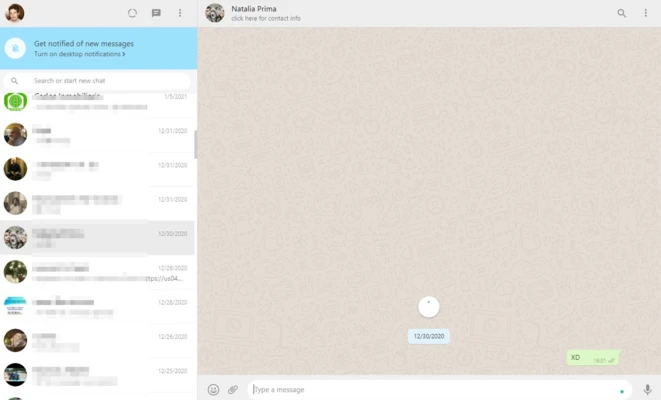
Send and receive text messages directly from your Windows computer. All conversations are synchronized with your mobile device.
Voice and Video Calls
Make free voice and video calls using your computer’s microphone and webcam.
End-to-End Encryption
Messages and calls are protected with end-to-end encryption, ensuring private communication between users.
Group Chats
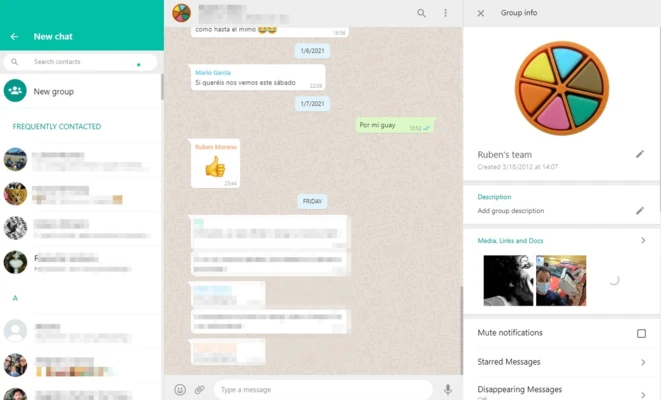
Create group conversations for family, friends, or teams. Share messages, photos, videos, and documents easily.
File Sharing
Send documents, images, videos, and other files directly from your desktop.
Multi-Device Support
Use WhatsApp across multiple linked devices without keeping your phone constantly connected.
Desktop Notifications
Receive instant message notifications directly on your Windows desktop.
How to Use
- Download and install WhatsApp for Windows.
- Open the application and display the QR code.
- Open WhatsApp on your phone.
- Go to Linked Devices and scan the QR code.
- Start chatting, calling, and sharing files from your PC.
System Requirements
- OS: Windows 10 / Windows 11 (64-bit)
- Processor: Intel or AMD processor
- RAM: 2GB or more
- Storage: 200MB available space
- Internet connection required
PROS
- Official WhatsApp desktop client
- Free messaging and calling
- End-to-end encrypted communication
- Supports file sharing
- Multi-device synchronization
- Native Windows notifications
CONS
- Requires WhatsApp account on mobile
- Some features depend on phone availability
- Requires internet connection
- Limited customization options
Alternatives
- Telegram Desktop
- Signal Desktop
- Discord
- Viber
Conclusion
WhatsApp for Windows is a reliable desktop messaging solution for users who want to access WhatsApp conversations from their computer. It provides fast synchronization, secure communication, voice and video calls, and convenient file sharing, making it a practical choice for everyday messaging.