


Postman is a powerful API development and testing platform for macOS designed to simplify the process of building, testing, documenting, and managing APIs. It is widely used by developers, QA teams, and DevOps engineers to streamline API workflows and improve collaboration across teams.
The app provides a visual interface for creating and sending HTTP requests without requiring manual coding or command-line tools. Users can test APIs, inspect responses, automate workflows, and organize requests into reusable collections.
Postman also supports team collaboration, API documentation, monitoring, and mock servers, making it a complete lifecycle tool for modern API development.
Key Features
- Create and send API requests (GET, POST, PUT, DELETE, etc.)
- Visual interface for testing and debugging APIs
- Organize requests using collections and folders
- Save and reuse API requests for workflow efficiency
- Environment variables for flexible configuration
- Automated API testing with scripts
- API monitoring with scheduled checks
- Built-in API documentation generation
- Mock servers for backend-free testing
- Team collaboration with shared workspaces
- Code snippet generation for multiple programming languages
- Console and logs for debugging requests
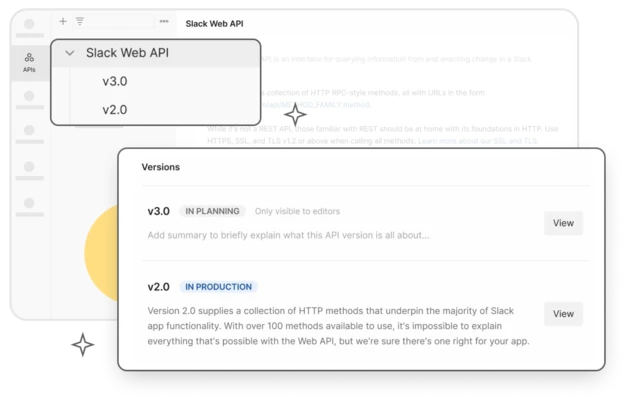
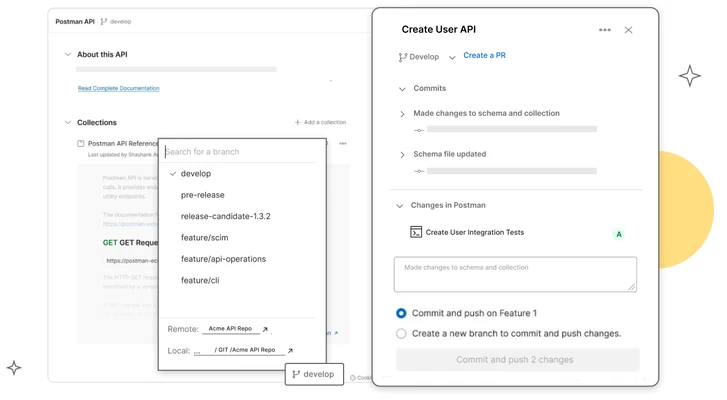
- API version management support
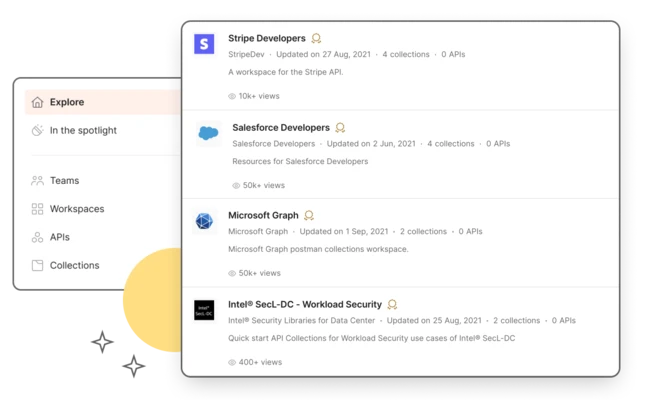
- Built-in API discovery and exploration tools
Why Choose Postman
Postman centralizes the entire API development lifecycle in one tool, replacing multiple standalone utilities. It improves productivity by allowing developers to design, test, document, and monitor APIs in a single unified environment.
Best For
- Backend developers
- API engineers
- QA testers
- DevOps teams
- Software development teams
- Students learning APIs
Pros
- Intuitive and beginner-friendly UI
- Comprehensive API testing tools
- Strong collaboration features
- Supports automation and scripting
- Cross-platform and widely adopted
Cons
- Can become resource-heavy with large projects
- Some advanced features require paid plans
- Learning curve for full feature set
- Occasional sync delays in large teams
System Requirements
- macOS (modern versions supported)
- Intel or Apple Silicon Mac
- Minimum 4 GB RAM (8 GB recommended)
- Internet connection for sync and collaboration
Conclusion
Postman is an industry-standard API development tool that simplifies testing, debugging, and managing APIs. With its clean interface, automation capabilities, and strong collaboration features, it is an essential tool for modern software development workflows.