

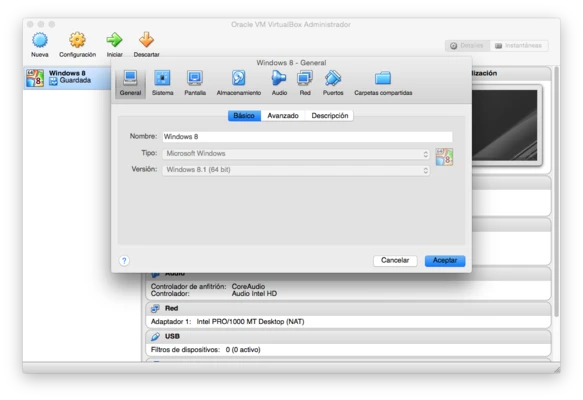
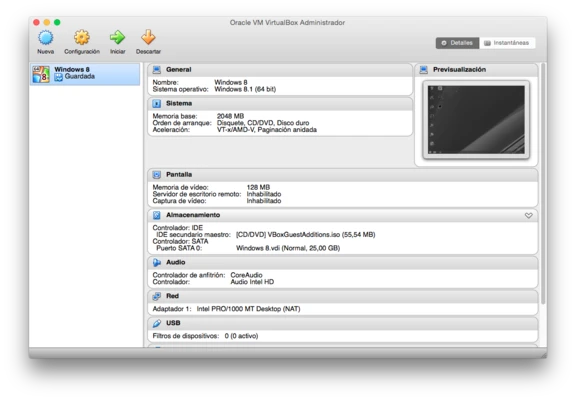
Oracle VM VirtualBox is a powerful open-source virtualization software that allows users to run multiple operating systems on a single computer.
It enables users to create and manage virtual machines for running different operating systems, including Windows, Linux, macOS, and Oracle Solaris, without affecting the main operating system.
VirtualBox is widely used by developers, IT professionals, testers, and enthusiasts for software testing, system development, and running isolated computing environments.
Features of Oracle VM VirtualBox
Run Multiple Operating Systems
VirtualBox allows users to install and run multiple guest operating systems on the same physical machine.
Users can create virtual environments for testing applications, learning new systems, or running software that requires a different operating system.
Cross-Platform Virtualization
Oracle VM VirtualBox supports multiple host platforms, including:
- Windows
- macOS
- Linux
- Oracle Solaris
It also supports a wide range of guest operating systems, providing flexible virtualization options for different environments.
USB Device Support
VirtualBox supports USB device passthrough, allowing virtual machines to access connected USB hardware.
It supports USB 1.1, USB 2.0, and USB 3.0 devices when configured with the appropriate settings.
Virtual Machine Snapshots
The snapshot feature allows users to save the current state of a virtual machine and restore it later.
This is useful for testing software, experimenting with system changes, and creating backup points.
Shared Clipboard and Drag & Drop
VirtualBox provides integration features between host and guest systems, including shared clipboard support and drag-and-drop file transfer.
These features make it easier to exchange data between virtual machines and the main operating system.
Virtual Disk Encryption
VirtualBox supports encrypted virtual disk images using AES encryption technology.
Users can protect virtual machine data with password-based security.
Headless Virtual Machine Operation
VirtualBox supports running virtual machines in the background without displaying the full graphical interface.
This feature is useful for servers, automated testing, and advanced virtualization workflows.
Open-Source and Extensible
As an open-source virtualization platform, VirtualBox provides a flexible environment for developers and advanced users.
It supports extensions and additional tools to improve virtualization capabilities.