


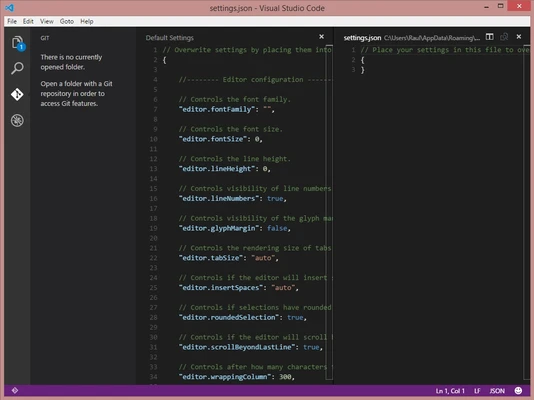
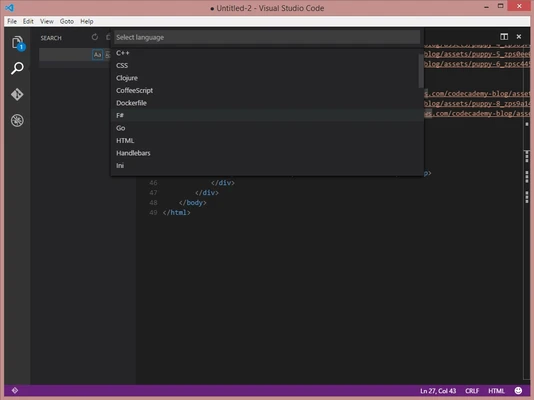
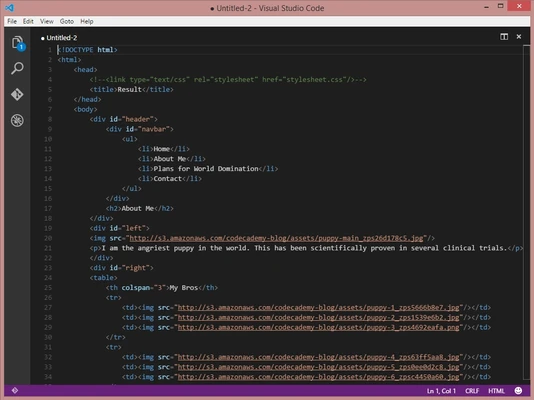
Visual Studio Code for Mac is a lightweight but powerful source code editor developed by Microsoft, designed for modern web, cloud, and application development.
It combines the simplicity of a code editor with advanced development tools, making it suitable for both beginners and professional developers.
Overview
Visual Studio Code (VS Code) is a cross-platform development tool available on macOS, Windows, and Linux. It is widely used for coding, debugging, and version control in modern software projects.
The macOS version delivers a smooth and responsive experience optimized for Apple hardware.
Code Editing Experience
VS Code provides a fast and flexible editing environment with features designed for daily development work:
- Syntax highlighting for multiple languages
- Smart code indentation
- Bracket matching
- Code snippets
- Keyboard shortcut support
- Fast file navigation
These features help developers write and manage code more efficiently.
IntelliSense
Visual Studio Code includes IntelliSense, a smart code completion system that improves productivity by suggesting:
- Function and variable names
- API and library methods
- Context-aware code suggestions
- Parameter hints
It helps reduce coding errors and speeds up development.
Built-in Git Integration
VS Code includes native Git support, allowing developers to manage source control directly inside the editor.
Key Git features include:
- Commit and push changes
- Branch management
- Side-by-side diff view
- Merge conflict resolution
- Repository history tracking
No external Git tool is required for basic version control tasks.
Debugging Tools
The built-in debugger allows developers to test and troubleshoot applications without leaving the editor.
Features include:
- Breakpoint management
- Call stack inspection
- Variable tracking
- Interactive debug console
- Support for multiple runtimes
This makes debugging more efficient and visual.
Extensions Marketplace
VS Code has a large extension ecosystem that allows users to customize and extend functionality.
Popular extensions include support for:
- JavaScript, Python, Java, C++, PHP, and more
- Frameworks like React, Angular, and Vue
- Themes and UI customization
- Linters and formatters
- Cloud and DevOps tools
Extensions run in isolated processes to ensure performance stability.
Performance & Interface
Visual Studio Code is built on Electron but optimized for speed and responsiveness.
- Lightweight startup
- Low memory usage optimization
- Clean and minimal interface
- Split editor support for multitasking
- Integrated terminal for command execution
Key Features
- Fast and lightweight code editor
- Cross-platform support (macOS, Windows, Linux)
- IntelliSense smart code completion
- Built-in Git version control
- Integrated debugging tools
- Rich extension marketplace
- Built-in terminal support
- Multi-language support
What’s New (2026 Update)
- Improved AI-assisted IntelliSense suggestions
- Faster startup and reduced memory usage
- Enhanced Git diff and merge interface
- Improved debugging and breakpoint control
- Better extension security and performance
- Faster search and multi-file replace
- Improved workspace trust and security system
- Expanded language support and syntax updates
- General stability improvements
System Requirements
- macOS 11 or later (recommended)
- Intel or Apple Silicon (M1/M2/M3 supported)
- 4 GB RAM minimum (8 GB recommended)
- 200 MB free disk space
Pros
- Fast and responsive editor
- Excellent extension ecosystem
- Strong Git integration
- Built-in debugging tools
- Free and open-source
Cons
- Requires extensions for full IDE functionality
- Can feel heavy with too many plugins
- Occasional performance overhead on large projects
Conclusion
Visual Studio Code for Mac is one of the most widely used code editors for modern development. With strong language support, built-in Git tools, and a powerful extension system, it provides a complete environment for coding, debugging, and project management.
It is a solid choice for developers working across web, cloud, and software projects.