Go to Windows platform Display platforms icon
Go to Windows platform Go to Mac platform Go to Android platform
Appflowy icon

Appflowy

0.11.8
AppFlowy
3.6
72.9 MB size

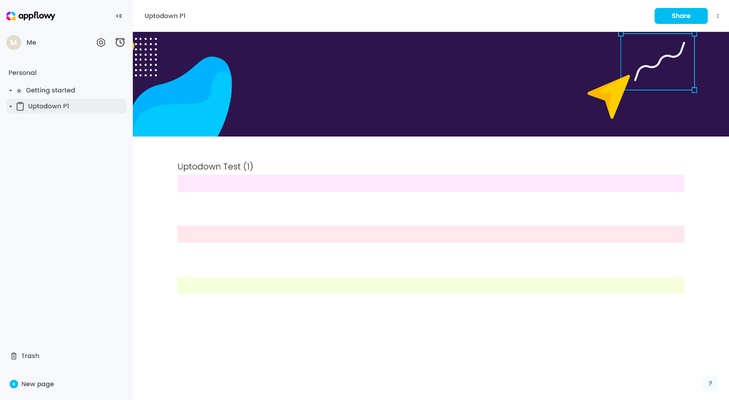
AppFlowy is an open-source productivity and workspace tool designed for note-taking, task management, and collaboration as a self-hosted alternative to Notion.

AppFlowy Download – Open-Source Workspace & Productivity Tool

AppFlowy is a free and open-source productivity tool designed to help users manage notes, tasks, and projects in a flexible and customizable workspace. It offers a privacy-focused alternative to cloud-based productivity apps, allowing users to keep full control over their data.

The application combines document editing, task management, and database-style organization into a single platform, making it suitable for personal productivity and everyday workflow management.


Notes & Document Creation

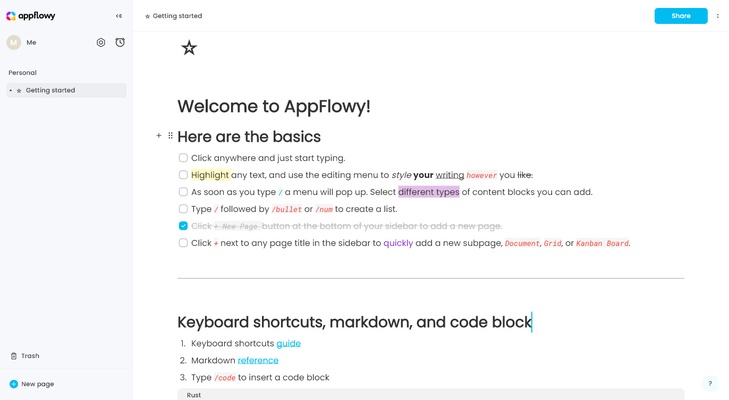
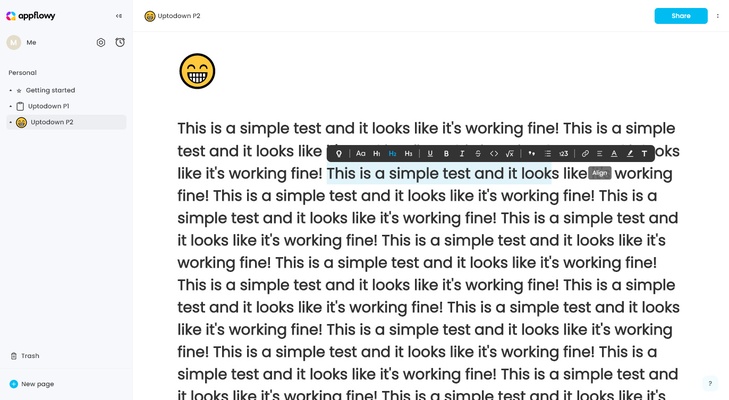
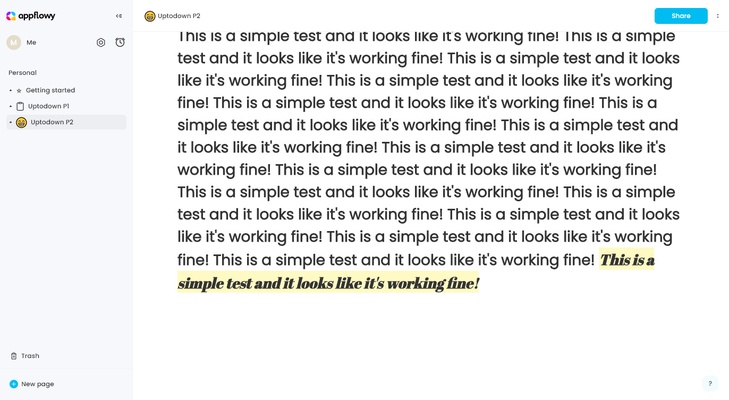
AppFlowy allows users to create structured notes and documents with a clean editor, making it easy to organize ideas, knowledge, and written content.


Task & Project Management

Users can manage tasks and projects using boards, lists, and tables, helping track progress and improve productivity.


Open-Source & Privacy Focused

As an open-source tool, AppFlowy gives users full control over their data without relying on external cloud services.


Flexible & Customizable Workspace

The platform supports customizable layouts and workflows, allowing users to tailor the workspace to their personal or professional needs.


Final Overview

AppFlowy is a powerful open-source productivity tool that combines notes, tasks, and project management in one place, offering a flexible and privacy-focused solution for everyday use.

Information about Appflowy

License Free
Op. System Windows
Category Utilities
Language English
Author AppFlowy
permission icon Permissions Not applicable
Date 2026-05-01
Size 72.9 MB
File type EXE

Apps recommended for you

ECU Workbench icon
ECU Workbench for Windows is a specialized software for automotive ECU (Engine Control Unit) diagnostics, programming, and simulation.
pCloud 5.1.2 icon
Sign up and get 10 GB FREE cloud storage for your documents!
WinToUSB 10.9 icon
Creating a Windows installation USB flash drive from a Windows
Eraser 6.2.0.2998 icon
Completely remove sensitive data from your hard drive by overwriting it
BleachBit icon
BleachBit for Windows is a free tool that helps users clean up and optimize their system by deleting unnecessary files and freeing up disk space.
Syncovery 12.6.3 (64-bit) icon
Syncovery will copy your files the way you need it!
KCleaner 4.0.5.0 icon
A quick way to Free space in your Hard Drive
OSForensics icon
PassMark Software
KCleaner 4.0.5.0 icon
A quick way to Free space in your Hard Drive
Intel Extreme Tuning Utility (XTU) 10.0.1.248 icon
Monitor your processor's performance and overclock it
iDrive 7.0.1.22 icon
Get 10GB of free storage space for your backups
Argente Utilities 3.1.1.0 icon
Complete tools to maintain and optimize your PC
PhraseExpress 18.0.86 icon
Finally! Autotext completion for your desktop
Privacy Eraser 6.32.0.5620 icon
Protect your privacy by erasing all traces of your activity
Evernote 11.42.3 icon
Notes organize your life, Evernote organizes your notes
Zotero 10.0.8 icon
Your own personal research assistant
Microsoft PC Manager icon
Take care of your PC and improve its performance
Display Driver Uninstaller (DDU) 18.1.6.0 icon
Program for quick uninstall NVIDIA, AMD or Intel display drivers
BleachBit 6.0.4 icon
BleachBit quickly frees disk space and tirelessly guards your privacy
CPU-Z icon
Analyze your Windows PC’s hardware in detail with CPU-Z, the lightweight tool for monitoring CPU, memory, motherboard, and system information.
DiskGenius Free icon
Recover deleted data from your hard drive and repair damaged files
FreeFileSync 14.12 icon
Backup software which helps you compare and synchronize files and folders
EMCO Ping Monitor icon
Monitor network availability and performance with EMCO Ping Monitor for Windows, the professional tool for pinging and tracking multiple devices.
Xplorer2 Professional icon
Nikos Bozinis