

digiKam Free Download for Windows – Powerful Photo Manager & Editor
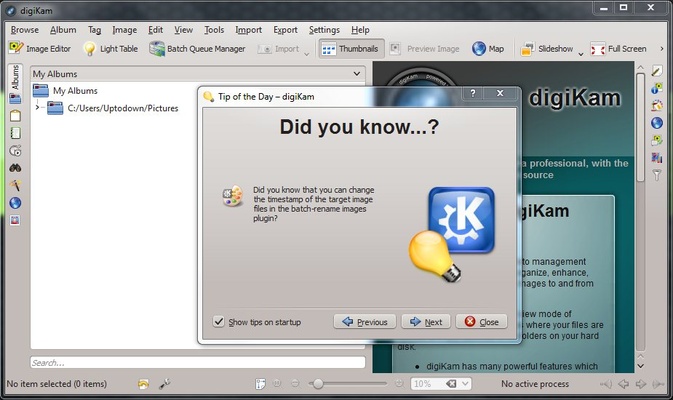
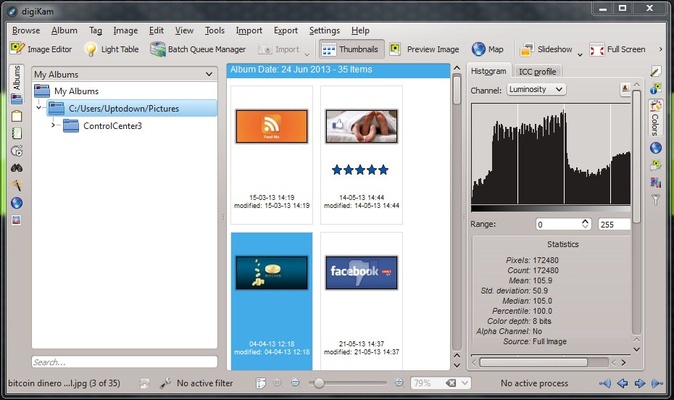
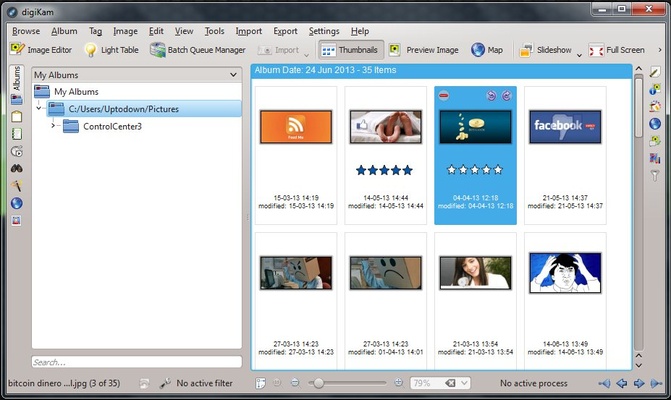
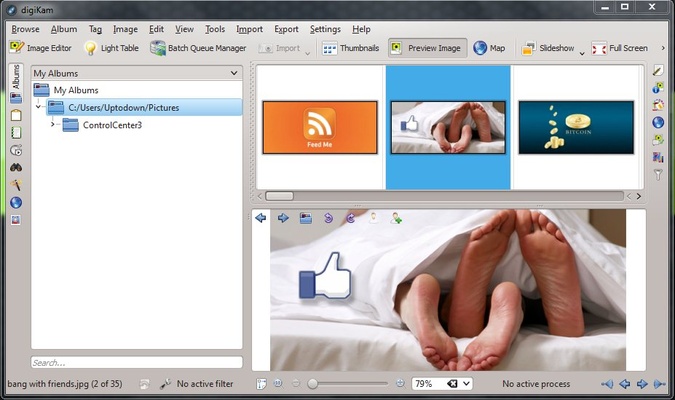
digiKam is a free, professional-grade photo management and editing software for Windows. It allows photographers, hobbyists, and content creators to efficiently organize, enhance, tag, and share large photo collections. Whether you have thousands of images on your local drives or need advanced organization for RAW files, digiKam provides a complete solution for photo library management.
Built as an open-source project, digiKam is 100% FREE and continuously updated by a global community of developers and photography enthusiasts. It’s designed to meet the needs of both professional photographers and casual users who want a powerful photo management tool without paying a dime.
Key Features
Comprehensive Photo Management
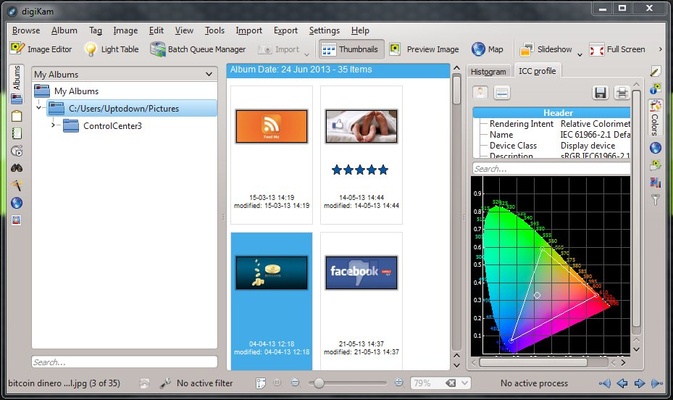
- Organize photos into albums, collections, and tags.
- Sort images by rating, color labels, pick labels, and metadata.
- Efficiently manage large libraries with advanced filtering tools.
Advanced Editing Tools
- Basic image enhancements: brightness, contrast, hue, saturation, and gamma adjustments.
- Advanced corrections: lens distortion, white balance, local contrast, noise reduction, and histogram adjustments.
- Creative effects: oil paint, charcoal, emboss, film grain, solarize, blur FX, and rain drop effects.
- RAW image support for professional photographers.
- Batch processing for bulk edits and format conversion.
Metadata & Tagging
- View and edit EXIF, IPTC, MakerNote, and GPS data.
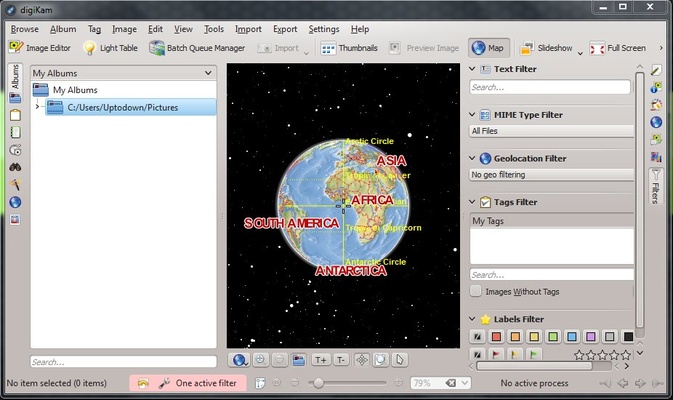
- Geotag photos and preview locations with built-in OpenStreetMap viewer.
- Automatic metadata extraction from camera files.
Import & Export Flexibility
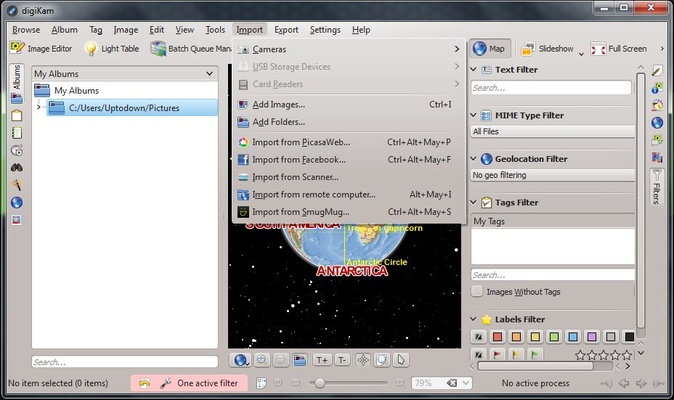
- Import images from local drives, SD cards, cameras, or USB devices.
- Export to HTML, Flash, Flickr, PicasaWeb, SmugMug, Piwigo, Facebook, or local directories.
- Support for KIO protocols including FTP, SSH, SMB, and more.
- Auto-rename, auto-rotate, and auto-create albums during import.
Powerful Camera Support
- Compatible with over 1,200 digital cameras.
- Supports serial, USB, and Mass storage connections.
- Auto-detection of connected cameras via HAL/KDE services.
Additional Tools
- Image inpainting to remove unwanted objects.
- Refocus, perspective adjustment, and content-aware resizing.
- Add borders, text, textures, and templates.
- View and correct histogram levels, color profiles, and gamma curves.
- Print images directly or send via email.
Why Choose digiKam?
digiKam stands out as one of the best free photo managers for Windows. It’s ideal for photographers who need a combination of photo organization, RAW image editing, and advanced tagging. Its open-source nature ensures a constantly improving platform with no subscription fees.
Whether you are managing a personal photo library, preparing images for social media, or working with professional RAW photos, digiKam offers a complete, all-in-one photo management solution.
How to Use digiKam
- Download and install digiKam for Windows.
- Launch the application and follow the setup wizard.
- Import photos from local folders, digital cameras, or USB drives.
- Organize images into albums, collections, and tags.
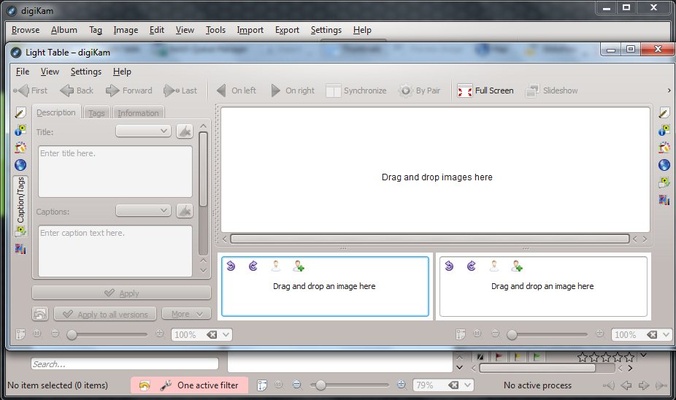
- Use editing tools to enhance or retouch photos.
- Sort and search images based on metadata and ratings.
- Export or share your photos online or backup locally.
System Requirements
- Operating System: Windows 10 or Windows 11 (64-bit)
- Processor: Intel Core i3 or equivalent
- RAM: Minimum 4 GB (8 GB recommended)
- Storage: At least 500 MB for installation
- Display: 1024x768 resolution or higher
- Graphics: OpenGL 2.0 compatible GPU
Pros & Cons
PROS
✔ Free and open-source photo management software
✔ Powerful organization and tagging tools
✔ Advanced RAW image support and batch processing
✔ Extensive photo editing and enhancement features
✔ Compatible with over 1,200 digital cameras
CONS
❌ Interface can feel overwhelming for beginners
❌ Performance may slow with very large libraries
❌ Limited built-in cloud integration
❌ Occasional bugs or crashes on Windows
Conclusion
digiKam is a robust and versatile photo manager and editor for Windows, perfect for photographers, hobbyists, and content creators looking for a free alternative to paid photo software. With advanced organization tools, RAW image support, and a wide range of editing capabilities, digiKam helps you manage and enhance your entire photo library efficiently.
For anyone seeking a professional-grade, free photo management tool with comprehensive features, digiKam Free Download for Windows is an excellent choice.