

PDF-XChange Editor Free Download for Windows – Advanced PDF Editor, OCR & PDF Converter
PDF-XChange Editor is a powerful PDF editing software for Windows that allows users to create, edit, convert, annotate, OCR, and digitally sign PDF documents with ease. Designed for professionals, students, and businesses, it combines advanced PDF tools with lightweight performance, making it one of the best alternatives to Adobe Acrobat.
Whether you need to edit PDF text, convert scanned documents, add annotations, perform OCR recognition, or create fillable forms, PDF-XChange Editor delivers a complete PDF solution without slowing down your system.
Why Choose PDF-XChange Editor?
PDF-XChange Editor offers a perfect balance between functionality, speed, and affordability. Unlike many PDF editors that require expensive subscriptions, it provides a wide range of free features while remaining fast and resource-efficient.
With support for OCR technology, PDF conversion, document security, and advanced editing tools, it is trusted by millions of users worldwide for daily PDF management tasks.
Key Features
Edit PDF Documents
Modify text, images, pages, and document layouts directly within PDF files. Easily update existing PDFs without converting them to other formats.
OCR Text Recognition
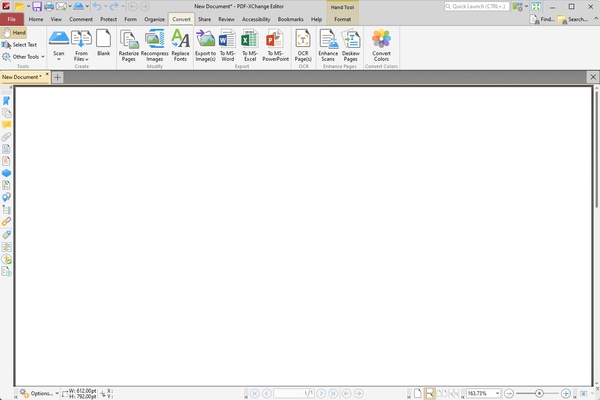
Convert scanned documents and image-based PDFs into searchable and editable text using advanced OCR technology with support for multiple languages.
PDF Annotation Tools
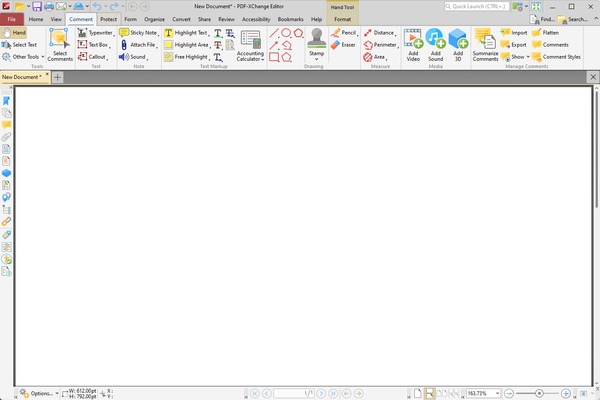
Add comments, highlights, stamps, sticky notes, drawing tools, hyperlinks, and markups for efficient document collaboration and review.
Create & Convert PDFs
Create PDF files from Word documents, Excel spreadsheets, PowerPoint presentations, images, scanned files, and more.
PDF Forms & Fillable Documents
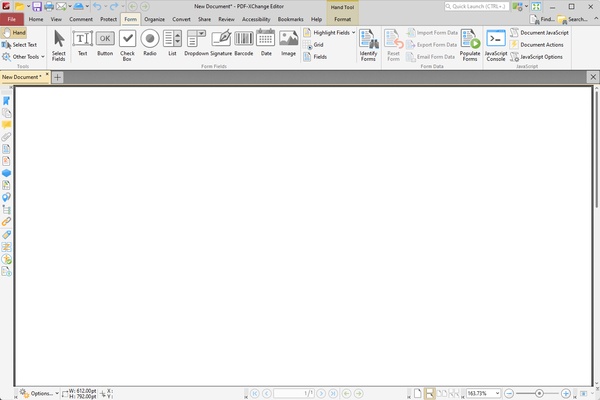
Design interactive PDF forms, add form fields, and collect information digitally with professional-looking documents.
Secure PDF Files
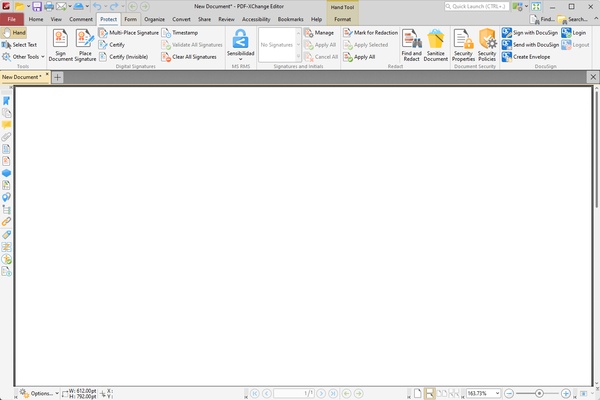
Protect sensitive documents using password protection, AES encryption, digital signatures, permissions management, and document security settings.
Organize PDF Pages
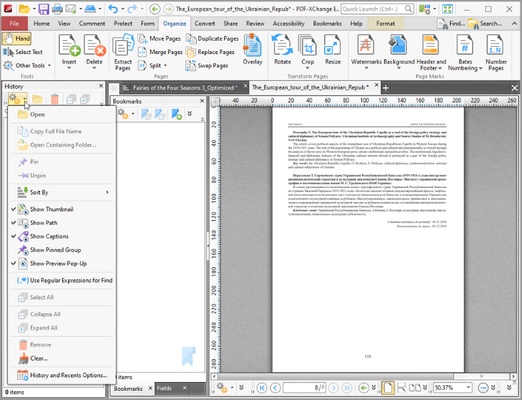
Insert, delete, rotate, crop, split, merge, and rearrange PDF pages with simple drag-and-drop controls.
Convert PDF to Office Formats
Export PDF documents to editable Word, Excel, PowerPoint, and image formats while preserving document formatting.
Advanced Customization
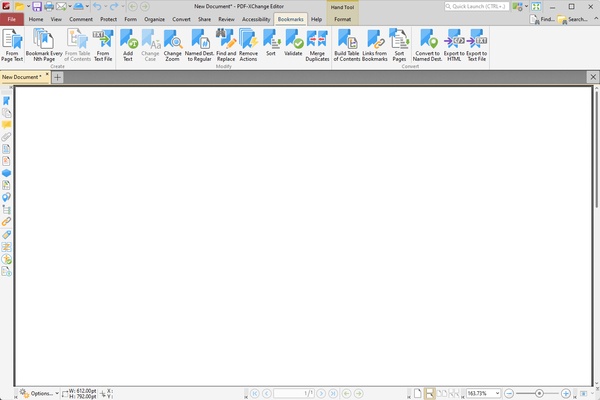
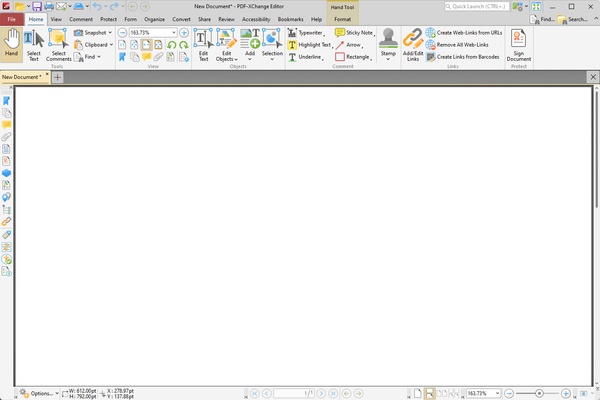
Choose between Classic and Ribbon UI modes, customize toolbars, shortcuts, and workspace layouts to improve productivity.
Main Features
- PDF editing and modification
- OCR text recognition
- PDF annotation and commenting
- PDF conversion tools
- PDF form creation
- Digital signatures
- Password protection and encryption
- Merge and split PDF files
- Page organization tools
- PDF optimization and compression
- Scan to PDF functionality
- Multi-language OCR support
Perfect For
- Office professionals
- Students and educators
- Legal document management
- Business workflows
- Government organizations
- Architects and engineers
- Remote teams and collaboration
How to Use
- Download and install PDF-XChange Editor on your Windows PC.
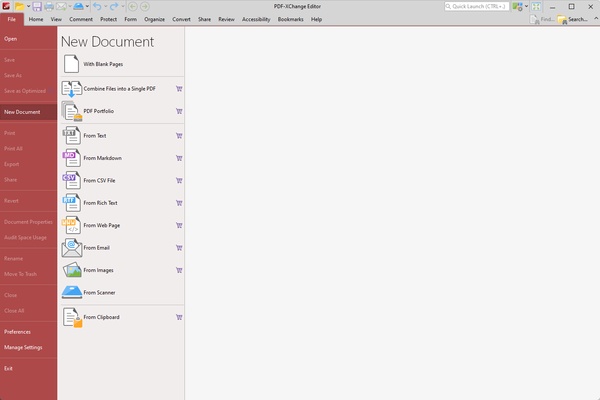
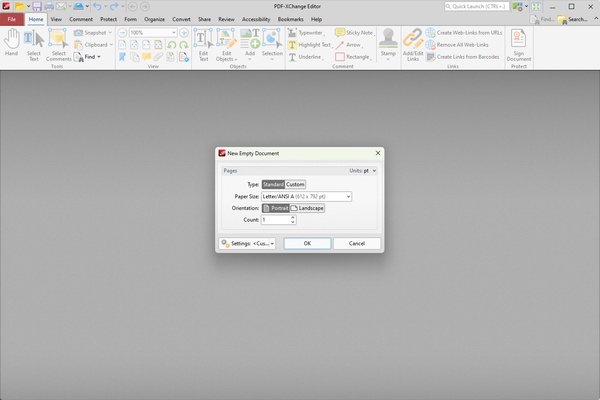
- Open an existing PDF file or create a new document.
- Use editing tools to modify text, images, or pages.
- Add comments, highlights, or annotations as needed.
- Run OCR on scanned documents to make text searchable.
- Secure your PDF with passwords or digital signatures.
- Save, export, or share your completed document.
System Requirements
Operating System: Windows 11, Windows 10, Windows 8, Windows 7 (32-bit & 64-bit)
Processor: 1 GHz or faster processor
RAM: 2 GB minimum (4 GB recommended)
Storage: 500 MB available disk space
Display: 1024×768 resolution or higher
Pros
- Powerful PDF editing capabilities
- Fast and lightweight performance
- Advanced OCR technology
- Comprehensive annotation tools
- Supports PDF conversion and form creation
- Strong document security features
- Affordable alternative to Adobe Acrobat
Cons
- Some advanced features require a paid license
- Free version may add trial watermarks
- Interface may feel complex for beginners
- Limited cloud storage integration
Conclusion
PDF-XChange Editor is one of the most feature-rich PDF editors available for Windows. Combining PDF editing, OCR recognition, document conversion, digital signatures, and advanced annotation tools in a lightweight package, it offers exceptional value for both personal and professional use.
If you're searching for the best PDF editor for Windows, a reliable Adobe Acrobat alternative, or a powerful PDF OCR software, PDF-XChange Editor is an excellent choice for managing and editing PDF documents efficiently.