


Affinity is photo editing, design, and layout software developed by the team behind Canva. It combines tools traditionally found in applications such as Adobe Photoshop, Adobe Illustrator, and Adobe InDesign within a single interface and is available free of charge. The Windows version is optimized for Microsoft's operating system and is designed to use system resources efficiently.
Log in with your Canva account
To use Affinity, you need a Canva account, which you can create for free with an email address. After signing in, you can access the app's free features, including the Vector, Pixel, and Layout modules. The Canva AI tools require a paid Canva subscription.
Upgrade your Canva subscription to enjoy the AI tools
To use the tools included in the Canva AI module, such as generative editing and generative expansion, you need a Canva Pro subscription. Affinity provides access to Canva's subscription options from within the app.
Integrated tutorials within the app
Affinity includes tutorials that help you learn how to use its main features. The Home section provides several tutorials covering different tools and workflows, while additional video tutorials are available through the official website.
Professional photo editing
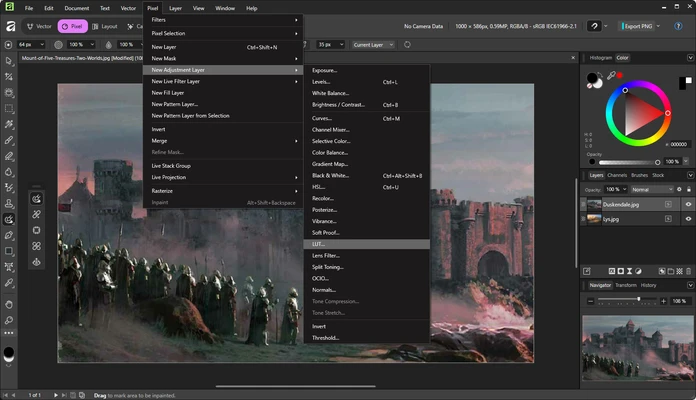
Affinity provides a wide range of tools for editing photos and working with RAW images. You can undo editing steps throughout the workflow, create macros, and process batches of images to automate repetitive tasks. The software also includes tools for professional photo editing, vector design, and page layout.