Blockbench is a free and open-source 3D modeling tool originally designed for creating models for Minecraft. It supports multiple model formats and provides tools for modeling, texturing, animation, and exporting assets for different platforms and projects.
Its simple interface and specialized workflow make it suitable for Minecraft creators, mod developers, game designers, and users who want to create low-poly or block-based 3D models.
Key Features
-
3D Model Creation and Editing
-
Minecraft Model Support
-
Entity Modeling
-
Texture Creation and Editing
-
Built-in Animation Editor
-
Vertex Snapping
-
Background Images and Blueprint References
-
Multiple Export Formats
-
Bedrock and OptiFine Support
-
OBJ Export
-
Built-in Plugin Store
-
Custom Plugin Support
-
Display and Preview Tools
User Interface
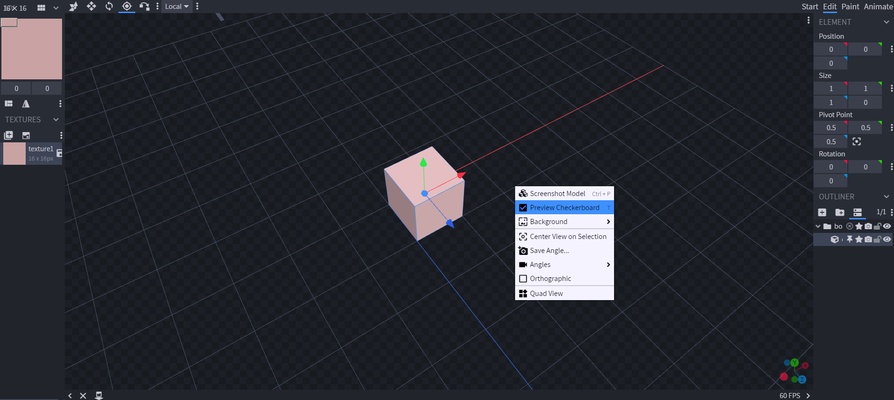
Blockbench uses a visual 3D editing interface with modeling tools, a central 3D viewport, texture controls, and project panels. The interface is designed around direct manipulation of model elements, making it relatively easy to create and edit block-based models.
The preview area also supports different viewing angles and background references for more precise modeling.
Installation and Setup
Download and install Blockbench on a compatible Windows PC, then launch the application.
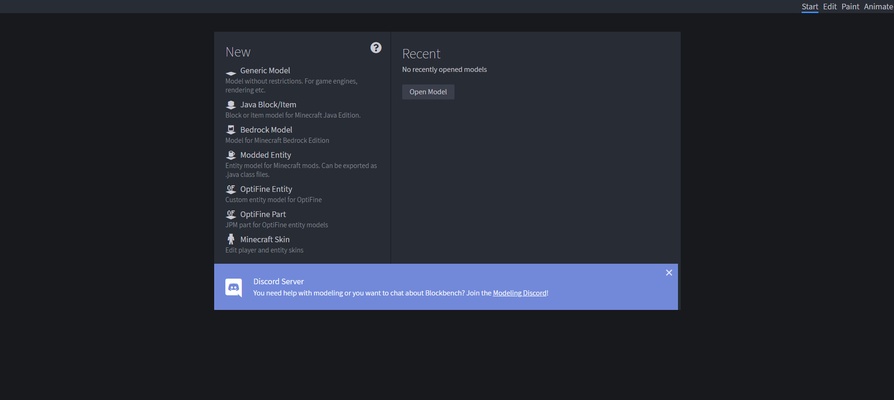
Create a new project and select the model format required for your game or project. The selected format determines which modeling and export features are available.
How to Use
Create a new project and choose an appropriate model format. Use the modeling tools to add and modify shapes, adjust vertices, and build the desired 3D model.
Apply or create textures using the built-in texture editor. Models can also be animated with the animation editor when the selected format supports animation.
When finished, export the model using the required format and import it into Minecraft, a game project, or another compatible application.
Pros
-
Free and open source
-
Designed for Minecraft modeling
-
Supports multiple model formats
-
Built-in texture and animation tools
-
Plugin support
-
Beginner-friendly interface
-
Supports custom model creation
Cons
-
Focused primarily on block-based and low-poly modeling
-
Less suitable for complex professional 3D modeling
-
Advanced animation features require some learning
-
Large or complex projects may require more system resources
Conclusion
Blockbench is a specialized 3D modeling application that combines modeling, texturing, animation, plugins, and export tools in a single interface. Its strong Minecraft support makes it particularly useful for creating custom entities, items, textures, and other game assets, while its open-source design also allows the community to extend its functionality.