

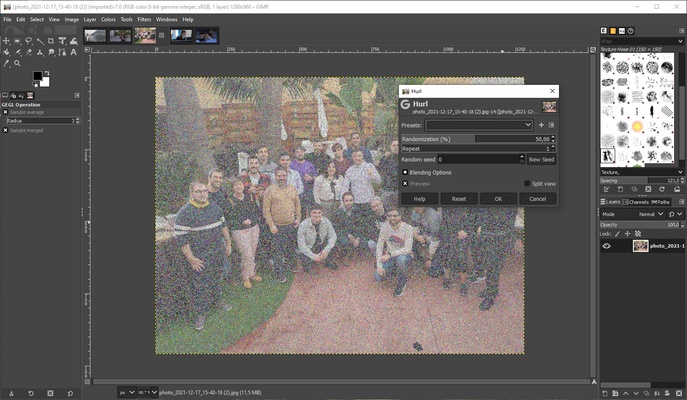
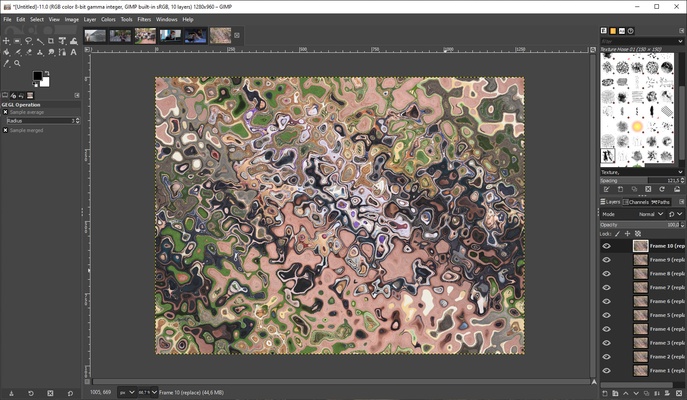
GIMP is an open source image- and photo-editing app, thanks to which you can edit anything you want with a range of high-quality tools. In addition to retouching photos, this program also offers all the tools you need to create your own professional-quality illustrations from scratch.
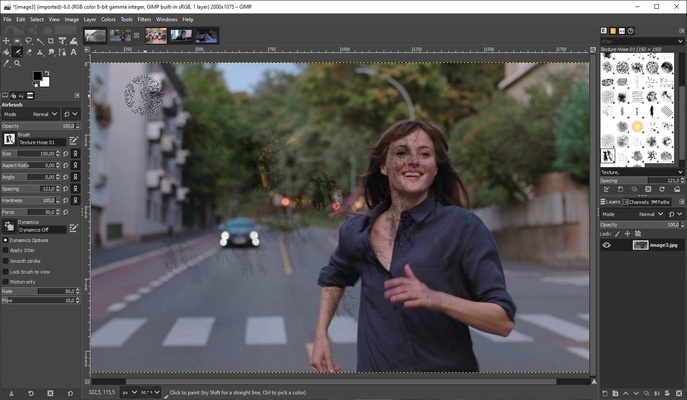
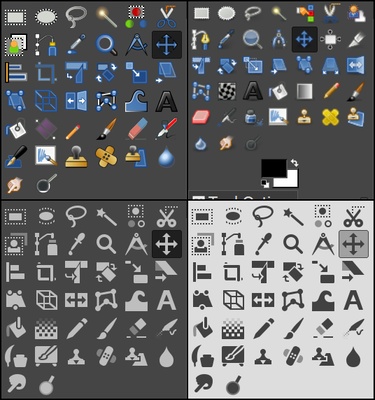
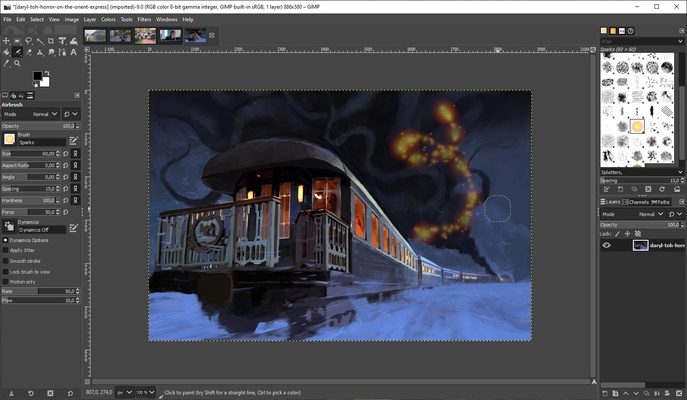
When it comes to creating unique illustrations, GIMP offers a range of tools that will probably be familiar to most users: brush, pencil, clone, marker, smudge, airbrush, and so on. In addition, users can customize their brush set to suit their needs and preferences.
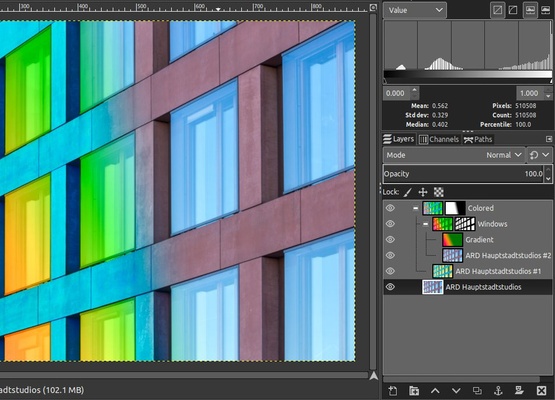
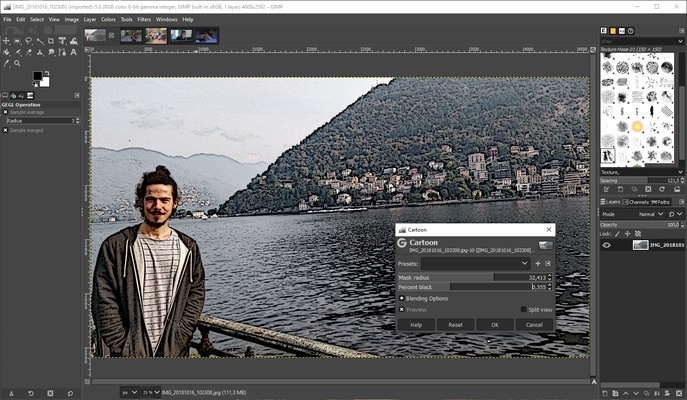
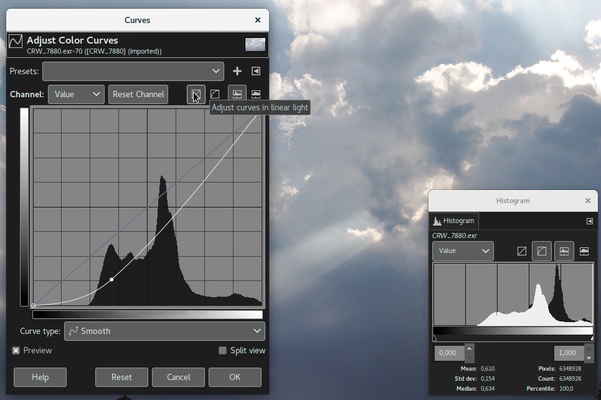
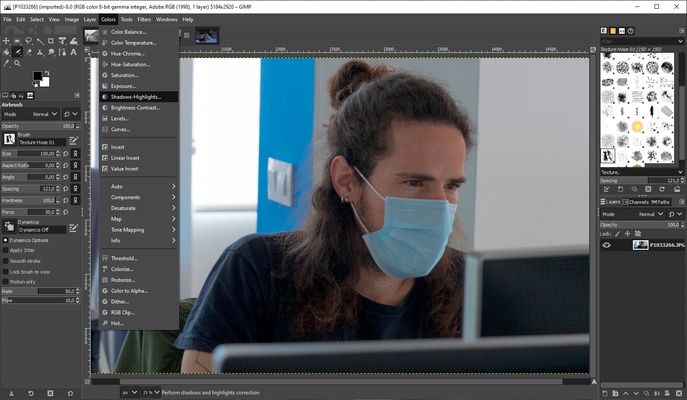
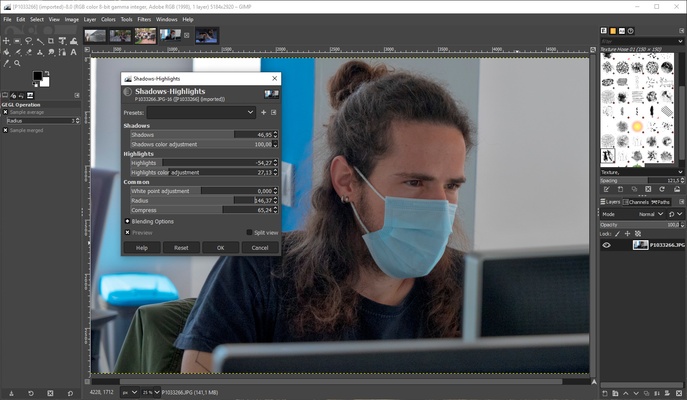
Photo-retouching also offers a lot of tools. From the menus at the top, you can quickly access color, brightness, and saturation adjustments, white balance, exposure, and much more. All these features can be used to give a more professional and polished touch to any photograph.
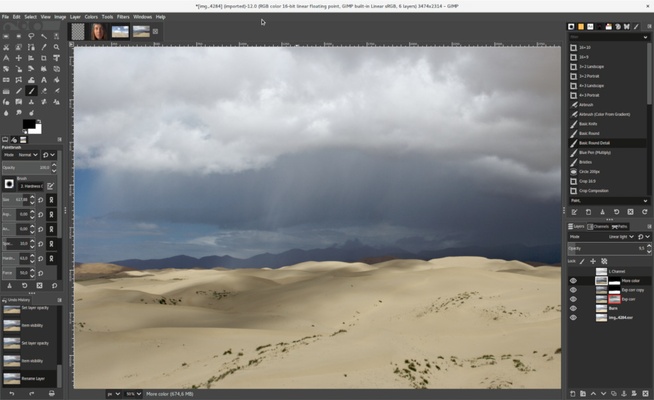
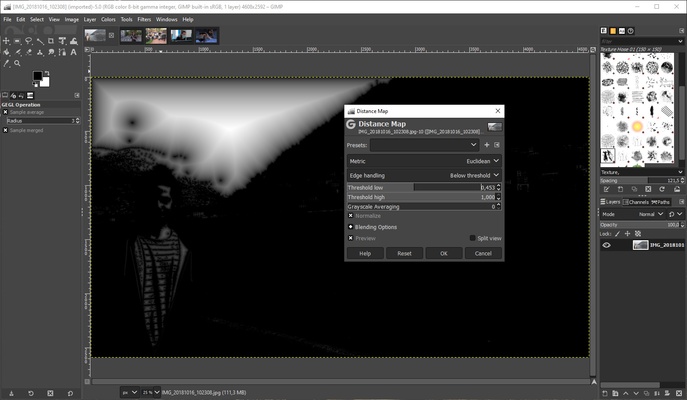
The general features offered by GIMP are similar to other popular image editors: layers, alpha channels, document history, selection and transformation tools, masks, gradients, and so on. Thanks to this and the fact that the program's interface is very intuitive, it's easy to get the hang of things. There are also tons of tutorials available on GIMP's official website.
Some interesting tools on GIMP worth highlighting include the ability to convert images between different formats, process batches of files, compose vector images, and edit animated graphic formats. In addition, all these features can be extended by installing plugins; there are more than 100 to choose from, and they're all completely free.
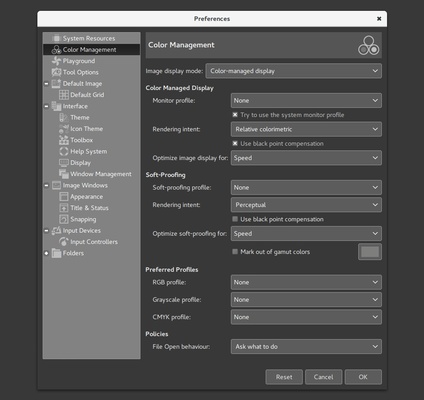
GIMP can work with virtually all current image formats, such as BMP, GIF, JPEG, MNG, PCX, PNG, PSD, PS, PDF, TIFF, TGA, SVG, and XPM. In addition, its fragmented interface is particularly useful, since you can move the floating windows at any time to adapt the layout to your preferences. Or, if you prefer, you can return to the classic layout, which makes the interface as similar as possible to other programs with which you're more familiar.
Frequent questions
Is GIMP free?
Yes, GIMP is totally free. The program is free for both personal and commercial use, so there are no restrictions when you use it.
How much space does GIMP take up?
Once installed, GIMP takes up about 800 MB on the hard drive. This is relatively little when compared to other programs with similar features.
What is needed to install GIMP?
GIMP requires 800 MB of hard drive space and at least 512 MB of RAM. You'll also need to use Windows 7 or higher, MacOS 10.12 or higher, or Linux.
Where are there tutorials for GIMP?
On GIMP's official website, you'll find a section dedicated exclusively to tutorials. Here, there are more than 20 tutorials for all levels, from beginners to experts.